Too Many CC Emails? How to Cut the Noise and Catch What Matters

If too many CC emails are burying your inbox, you need three things: a way to stop the worst threads, a polite script for the people who keep copying you, and a system that still catches the rare CC that carries a deadline. Muting, rules and honest conversations handle the volume. A triage habit handles the risk. The quiet cost of CC overload is rarely the time spent deleting. It is the one message you skimmed past because it looked like all the others.
This guide walks through why CC piles up, what you can do in Gmail and Outlook today, what to say to coworkers, and how to make sure nothing consequential slips through.
TL;DR
- CC is meant for people who need to be informed, not people who must act. When it is used for both, responsibility blurs and threads balloon.
- You cannot leave a normal CC thread on your own, but you can mute it (Gmail), ignore it (Outlook), or route it with a rule so it stops interrupting you.
- Ask coworkers directly to copy you only when your input or awareness is needed. Escalate to a manager or HR only as a last resort.
- Do not delete CC mail blindly. Sort by consequence: deadlines, money, contracts and unanswered requests come first.
- A consequence-first tool such as theNeedle can surface the CCs that matter so you can stop reading the rest.
Table of Contents
- Why CC emails pile up so fast
- What CC is actually for
- How to stop a CC thread that will not die
- Set up rules so CC mail waits its turn
- What to say to coworkers who copy you on everything
- How to triage CC mail without missing the one that matters
- Perspective: sort by consequence, not by the To line
- Where theNeedle fits
- A one-week plan to get CC under control
- FAQ
- Sources
Why CC emails pile up so fast
CC feels free to the sender. One extra address costs nothing, and it signals transparency, covers the sender, and keeps the boss in the loop. For the recipient, each of those “free” copies is a small withdrawal from attention.
The pattern is common enough to have been measured. One Stanford student project that categorized email found that 39% was information only and 29% was copied in unnecessarily through CC or reply-all. It is a small academic report, not a census of every inbox, but it matches what most professionals feel: a large share of what lands in your inbox was never meant for your action.
There are three mechanisms behind it.
Information overload
Copying widely adds volume without adding clarity. Overuse of CC can create information overload and bury critical details in long threads that are daunting to read from the bottom up.
Diluted responsibility
When a request goes to six people with a line like “Can someone handle this?”, each reader assumes another will. The same Inc. piece notes that responsibility gets diluted when people CC widely or ask for help in CC. Proton makes the matching point from the other side: people on the CC line often assume they do not need to respond, which can lead to missed tasks.
The reply-all spiral
CC is supposed to be about awareness, but that role is easy to misread, which encourages unnecessary reply-all activity instead of selective answers. One “Thanks!” to the whole list becomes twelve notifications.
There is also a trust problem. A Worktalk article warns that if you are constantly copied on things unrelated to your role, you may start ignoring those emails altogether, which hurts the sender the one time they truly need a reply. That is the real danger for you, too. Habitual skimming is how a legitimate deadline gets missed.
What CC is actually for
Before you fix your inbox, it helps to know the rule everyone is supposed to follow. Microsoft’s Outlook guidance is plain: people who need to be informed go on the Cc line, and people who need to respond or take action go on the To line. Grammarly describes it the same way: CC keeps someone informed without expecting a reply or action.
That gives you a simple test for every message you receive:
| Where your address sits | What it should mean | What to do |
|---|---|---|
| To | You are expected to respond or act | Handle it, or reply that you cannot |
| CC | You are being kept informed | Read when convenient, reply only if you add something needed |
| BCC | The sender wants your inclusion kept private | Treat as awareness, and avoid replying to everyone |
A useful corollary for reply-all: it is the exception, not the default. The advice from one etiquette guide is to reply to everyone only when you are adding valuable need-to-know information for people already copied.
If you want a concrete example of writing to a specific person rather than a crowd, the principle behind emailing a hiring manager directly is the same: make clear who is being asked to do what.
How to stop a CC thread that will not die
Here is the honest answer: in an ordinary email thread, you cannot unilaterally leave. You need someone to stop adding you. What you can do is stop the thread from reaching your attention.
In Gmail: mute the conversation
Open the thread, choose More on the toolbar, then Mute. According to Boise State’s IT guidance, the thread leaves your inbox and is archived, and only returns if a new message is sent solely to you or your address moves to To or Cc. Muted threads remain searchable with is:muted, so nothing is lost.
That last detail is the one that matters. If the sender later puts you on the To line with an actual request, the thread resurfaces.
In Outlook: ignore the conversation
Outlook’s Ignore Conversation feature moves existing messages to Deleted Items and routes future replies there too. It does not remove you from the sender’s side, so the others still see you on the thread. Be aware that this is a heavier tool than Gmail’s mute. If you are likely to be pulled back in for a real task, a rule that sends the thread to a folder is safer because you can still find it.
Distribution lists are different
If the flood comes from a Microsoft 365 distribution group or a mail-enabled security group, leaving the group is the right fix. When you cannot leave, ask the group owner or your IT admin to remove you.
Set up rules so CC mail waits its turn
You do not have to read every message the moment it arrives. Microsoft recommends using rules to send messages you do not need to read right away into their own folders, noting that in high-volume situations you probably cannot read everything anyway.
A practical setup:
- Create a “CC / FYI” folder or label. Build a rule that files mail where your address appears on the Cc line and not the To line.
- Add exceptions for the senders who matter. Your manager, your biggest client and your accountant should still reach the inbox.
- Order your rules deliberately. In tools like Zoho Mail, the order of filters matters for correct organization, so a broad rule should not catch a message before a narrow one can.
- Silence the pings. Turn off notifications for the FYI folder so it stops interrupting you. We cover that in more detail in our guide to too many email notifications.
- Schedule a review. Open the FYI folder once or twice a day, on your terms.
The same logic applies to any busy workspace, including tools built around turning conversations into tracked tasks: information goes to a place where you can find it, and action items stay visible.
The weakness of rules is that they sort by where your address sits, not by what the message says. A CC with a contract deadline in the third paragraph lands in the same folder as a lunch order. We will come back to that.
What to say to coworkers who copy you on everything
Most over-copying is habit, not malice. Many people CC to protect themselves or to look thorough. The best fix is a short, friendly conversation.
Ask directly
Workplace columnist Doree Shafrir’s advice in Slate is to tell coworkers plainly what you do not need to be involved in and ask them to contact you directly if they need something. Here is a version you can adapt:
“Thanks for keeping me in the loop. To keep my inbox workable, could you copy me only when you need my input or a decision? If something needs me, put me on the To line and name the ask.”
If you are the one being CC’d by a manager
Alison Green suggests a gentle trick: bcc the manager on your next reply and say you are doing so to save their inbox from more back-and-forth. Bcc is fine in that case because everyone knows about it. It is a poor choice for sensitive messages. Microsoft’s guidance is to forward the message afterward instead of using BCC to alert a third party, since BCC recipients can reply to everyone and expose themselves.
If the behavior continues
Shafrir’s last-resort step: if you have asked and been ignored, take it to a higher-up or HR, explaining that you tried to resolve it yourself first. Keep a short list of dates and examples. It makes the conversation factual rather than emotional.
If you are the sender
You can reduce other people’s CC load, too. Before you copy anyone, ask whether they need to act (To), simply know (Cc), or neither. Avoid CC when you expect a reply, because that is where tasks fall through. Also keep sensitive information off wide CC lists, since more recipients means more risk.
How to triage CC mail without missing the one that matters
Muting and filtering reduce volume. They do not reduce risk. The question that actually protects you is not “Was I copied?” but “What happens if I ignore this?”
Microsoft’s “four Ds” give you a sound baseline: delete what is not important, do what takes two minutes or less, delegate what is not yours, and defer anything longer. Microsoft aims that guide at people receiving more than 30 messages a day and suggests search folders beyond 200 a day, but it does not offer a universal number for “too many.” The right ceiling is the one where you stop reading carefully.
To make the four Ds work for CC mail specifically, add a consequence check. Scan each CC for:
- Dates: “by Friday,” “due,” “expires,” “final notice.”
- Money: invoices, refunds, credits, renewals, charges.
- Contracts and legal language: terms, signatures, approvals, deadlines to object.
- Your name in the body: a request tucked into a message where you only appear on the Cc line.
- Unanswered asks: threads where someone is waiting on a reply that everyone assumed someone else would send.
If none of those are present, the message is safe to batch. If any appear, it moves to the top. We lay out the full method in our consequence-first email triage guide, and a faster version in a five-minute triage for busy professionals.
If you need a bigger reset, our three-part triage for email overwhelm at work fits into 30 to 90 minutes. And if the weight of unread mail is more than a scheduling problem for you, the mental load of unread email explains why unresolved messages keep tugging at you.
Perspective: sort by consequence, not by the To line
We built theNeedle around a simple observation: the problem with CC overload is not that you receive too many messages. It is that your inbox treats a lunch invitation and a contract deadline as equals.
Rules and filters sort by sender, folder or whether your name is on the To line. Those are useful signals, but they are indirect. What you really want to know is whether a message carries a legal, financial or deadline consequence, and whether it is still waiting on you. That is the quiet cost of the CC habit: the important message arrives dressed as noise.
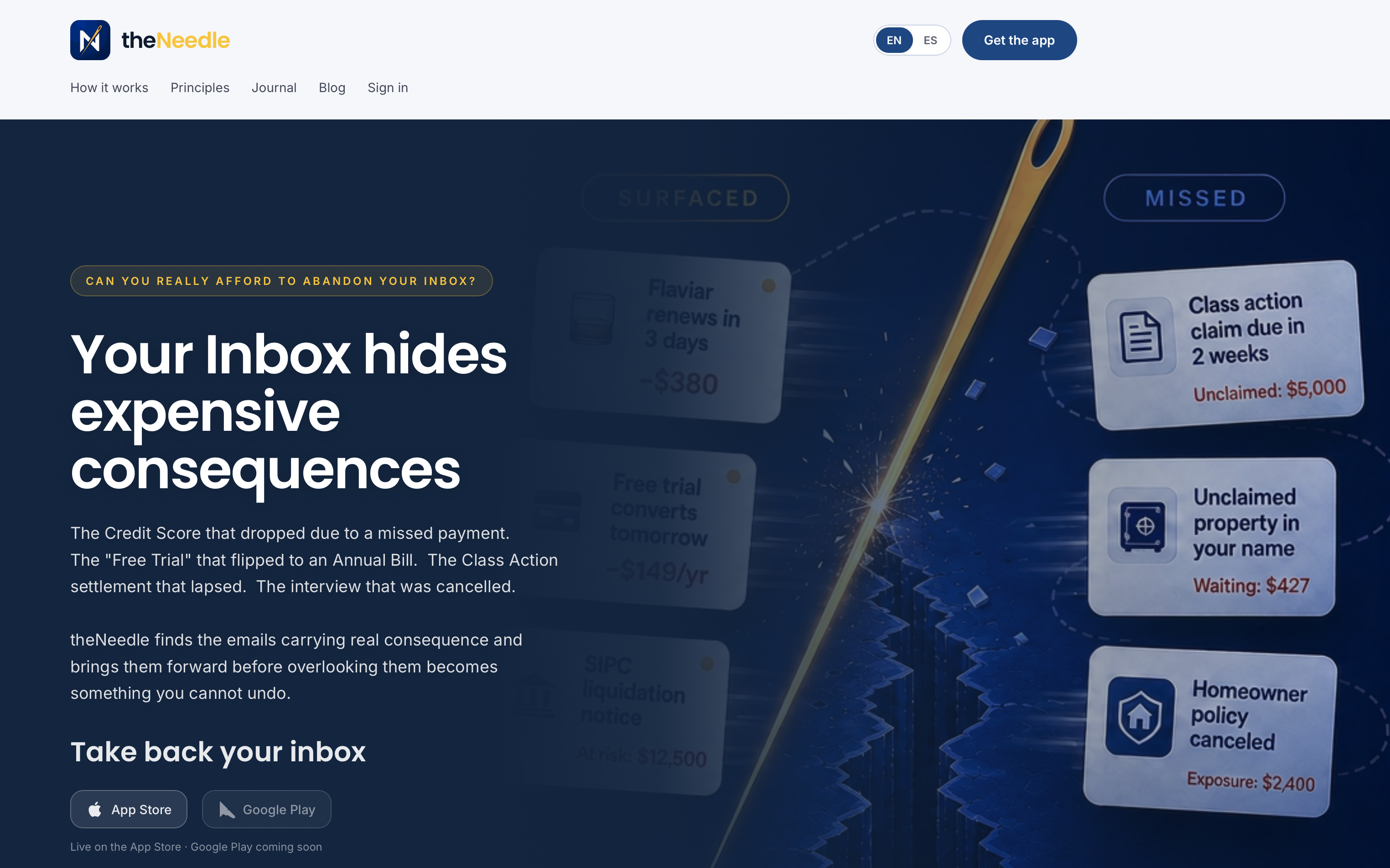
So we approach it as triage. theNeedle looks for emails with real consequences, such as deadlines, financial alerts and essential communications, and highlights them for attention. It surfaces overdue and urgent messages, identifies replies you have not yet handled, and tracks opportunities like credits or refunds. For people who find a full inbox paralyzing, including those coping with ADD or ADHD, it can present one item at a time, ranked by consequence rather than by arrival order.
We think that is the right scaffolding around your attention. You stop re-reading everything to be safe, because the few messages that can cost you something are brought forward.
Glen Bover
Where theNeedle fits
If you have already tried folders, rules and polite requests and the volume still wins, a consequence-first layer can help. theNeedle connects to Gmail, Outlook, Microsoft, Yahoo and iCloud accounts, so it can cover multiple inboxes in one place. It is designed to flag emails with deadlines or significant consequences, surface unhandled replies, and offer built-in unsubscribe for senders that keep coming back.
Pricing is $9.99 per month or $99.99 per year, and the subscription comes with a free trial period. You can see how the process works in Six Moves from Seen to Resolved, or read about working through one thing at a time.
If you are comparing options first, how to choose email management software lays out the criteria, and our roundup of email decluttering apps shows what each type fixes. To see the scale of the problem, our email overload statistics put the 117 emails a day figure in context.
A one-week plan to get CC under control
You do not need to fix everything at once. Try this sequence.
Day 1: Measure. Spend ten minutes counting how many of today’s messages had you only on the Cc line, and how many of those needed anything from you.
Day 2: Mute the worst offenders. Mute or ignore the three noisiest threads or lists. Leave any distribution group that has stopped being relevant.
Day 3: Build the FYI rule. Route Cc-only mail to a folder, with exceptions for your manager and key clients.
Day 4: Send the script. Message the one or two colleagues who copy you most with a version of the request above.
Day 5: Add the consequence check. Scan the FYI folder for dates, money, contracts and direct asks before you batch the rest.
Days 6 and 7: Review. What slipped through? Adjust the exceptions. If you are still reading everything to be safe, that is your sign you need a system doing the sorting for you.

FAQ
Can I remove myself from a CC thread?
Not in an ordinary thread, because only the sender or other participants control the recipient list. You can ask them to drop you from future replies, and meanwhile mute the conversation in Gmail or use Ignore Conversation in Outlook. If the mail comes from a Microsoft 365 group, leaving the group is the real fix.
How many emails a day are too many?
There is no official cutoff. Microsoft’s guidance is aimed at people receiving more than 30 messages a day and suggests search folders past 200 a day. A better measure is whether you can still read carefully enough to catch the messages with deadlines or money attached.
Is it rude to ask coworkers to stop CCing me?
No, if you frame it around being useful. Say you want to give their messages proper attention, and ask them to put you on the To line with a clear request whenever you are needed. Escalate only if a direct request is ignored.
When should I use BCC instead of CC?
Use CC when it matters that everyone can see who is informed, and BCC when the inclusion should stay private. Avoid BCC for sensitive messages meant to alert a manager, because BCC recipients can reply to everyone. Forwarding afterward is safer.
Sources
- Making a Manageable Email Experience with Deep Learning (Stanford)
- Overuse of the CC Function in Email Is Unnecessary (Inc.)
- Overuse of the CC Function in Email (Worktalk)
- Expectations When Cc’d in an Email (Net M@nners)
- What is CC and BCC in email? (Proton)
- Cc Meaning in Email and How to Use It (Grammarly)
- Best practices for Outlook (Microsoft Support)
- Outlook Best Practices: Write great email (Microsoft Support)
- How to mute a conversation in Gmail (Boise State OIT)
- How to Remove Yourself From an Email Chain in Outlook (TechYorker)
- How to Remove Yourself From an Email Chain in Outlook (MacMyths)
- Email filters (Zoho Mail)
- Email CC field: the passive aggressive workplace tactic (Slate)
- Work advice: How can I get my coworker to stop an annoying email habit (Slate)