Email Rules Not Enough? Why Filters Miss What Matters

Email rules are good at one job: moving predictable mail to predictable places. They are not built to tell you which message carries a deadline, a payment or a lapsing right, because a rule only knows what you told it to look for. That gap is why a perfectly tuned inbox can still hide the one email that costs you money. theNeedle fills it by ranking mail on consequence instead of sender or keyword, and it connects to Gmail, Outlook, Microsoft, Yahoo and iCloud accounts.
This article explains where rules break, why even working rules leave a blind spot, and what a consequence-first layer adds on top.
TL;DR
- Rules sort by sender, subject or keyword. They cannot judge whether a message has a deadline, a dollar amount or a legal effect.
- Rules also fail for mechanical reasons: they apply only to new mail, stop after the first match, and behave differently on the server and on your computer.
- Overload makes people skim and skip. Slack’s survey found 45% of workers had missed something important, like a deadline or meeting, after skipping or deleting an email based on its subject line.
- The fix is a second layer that ranks mail by consequence. theNeedle does this, surfacing overdue, urgent and high-priority messages, unanswered replies and refund or credit opportunities.
Table of Contents
- What email rules actually do
- Why rules stop working the way you expect
- The deeper problem: rules cannot see consequence
- Why volume turns this from an annoyance into a cost
- Where rules leave you exposed
- If you have ADHD or struggle to prioritize
- What to keep, what to add
- Our perspective
- Add a consequence layer with theNeedle
- FAQ
- Sources
What email rules actually do
A rule is an if-then instruction. If a message comes from this address, or the subject contains this word, move it to that folder, flag it or mark it read. Rules are useful for newsletters, receipts, team notifications and anything else whose shape you can predict.
The word that matters is predict. A rule can only match a pattern you thought of in advance. The email that hurts you is usually the one you did not predict: a settlement notice from a company you barely remember, a contract amendment from a new contact, a billing alert with an unfamiliar subject line, a reply from a client who changed addresses.
So there are two separate problems. The first is that rules break in ways that are easy to miss. The second is that even working rules answer the wrong question. They ask “who sent this?” when you need to know “what happens if I ignore this?”
Why rules stop working the way you expect
Before the bigger problem, the mechanical ones. If your rules seem unreliable, one of these is usually why.
Rules only act on mail at the moment it arrives
Microsoft explains that Outlook rules run automatically as messages are received or sent, so a rule that looks broken has often just not been applied to mail already sitting in the mailbox. You can run it manually on existing messages, and by default only one rule is applied to each message unless the setting that stops further processing is turned off.
In web-based Outlook the limit is sharper. One university help center notes that a new rule does not apply to messages already in the inbox, only to mail that arrives afterward.
Order and “stop processing” silently hide mail
Rules run top to bottom. Microsoft’s documentation for Outlook for Mac states that “stop processing more rules” is on by default, so only the first matching rule applies. A broad rule near the top can quietly swallow messages that a more careful rule lower down was meant to catch.
A September 2026 guide on Microsoft 365 mail flow rules describes the same trap in administrator settings: a stop setting on an earlier rule skips every rule below it, and edited rules can take up to 30 minutes to propagate. Its summary of most failures is that the rule was right on its own and wrong in context.
Server rules and computer rules are different things
MIT’s IT knowledge base explains that server-based rules in Microsoft 365 apply even when Outlook is closed, but only if the rule can finish on the server. A rule that, say, prints a message cannot, so it becomes a client-only rule that runs on one computer. If you check mail on your phone first, the rule may not have fired yet.
Rules take up limited space
The University of Wisconsin’s Microsoft 365 guidance says there is no cap on the number of rules, but there is a hidden limit on the total space rules can occupy. Reach it and you get an error and must delete rules before adding new ones. People who answer every new annoyance with one more rule hit this wall eventually.
Deleting by rule is risky
The University of Iowa’s IT guidance advises against rules that delete mail automatically, because even well-designed rules can fail due to unforeseen variables. It recommends moving mail to a folder instead, so you can verify the rule is catching the right things.
That advice leads straight to the real issue. A folder full of mail that rules moved is only safe if you actually look in it.
The deeper problem: rules cannot see consequence
Suppose every rule you own works perfectly. Newsletters go to a folder, team updates are labeled, your boss is flagged. You still have no way to know whether an unfamiliar message from an unfamiliar sender contains a payment due Friday or a claim window that closes next month.
Here is what rules and consequence-based sorting each look at:
| Rules and filters | Consequence-first ranking | |
|---|---|---|
| Question asked | Who sent it? What words does it contain? | What happens if this goes unhandled? |
| Needs setup | Yes, one rule per pattern | The point is to avoid writing a rule for every case |
| Handles the unexpected sender | Poorly, unless you anticipated it | Built for it |
| Result | Mail moved, flagged or labeled | A ranked view of what carries deadlines, money or obligations |
That second column is how theNeedle works. It detects and prioritizes emails with deadlines or significant consequences, whether they are legal, financial, contractual or time-bound, rather than relying on volume, sender or rule-based filters. The aim is simple: the message with money or a deadline attached rises, whoever sent it.
Why volume turns this from an annoyance into a cost
If you receive a handful of emails a day, you can read them all and rules are a nicety. At professional volumes, reading everything stops being possible, and what replaces it is skimming.
Our own email overload statistics put the average worker at about 117 emails a day. Research on what that does to attention is consistent:
- A Stanford deep-learning report cites findings that 87% of employees suffer email overload, and that people go through 5 to 10 emails before finding one that needs attention. It also breaks mail down as 39% information-only, 29% unnecessary CCs, 17% irrelevant or spam and 15% action-required.
- SHRM reports that an Adobe survey found the average U.S. office worker spends more than three hours a day on work email, and that RescueTime data showed the average worker checks communication tools every six minutes.
- A Rochester Institute of Technology thesis found that overloaded people were more likely to miss an important email because each message did not get full consideration, and that forgotten messages in the inbox and folders were among the biggest causes of overload.
- A Slack-commissioned survey of 8,000 small-business employees in the U.S. and Britain found that 57% will not read an email of eight or more sentences in full, and that 45% had missed something important such as a deadline or meeting after deleting or skipping a message based on its subject line.
Only about 15% of mail needs action, by the Stanford breakdown. The trouble is that the 15% does not announce itself, and the rest looks the same at a glance. That is the quiet cost of an overloaded inbox: not the hours, but the one forfeited right, missed refund or late fee hiding among the other 85%.
We go deeper on the money side in why information overload costs you money, and on a specific example in the deadline with money attached.
Where rules leave you exposed
These are the situations our readers describe most often, and what a rule can and cannot do in each.
The sender you have never seen. Rules need a known address, domain or phrase. A first-time message from a government office, a law firm, a claims administrator or a new vendor matches nothing, so it lands in the general pile with everything else.
The reply you never sent. Rules act on incoming mail. They have no concept of a thread where someone is waiting on you. theNeedle identifies unhandled replies so that an open question does not disappear under newer mail.
The credit or refund. Opportunities are time-limited and look like marketing. A rule that files “refund” mail into a folder cannot tell a real credit with an expiry from a promotional blast. theNeedle tracks opportunities like credits and refunds as part of ranking.
Several inboxes. Work, personal, a freelance address, an old Yahoo account. Each has its own rules, in its own app, with its own quirks. A single ranking across connected accounts means you are not maintaining four rule sets that never agree.
The persistent sender. A rule to silence a sender is another rule to write, order and store. theNeedle includes built-in unsubscribe for persistent senders, so the noise shrinks without more rule maintenance.

If you have ADHD or struggle to prioritize
Rules assume a calm moment in which you sit down, design a system and then maintain it. For people with ADHD, or anyone whose work arrives in unpredictable bursts, that is precisely the part that fails. The system is another task competing for attention, and an empty-looking folder gives a false sense of safety.
What tends to help is less to decide, not more structure to maintain. theNeedle’s ADHD-friendly features show one email at a time and rank by consequence, so the question “where do I even start?” has an answer already. We explain the financial side of this in the ADHD tax.
What to keep, what to add
Rules still earn their place. Keep the ones that route predictable mail, and make sure they are doing what you think. A short checklist:
- Move, do not delete. Send filtered mail to a folder, as the Iowa guidance suggests, so mistakes are recoverable.
- Check your rule order. Put narrow rules above broad ones, and look at where “stop processing” is set.
- Run new rules on existing mail once, so the backlog gets sorted too.
- Know where each rule lives. If it only works on one computer, it will not help when you read mail on your phone.
- Add a consequence layer on top. Rules for the predictable, ranking for the unpredictable.
Habits matter as well. Batching your email checks into set blocks is a common recommendation from productivity experts quoted by SHRM, and if you want more ideas on protecting focus, four habits for getting more done are a good place to start. Once a message is something you must act on, it belongs in your task list as well as your inbox, which is the idea behind connecting notes to tasks.
For a fuller walk through a consequence-first routine, see our guides to email triage methods and turning emails into tasks.
Our perspective
Most email advice starts from the idea that you should get better at sorting. We start from a different place: sorting was never the goal. The goal is not missing the thing that costs you.
A rule is scaffolding around your attention. It holds up the parts of your inbox you already understand. But the damage rarely happens there. It happens in the message you did not anticipate, from the sender you did not list, with a date on it you did not see.
That is why we built theNeedle around consequence. Deadlines, financial alerts, contractual language, an unanswered reply, a credit that is about to lapse: these are the messages that deserve triage first, and they are the ones that volume, sender and keyword filters cannot tell apart from everything else.
You should not need to be a different person, more disciplined or more organized, to be protected from your own inbox. You should need a layer that reads for what matters and puts it in front of you.
Glen Bover
Add a consequence layer with theNeedle
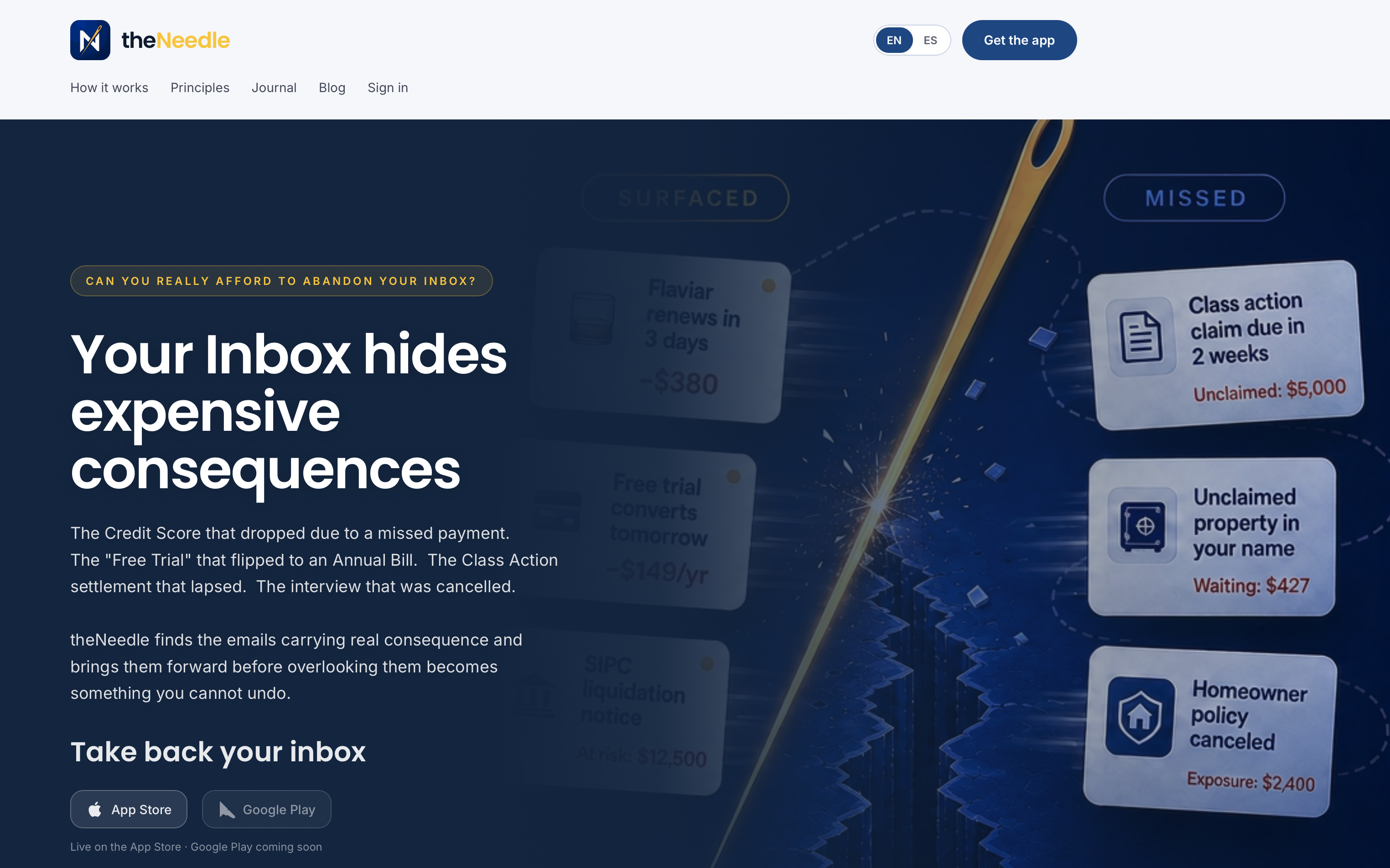
theNeedle is an email management app for busy professionals, freelancers and anyone juggling multiple inboxes. It connects to Gmail, Outlook, Microsoft, Yahoo and iCloud, surfaces overdue, urgent and high-priority messages, flags unhandled replies, tracks opportunities like credits and refunds, and offers built-in unsubscribe for persistent senders.
There is a 7-day free trial. After that, it is $9.99 per month or $99.99 per year. You can see both plans on the pricing page or start from the monthly plan.
If you are comparing options first, our guide to choosing email management software lays out the criteria, and snooze versus escalation explains why a reminder you can keep postponing is a weak safeguard for follow-ups that matter.
FAQ
Why are my Outlook rules not working?
The common causes are mechanical. Rules apply to mail as it arrives, not to messages already in the inbox. Only the first matching rule runs by default, and a rule that exists only on one computer will not run when you check mail elsewhere. If rules still miss what matters, the problem is that they match patterns, not consequences.
Are email rules enough to avoid missing deadlines?
Only for deadlines that arrive in a form you predicted, such as a known sender or a fixed phrase. Deadlines often come from new senders with unfamiliar wording. A consequence-based ranking, like the one in theNeedle, looks at what a message could cost you instead of where it came from.
How many rules should I have?
Fewer than you think. Outlook has no stated cap on the number of rules, but total rule storage is limited, and each additional rule is another thing to order and maintain. Keep rules for predictable mail and let a consequence layer handle the rest.
Does theNeedle replace my email app?
theNeedle connects to your existing Gmail, Outlook, Microsoft, Yahoo or iCloud accounts and ranks the mail in them by consequence. It surfaces what needs attention first, including overdue and high-priority messages and replies you have not handled.
Can this help with ADHD?
theNeedle includes ADHD-friendly features: it shows one email at a time and ranks by consequence, so you do not have to decide where to start. For medical questions about ADHD, talk to your doctor.
Sources
- The rule I created does not work - Microsoft Support
- Create a rule in Outlook for Mac - Microsoft Support
- My Outlook Rule Isn’t Functioning - BYUI IT Help Center
- Microsoft 365 Mail Flow Rule Not Working: Why - The Fusion Stack
- Server-based rules versus client-side rules in M365 - MIT
- Microsoft 365 Outlook rules - University of Wisconsin
- Setting up Rules for Email Messages - University of Iowa
- Making a Manageable Email Experience with Deep Learning - Stanford
- How to Reduce Digital Distractions at Work - SHRM
- Email overload in academia - Rochester Institute of Technology
- Swap email for Slack - Slack
- Productivity in One Day: 4 Habits to Get More Done Faster
- Connect Notes to Tasks: Turn Decisions Into Traceable Work