4 min readEN
Snooze vs. Escalation: Which Email Follow Up Reminder Actually Works?
Snooze brings an email back later. Escalation keeps an unresolved obligation in view as its consequences get closer. Those are different kinds of follow-up.
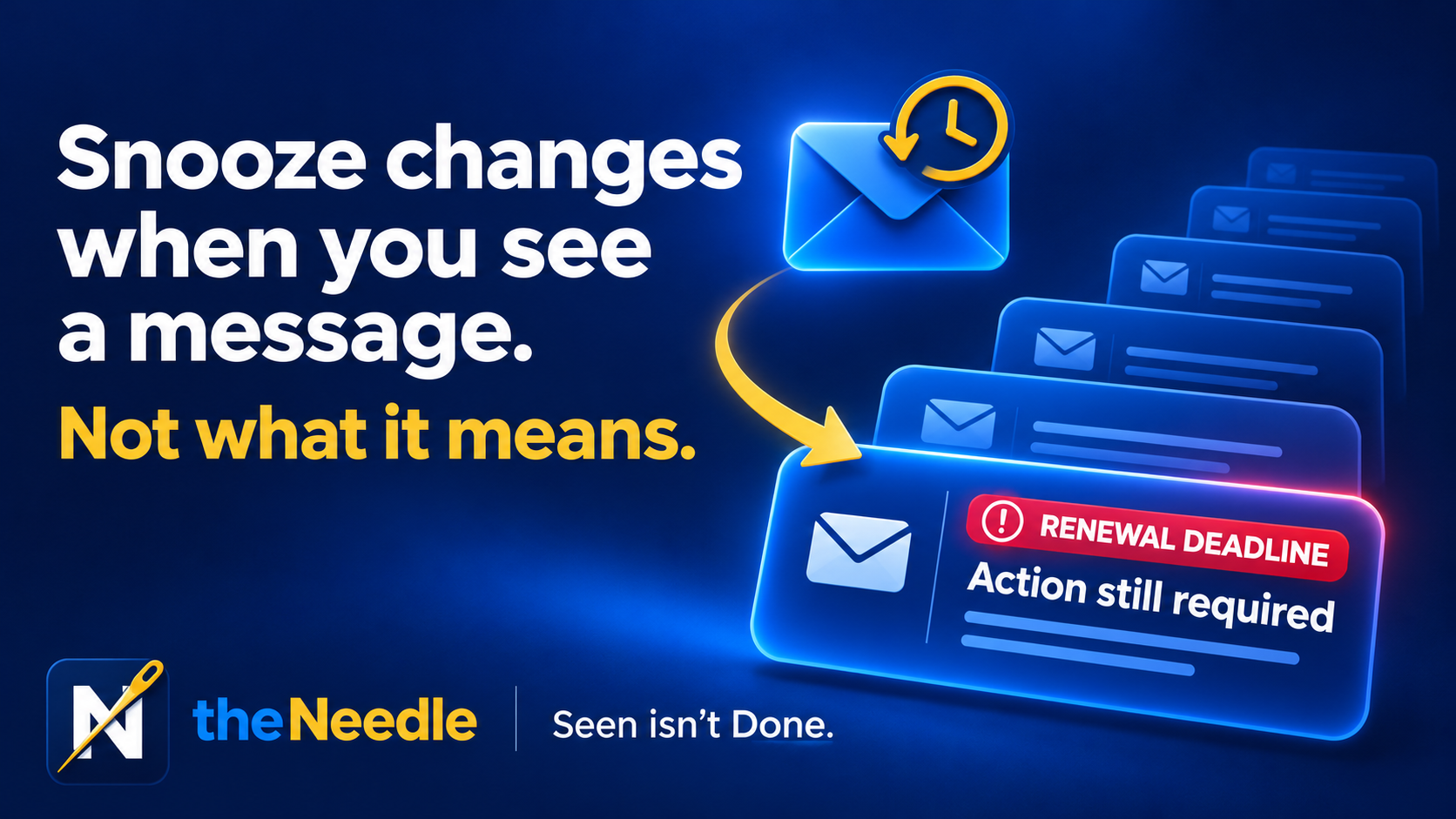
Snooze changes when you see a message, not what it means Gmail and Outlook snooze features can be useful. They temporarily remove a message from view and return it at a time you choose. That can help you clear your immediate inbox or defer something until you’re ready to act. But the email comes back as an email. Its urgency hasn’t changed in the system. It may appear alongside everything that arrived while it was away. That’s the “last in, first out” problem: newer messages can command attention simply because they are new. A returned message competes with today’s activity, even when it concerns a deadline, a financial obligation, or an opportunity that has been waiting for days. Snooze is a timing tool. It can postpone a prompt. It doesn’t, by itself, account for the consequence of postponing the action.
A reminder works only if it follows the right thing There are three common ways to remind yourself about email. Each can be useful. The difference is what each one keeps track of.
A calendar reminder can be the right choice for a scheduled appointment. A task manager can be excellent when you already capture your work there. But each requires a handoff: identify the message, define the action, enter it, and keep the due date accurate. When attention is already stretched, that extra step can be where follow-through breaks down. Reading isn’t resolving. And inbox zero is the wrong finish line if an important action still sits unfinished somewhere else. Escalation keeps the obligation visible as time passes Escalation is different from repeating the same reminder. It means the system treats an unresolved obligation with increasing urgency as the relevant consequence gets closer. A tax notice with a filing date, an insurance request, a claim that needs documents, or a renewal that could lapse should not necessarily return with the same priority every time. The time remaining matters. So does what the notice says may happen if you do nothing. That is the thinking behind theNeedle’s RiskScore: a signal based on the urgency of a message and the cost of inaction. The score is a guide, not a verdict. You remain responsible for reviewing the original email and deciding what to do. When an item remains unresolved, theNeedle uses escalating reminders to bring it back into view. You can also choose an optional backup contact or support person for a human check-in if follow-through starts to slip.
Evidence supports care with email load, not a winner between reminders A 2024 study by Kern and colleagues examined email load and work strain. In a two-wave study of 444 workers, higher email load was associated with greater emotional irritation two weeks later, even after accounting for time pressure and interruptions. The study also found links between email load and later time pressure and work interruptions. A second, cross-sectional study of 257 people found that the number of communication-related emails received, not the number of task-related emails received or all emails processed, was associated with higher email load. The practical implication is that incoming email can add strain, and not all email activity affects people in the same way. But the study did not compare snoozing with escalation. It does not establish that one reminder model prevents missed deadlines or is better for every person. It gives useful context about email demands, not proof of a particular product’s effectiveness.
Read the study by Kern et al. Choose a reminder based on what is still unresolved Snooze can work when you know the message is low-stakes and simply want it back at a convenient time. A task manager can work when you reliably capture email actions and want them alongside other work. Escalation is a better fit when the obligation itself needs to stay visible, especially when urgency changes over time, or when reading the email is only the first step. Try this short check: Name the action. What do you need to do, not just reread? Note the consequence and deadline. What changes if the action waits? Choose a reminder that stays connected to the obligation. Don’t rely on the message resurfacing alone if the stakes are rising. Close the loop only when the action is complete. Seen, flagged, and resolved are different states. For more on this distinction, see our guide to choosing email management software and our article on the email after the email. theNeedle is built for what a message requires Launched in October 2026, theNeedle is a read-only email accountability app for Gmail, Yahoo, iCloud, and Outlook. It identifies consequential messages, keeps them in view until resolved, and uses RiskScore and escalating reminders to reflect urgency and the cost of inaction. Its features include Priority, Inaction, Opportunities, and Unsubscribe. It does not send, reply to, delete, or archive your email. Your inbox stays under your control. See how theNeedle works, or visit the live app page. Download on the App Store if you want to try it. A snoozed email returns. An unresolved obligation needs more than a return time. It needs to stay important while newer messages arrive and the consequence gets closer. That is the difference between managing messages and managing what those messages require of you.
One obligation at a time, from the inbox you already have.
theNeedle is live on the App Store and Google Play.
Get the app