Email Priority Matrix: How to Sort Your Inbox by Consequence

An email priority matrix is a simple grid that sorts every message by urgency and importance, so you know what to answer now, what to schedule, what to hand off and what to delete. It works. It also has a weak spot: you have to judge each message yourself, and when everything feels urgent, the grid fills up in one corner. The fix is to make the second axis about consequence: what actually happens, in dollars, deadlines or lost rights, if this email waits. That is how we built theNeedle, and it is the approach this guide teaches, step by step.
TL;DR
- An email priority matrix has four quadrants: urgent and important (do), important but not urgent (schedule), urgent but not important (delegate or answer briefly), and neither (delete or archive).
- Sort in two or three set sessions a day, label every message before you act, and finish with an empty top quadrant.
- The matrix breaks down when everything lands in Quadrant 1. A consequence tiebreaker (money, deadline, legal or contractual effect) fixes that.
- If you have ADHD or several inboxes, shrink the matrix: one decision at a time, with explicit rules instead of feelings.
- theNeedle applies consequence-based ranking automatically across Gmail, Outlook, Yahoo and iCloud, so the sorting is done before you open your inbox.
Table of Contents
- What an email priority matrix is
- The four quadrants and what to do in each
- How to apply the matrix to your inbox, step by step
- Why the classic matrix breaks down
- The fix: make consequence your second axis
- Adapting the matrix for ADHD and attention challenges
- Where the manual matrix runs out
- Try the matrix with theNeedle
- A weekly routine to keep the matrix honest
- FAQ
- Sources
What an email priority matrix is
The idea comes from the time management matrix, often called the Eisenhower matrix: a two-by-two grid with urgency on one axis and importance on the other. Applied to email, each incoming message gets placed in one of four boxes, and the box tells you what to do with it and when. The four-quadrant approach to email works exactly this way: classify each email, and let the quadrant dictate the action and the timing.

The grid matters because of what your inbox actually contains. One Stanford analysis of email found that 39% of messages are information only, 29% are copied in unnecessarily, 17% are irrelevant or untargeted, and only 15% require action. If roughly one message in seven needs you, a method that separates that one from the other six is worth having.
The cost of not separating them is real. Researchers at Carnegie Mellon cited an estimate that businesses lose US$650 billion a year in productivity to unnecessary email interruptions, and argued that systems able to identify the important messages for each user are urgently needed. The matrix is the manual version of that system.
The four quadrants and what to do in each
Here is the grid, translated for an inbox.
| Quadrant | Meaning | Typical emails | Action |
|---|---|---|---|
| 1. Urgent + important | A real deadline or consequence is close | A contract awaiting your signature, a payment failure notice, a client asking for a decision today | Do it now, in your next session |
| 2. Important, not urgent | Matters, but has room | A project brief, a settlement or refund claim with weeks left, a renewal coming up next month | Schedule a time and put the date in your calendar |
| 3. Urgent, not important | Pushes for a reply but has little consequence | Meeting poll, a quick question someone else could answer, a reply-all thread | Answer in one line, delegate or decline |
| 4. Neither | Noise | Newsletters you never read, promotions, cc chains | Delete, archive or unsubscribe |
Quadrant 1: do it now
These are messages where waiting costs you something concrete. Keep this box small. If it holds more than a handful of messages, you are probably rating by emotion rather than consequence (more on that below).
Quadrant 2: schedule it
This is the quadrant that quietly decides how your year goes. Messages here have no alarm bell, so they get buried: a refund window, a class action claim deadline, a contract renewal notice, a follow-up from a prospect. Give each a calendar slot the day you sort it. Our guide to email deadline reminders covers how two well-timed nudges can replace a dozen anxious re-checks.
Quadrant 3: delegate or shrink
Urgent-feeling, low-consequence messages are where inboxes eat your day. Reply in a sentence, forward to the person who owns the answer, or decline. Do not let a quick question turn into a thread.
Quadrant 4: remove
The sender who keeps coming back is the hardest part of this box. Unsubscribing once is easy; unsubscribing from a sender that ignores you takes persistence, which we cover in our piece on how to unsubscribe from persistent senders.
How to apply the matrix to your inbox, step by step
The method is short. Where it goes wrong is in the details.
1. Set the sessions, not the tempo
Open email once or twice a day, not continuously. One workflow guide recommends a fixed routine in which you assign a tier to every new message from top to bottom, then act only on the top tiers in that pass. Constant checking turns every ping into a Quadrant 1 candidate.
Where it goes wrong: people sort in the middle of other work, get pulled into a reply and never finish sorting.
2. Label before you act
Label each email with its quadrant before moving to the next, and use folders or labels for the four boxes. This is the rule that separates a matrix from ordinary skimming. Sorting first, acting second keeps one dramatic message from hijacking the pass.
Where it goes wrong: answering as you go. A reply that takes four minutes pushes ten other messages back.
3. Use time tiers if four boxes feel abstract
Many people find it easier to give each box a clock. A common version defines P1 as act within the hour, P2 today, P3 this week, and P4 as reference or noise. You can map P1 to Quadrant 1, P2 to Quadrant 2 and so on, or use the tiers on their own.
Where it goes wrong: tiers drift. What counted as P2 in January is P1 in March, so review the rules every few weeks.
4. Act on the top tier, then stop
Work Quadrant 1, then the Quadrant 2 items that need scheduling, and finish the session with the top tier empty. Do not let Quadrant 4 tempt you into inbox zero as a goal in itself. The goal is that nothing consequential is left unseen.
5. Keep one system across every account
If you juggle a work address, a personal one and a freelance one, the same tier rules apply to each account or to a unified inbox: the tiers stay identical and only the surface changes. The practical catch is that filters and VIP rules you build in one provider may not carry over to another unless you maintain them in each place. For a cleaner way to prioritize growth-driving actions across channels, one framework worth borrowing from is how operators prioritize growth-driving actions, where the same ranking logic applies to anything competing for your time.
Why the classic matrix breaks down
The matrix has real limits, and knowing them is what lets you use it well.
The clustering problem. When people rate urgency and importance themselves, they tend to score most items high on both. One prioritization comparison describes a user ending up with fifteen tasks in Quadrant 1 and none in Quadrant 4, with no guidance for what to do when a quadrant is overloaded. Email is especially prone to this, because a message arrives with its own sense of urgency attached, written by the sender, not by you.
Urgency is the sender’s, importance is yours. A subject line in capitals is an urgency signal. It says nothing about whether the message affects your money, your job or your legal position.
Messages that do not fit two axes. Relationship building and exploratory conversations do not sort cleanly by urgency and importance, and a matrix needs a tiebreaker when everything lands in Q1, such as cost of delay, how many people are affected or how close a hard deadline is.
That last point is the key to an email matrix that holds up.
The fix: make consequence your second axis
Replace the vague feeling of “important” with a short consequence test. Ask four questions of any message that lands in Quadrant 1 or 2:
- Money: does this involve a payment, charge, refund, credit or claim?
- Deadline: is there a date after which an option disappears?
- Legal or contractual weight: does it concern a contract, a notice, a settlement or a policy change?
- Someone waiting: is a person or client actively waiting on your reply?
A message that answers yes to two or more goes to the top of Quadrant 1, whatever its subject line says. A message with none of these is, by definition, not Quadrant 1, no matter how loud it sounds. This turns the matrix from a mood chart into a ranking.
It also explains the finding behind our work: most tools sort by sender, volume or rules you set yourself, while a missed settlement deadline or an unanswered client email has consequences those filters cannot see. We go deeper on this idea in our guide to consequence-first inbox apps.
A worked example
Imagine a Monday morning with 40 new messages. After one pass you have:
- A client asking you to confirm a revised scope by Wednesday (money, deadline, someone waiting): Quadrant 1, top.
- A bank notice about a changed fee schedule (money, contractual): Quadrant 1.
- A refund confirmation that requires you to submit a form within 30 days (money, deadline): Quadrant 2, with a calendar entry on the day you sort it.
- A colleague asking if you can attend a 15-minute sync (someone waiting, no other consequence): Quadrant 3, answer in a line.
- Eleven promotional emails and six newsletters: Quadrant 4, with the repeat offenders unsubscribed.
Three messages need real attention. The other 37 are handled in a few minutes. That ratio is what the matrix is for.
Adapting the matrix for ADHD and attention challenges
The traditional matrix can be hard for neurodivergent people, including those with ADHD or autism, because of time blindness, executive function challenges and task paralysis. Sorting 40 messages into four boxes is itself a task that can stall.
A few adaptations help:
- Dump before you sort. Pull everything into one view, then sort. One ADHD-focused adaptation of the grid also recommends separating emotional urgency from actual urgency and picking just one task from the top quadrant with a timer.
- Use rules that decide for you. An AWS accessibility post describes a “Do First” rule with three conditions: someone is actively waiting, you can act now, and the item is time-bound. If any condition is false, the item is demoted, which prevents everything from feeling equally urgent.
- Shrink the pass. Process in scheduled, timer-bound blocks rather than open-ended sessions. Our ADHD email management guide lays out a two-pass system and a 15-minute reset along these lines.
- Reduce the interruptions. Notifications create false Quadrant 1 items all day. See how to stop too many email notifications from breaking your focus.
For a broader look at tools built with attention in mind, see our rundown of the best ADHD email apps.
Where the manual matrix runs out

A hand-built matrix needs daily attention. Labels need maintaining, tiers drift as priorities change, and noise regrows as new subscriptions pile up. On the days you are busiest, which are the days a consequential message is most likely to slip, you are least likely to run the pass.
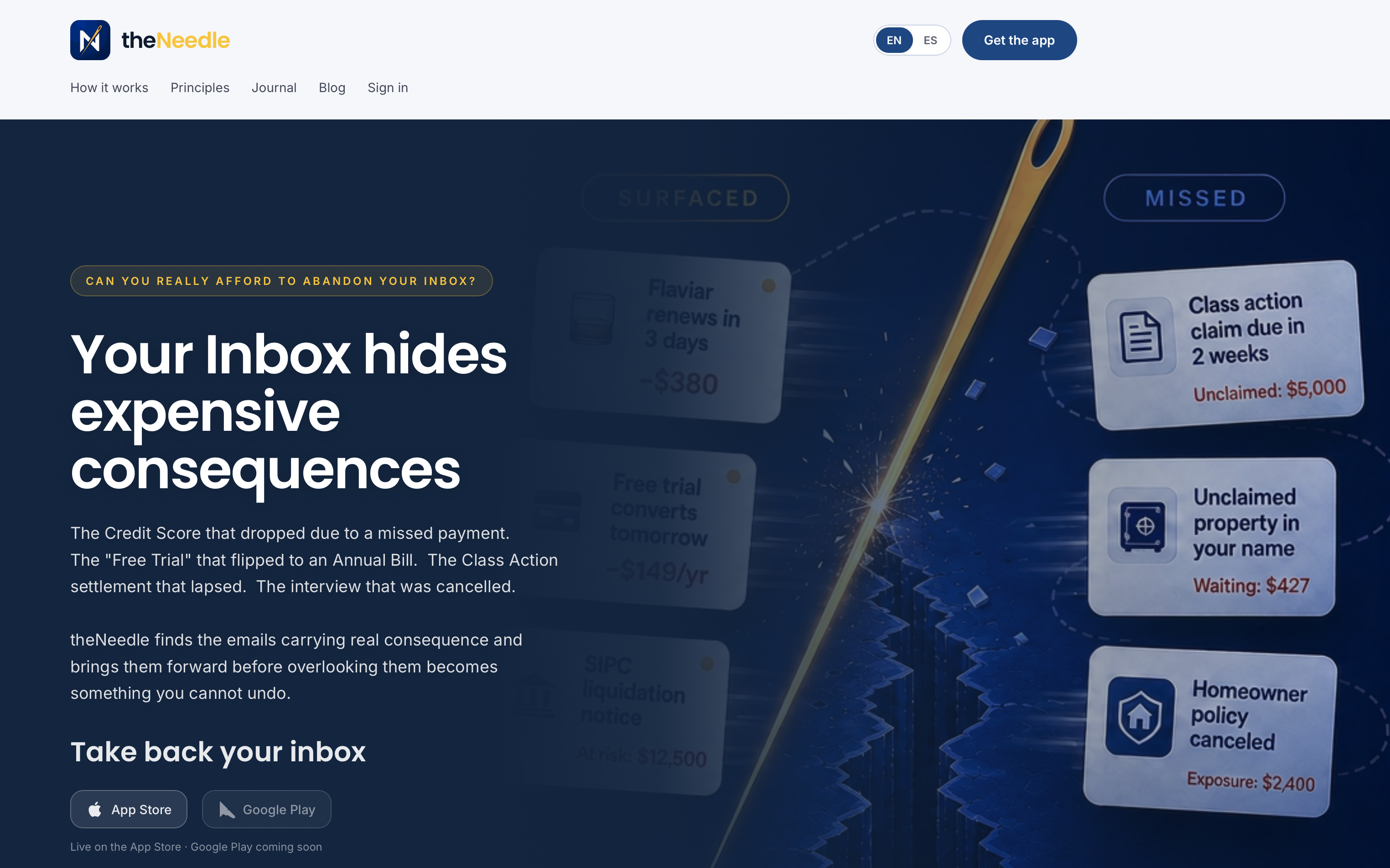
That is the gap we built theNeedle to close. Rather than asking you to rate each message, it detects emails with deadlines or significant consequences and surfaces overdue, urgent and high-priority messages. It also identifies replies you have not handled and tracks opportunities such as credits or refunds. The matrix logic is still there. It is just applied before you open your inbox.
We started from a simple observation: an inbox treats a coupon and a legal notice as the same kind of thing, an unread line in a list. The average worker faces more than a hundred emails a day, and the quiet cost shows up when one of them mattered and nobody noticed.
A priority matrix is the right instinct. Our view is that its second axis should be consequence, not volume, sender or the sender’s own sense of urgency. That is why theNeedle ranks by what a message could cost or earn you, and shows you one thing at a time, so triage becomes scaffolding around your attention instead of another chore.
If you have ADHD, or manage several inboxes, that structure matters even more. You should not have to rebuild a system every Monday to keep the important mail visible.
Glen Bover
Try the matrix with theNeedle
theNeedle connects to Gmail, Outlook, Yahoo and iCloud, ranks messages by consequence and presents them one at a time, with a built-in unsubscribe for persistent senders. You can start with a 7-day free trial. After that it is $9.99 per month or $99.99 per year. See how it works, from seen to resolved, or go straight to the monthly plan.
If you are comparing options first, our guide on how to choose email management software walks through the criteria, and the pricing page has the plan details.
A weekly routine to keep the matrix honest
Whether you run the grid by hand or use an app, a short review keeps it working.
- Daily, two sessions. Sort, label, act on the top quadrant, stop.
- Daily, five minutes. If you only have a few minutes, use a short triage pass instead: see our 5 minute triage for busy professionals.
- Weekly, ten minutes. Re-check Quadrant 2 for approaching dates. Unsubscribe from anything that returned. Review whether your consequence test is catching what it should.
- Monthly. Revisit your tier rules. If most of your mail now lands in Quadrant 1, tighten the test.
One caution for people with ADHD: re-sorting weekly rather than daily helps keep sorting from becoming a procrastination ritual.
If email stress is part of the picture, our tactics to end email anxiety at work and the email overload statistics give more context for why the volume feels so heavy.
FAQ
What is an email priority matrix?
It is a two-by-two grid that sorts each email by urgency and importance. The four boxes tell you whether to do the message now, schedule it, delegate or answer briefly, or delete it. The point is to decide before you reply, so loud messages do not outrank consequential ones.
How often should I sort my inbox with a priority matrix?
Once or twice a day in set sessions works for most people, rather than checking continuously. Label every message first, then act on the top tier and end the session with it empty. A short weekly review keeps Quadrant 2 items and tier rules current.
What should I do when every email feels urgent?
Use a consequence tiebreaker: money, a hard deadline, legal or contractual weight, and whether someone is actively waiting. Messages that meet two or more go first. Messages with none are not top priority, however urgent the subject line sounds.
Can I use a priority matrix across several email accounts?
Yes. The same tier rules apply to each account or to a unified inbox. Filters you build in one provider may not carry over to another, so a tool that connects to Gmail, Outlook, Yahoo and iCloud, as theNeedle does, saves you from rebuilding rules in each place.
Does the matrix work for people with ADHD?
It can, with changes. Shorten the sessions, use a timer, decide by explicit rules instead of feelings, and tackle one item from the top quadrant at a time. Our ADHD email management guide gives a two-pass system you can start with.
Sources
- Here’s the Most Decisive Email Sorting Solution You Will Ever Need (MakeUseOf)
- Making a Manageable Email Experience with Deep Learning (Stanford)
- Prioritization Based on Content and Social (Carnegie Mellon)
- How to Organize Your Email Inbox by Priority (email-tools.me)
- Task Prioritization Methods Compared (Klara)
- Priority Matrix: The Four Quadrants for Task Prioritization (ClickUp)
- Neurodiversity-friendly Eisenhower matrix (GitHub)
- Eisenhower Matrix for ADHD (OneTask)
- When your brain works differently, AI isn’t a luxury (AWS)