Recover Missed Emails: Find Lost and Buried Messages

Most “missing” emails are not gone. They are sitting in Spam, Trash, an “Other” tab or a folder a rule sent them to, and you can usually get them back in a few minutes if you check in the right order. The harder problem is the email that was never lost at all: it arrived, looked ordinary, and carried a deadline or a dollar amount you never saw. This guide covers both. First the recovery steps for Gmail, Outlook, Yahoo Mail and iCloud Mail, with the time limits that decide whether recovery is still possible. Then how to make sure the next consequential message does not get buried.
TL;DR
- Search all mail first, including Spam and Trash, by sender, keyword or date range before you assume anything was deleted.
- Deleted mail is recoverable for a limited window: 30 days in Gmail Trash, 30 days in Outlook Deleted Items, 7 days for a Yahoo restore request, and no more than 30 days for iCloud.
- Filters, forwarding and sync settings are the usual hidden cause of mail that vanishes on arrival.
- An email you never noticed is a different problem from a deleted one, and it needs ranking by consequence, not another folder.
- theNeedle connects to Gmail, Outlook, Yahoo and iCloud and surfaces emails with deadlines or significant consequences.
Table of Contents
- Two kinds of missed email
- Step 1: Search everywhere, not just the inbox
- Step 2: Check the places mail gets moved to
- Step 3: Look for filters, forwarding and sync rules
- Step 4: Know when it is too late, and who to ask
- Why recovery is only half the problem
- What a consequence-first inbox changes
- Our perspective
- Try it on your own inbox
- FAQ
- Sources
Two kinds of missed email
Before you start digging, decide which problem you have, because the fixes are different.
Lost email is a message that was delivered and then moved, filtered, archived or deleted. You know it should exist and you cannot find it. The fix is a search and, if needed, a restore.
Buried email is a message that sits in your inbox, unread or skimmed, under dozens of newer ones. Nothing is technically missing. But a missed deadline, a refund window or a contract reply costs you the same either way. This is the quiet cost of volume, and no restore button solves it.

The University of Washington’s IT guidance notes that the vast majority of missing email is delivered somewhere other than the inbox, such as spam, a Focused Inbox tab or trash, and that routing rules are often the culprit. So start with the places mail actually hides.
Step 1: Search everywhere, not just the inbox
The default inbox view shows a fraction of your mailbox. Widen it.
- Search by sender or keyword across all folders. In Gmail, Google’s help page on finding email lists the operators that matter:
from:with an address, date ranges such asafter:2026/3/29 before:2026/4/5, andhas:attachment. The search box also looks in subject lines, bodies and sender names. - Include Spam and Trash in the search. Google’s missing-messages guide tells you to search with Mail, Spam and Trash selected, not just the inbox.
- Try the name, not only the address. Companies send from several addresses. Search the brand name, an invoice number or the subject line you remember.
- Narrow by date. If you remember roughly when it arrived, a date range cuts hundreds of results to a handful.
If you manage several inboxes, run the same search in each. A message sent to your work address and a message sent to your personal one will not appear in the same place unless you have connected them.
Step 2: Check the places mail gets moved to
Gmail
Check Spam, Trash and All Mail. Gmail groups a message and all its replies into one conversation, so deleting the original removes the whole thread, and a deleted message stays in Trash for 30 days before it is permanently deleted, according to Google’s guide. To restore it, open Trash, select the message and move it back to the inbox.
Storage matters too. Google lists a full account, with storage shared across Gmail, Drive and Photos, among the causes of mail not arriving. If new messages seem to stop, check your storage before anything else.
Outlook.com and Outlook on the web
Microsoft’s guide to email missing from your Outlook.com inbox points to four places:
- Junk Email. Messages here are removed automatically after 30 days and cannot be recovered afterward.
- The “Other” tab of Focused Inbox. Outlook can split your inbox in two, and legitimate mail often lands on the quieter side.
- Deleted Items. Recoverable for 30 days after removal, though not through the iOS or Android apps or a mobile browser.
- Rules. Inbox or Sweep rules may be moving mail out of the inbox as it arrives.
If the message is not in Deleted Items either, Microsoft’s recovery guide explains that items removed from there move to a hidden Recoverable Items folder. In classic Outlook you reach it through Home, then Recover Deleted Items From Server. On Outlook.com and Outlook on the web, items removed from Deleted Items can be recovered for another 30 days through the “Recover items deleted from this folder” button. If your account shows a Trash folder instead of Deleted Items, or lacks that command, it does not support this kind of recovery.
For a work account, the last step in Microsoft’s guide is contacting your system administrator.
Yahoo Mail
Yahoo works differently. Its recovery page lets you submit a restore request for email deleted or missing within the last 7 days. Three details matter:
- A request cannot be canceled, and restoration is not always successful.
- Spam and Draft folders and non-email marketing messages are excluded.
- Mail from Trash, Sent, Archive and custom folders is restored to the Inbox, so check Trash afterward and move recovered messages to the right folder so they are not auto-deleted again.
Because the window is only seven days, Yahoo is the account where speed matters most.
iCloud Mail and the iPhone Mail app
Apple’s iPhone Mail guide says to tap Mailboxes, open Trash, select the message and move it to another mailbox. You can turn on an All Trash mailbox to see deleted messages from every account in one place. Apple also notes that iCloud does not keep deleted messages longer than 30 days, even if you set the Remove option to Never.
If the problem is that mail is not showing up on the phone at all, the account setup itself may be the cause. A walkthrough on setting up email on an iPhone covers the account configuration side.
Step 3: Look for filters, forwarding and sync rules
If a search finds nothing in Trash, Spam or any folder, a rule probably moved or removed the message on arrival. This is the most overlooked cause, because rules are invisible once set.
Google’s guide tells Gmail users to:
- Open your filters and look for any set to “Delete it” or “Skip Inbox”.
- Review Forwarding and POP/IMAP settings, since another email client or forwarding address can archive or delete the original.
- Look for forwarding addresses you do not recognize.
The same page explains why this bites so hard: there is only one copy of each Gmail message, so deleting it from any synced device or client deletes it everywhere.
The University of Washington guide suggests searching by sender, name or keyword, checking Spam and All Mail, and, if delivery problems continue, removing your rules until delivery is back to normal. Rules can be set in a browser, a desktop client or any configured device, so check each place you read mail.
If you suspect forwarding you did not set up, or a tangle of rules you can no longer untangle, a structured email audit of rules, filtering and forwarding shows what that kind of diagnosis involves. Treat unfamiliar forwarding addresses as a security matter and change your password if you find one.
Step 4: Know when it is too late, and who to ask
Sometimes recovery is not possible. Here is the honest summary of the windows quoted above.
| Provider | Where to look | Window |
|---|---|---|
| Gmail | Trash | 30 days after deletion, then permanent |
| Outlook.com / web | Deleted Items, then Recoverable Items | 30 days, then 30 more via recovery button |
| Outlook.com | Junk Email | Auto-removed after 30 days |
| Yahoo Mail | Restore request | Mail lost within the last 7 days |
| iCloud Mail | Trash | No more than 30 days |
If you use Google Workspace through work or school, an administrator may have a little more room. A Google support answer relayed on a Q&A site says admins can restore deleted Gmail messages from the Admin console for 25 days after the 30 days in Trash, and that Google Vault may retain older data. That is secondhand, so ask your IT team what your organization retains rather than counting on it.
If the message was important, the other route is the sender. A company that sent you a contract, an invoice or a refund confirmation can almost always resend it.
Why recovery is only half the problem
Here is the uncomfortable part. When people search for ways to recover missed emails, they are often reacting to a specific miss: a deadline that passed, a payment that bounced, a reply that never got answered. Recovering the message afterward is better than nothing, but the cost has usually landed by then.
A folder-by-folder hunt does not scale. If you are a professional with a busy inbox, a freelancer juggling clients, or someone managing several accounts, you cannot search every folder every day. And if you have ADHD, a long list of equally weighted messages is exactly the format that makes the important one invisible.
A few habits cut the risk without any new tool:
- Fix the two filters that matter. Our guide to filtering important emails walks through a two-filter setup that takes about five minutes.
- Cut the noise that hides the signal. Persistent senders bury real mail. The three-step reset for unwanted email shows how to reduce it.
- Search for money specifically. Refunds and credits are easy to overlook, and our guide to finding refund emails covers how to look in 5 to 10 minutes.
- Silence what interrupts you. Constant alerts train you to skim. See how to stop notifications from hijacking your focus.
These help. But they all rely on you doing the sorting, and sorting is the thing that fails when volume wins.
What a consequence-first inbox changes
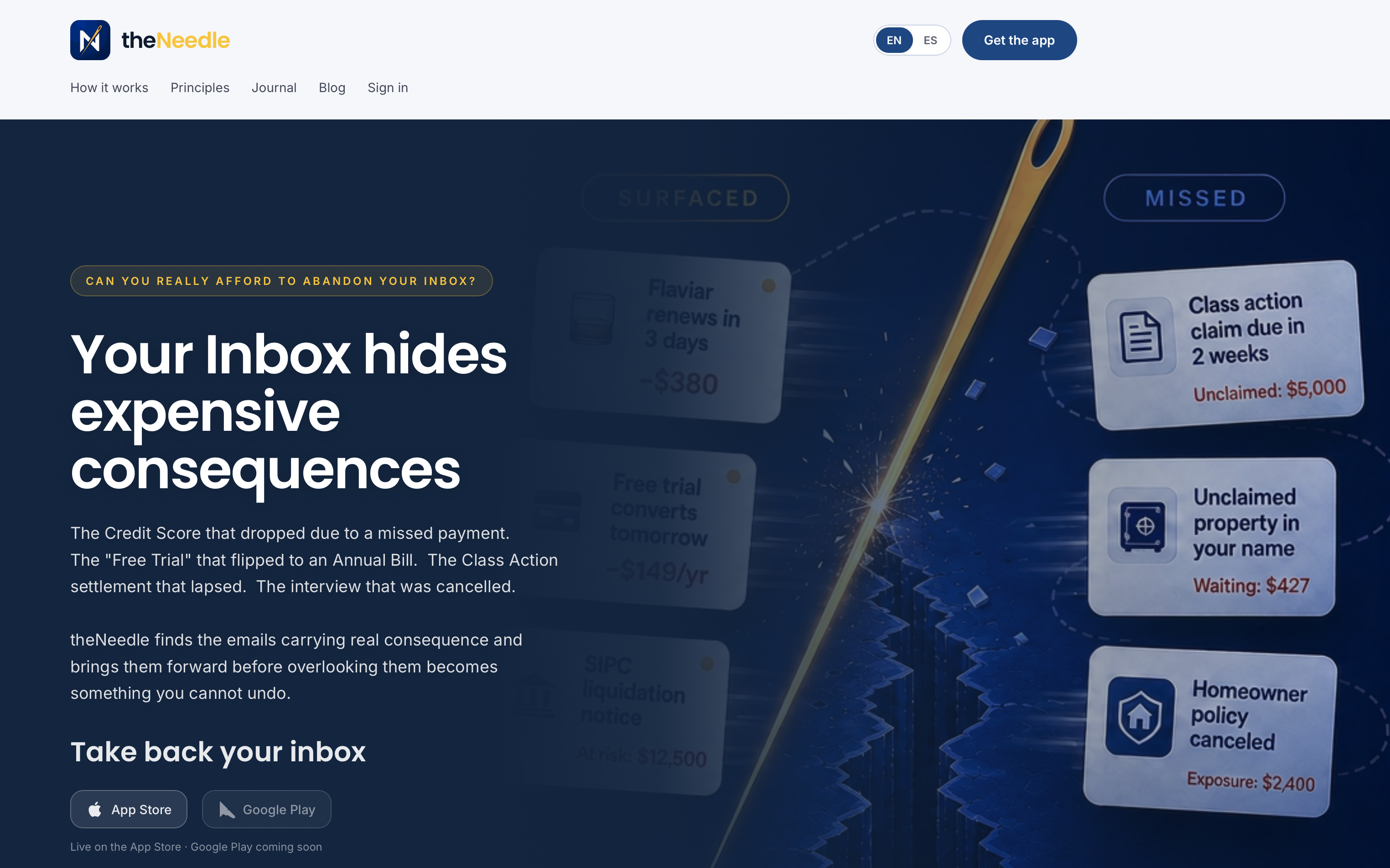
Most inboxes rank by arrival time, sender or rules you wrote months ago. None of those tell you what happens if you ignore a message. theNeedle starts from the opposite question: which emails carry a deadline, a financial alert or another significant consequence?
It connects to Gmail, Outlook, Microsoft, Yahoo and iCloud accounts, so multiple inboxes can be read in one place. It detects and prioritizes emails with deadlines or significant consequences, and surfaces overdue, urgent and high-priority messages. It also identifies replies you have not handled and tracks opportunities such as credits or refunds. For senders who keep coming back, there is a built-in unsubscribe. For readers with ADHD, it offers one-at-a-time focus and consequence-based ranking, so you face one message instead of a wall.

That is the difference between recovering a missed email and not missing it. Our deeper piece on finding deadlines buried in paragraph three shows what that looks like in practice, and the story of the deadline with money attached shows what a slipped one costs.
Our perspective
Missed email is rarely a storage problem. It is an attention problem wearing a storage problem’s clothes.
When someone tells us they lost an email, the real story is usually that a message with consequences arrived among dozens without any. Folders, labels and search are good tools for finding something you already know exists. They do not help with the message you do not know to look for.
That is why we built theNeedle around consequence rather than volume. A forfeited refund, a lapsed deadline and an unanswered contract reply have something in common: each one had a date and a cost attached, and each one was written in plain language that looked like everything else. We think your inbox should work as scaffolding around your attention, putting the messages that matter in front of you first and letting the rest wait.
Recovery steps are worth knowing, and you should know them. But the best recovery is the one you never need.
Glen Bover
Try it on your own inbox
theNeedle is a subscription with a 7-day free trial. It costs $9.99 per month or $99.99 per year, and the pricing page shows both plans. If you have just lost something important, or you are tired of wondering what else you missed, connect your accounts and let it rank what has consequences.
You can start on the theNeedle monthly plan page, or read our comparison on how to choose email management software first.
FAQ
Can I recover emails that were permanently deleted?
Sometimes, but the window is short. Gmail removes mail from Trash for good after 30 days, and Outlook offers a further 30 days through its recovery button. Yahoo accepts restore requests for mail lost in the last 7 days. Past those limits, ask the sender to resend, or ask your administrator if it is a work account.
Where are my deleted emails stored?
In most services they sit in Trash or Deleted Items until the retention window ends. In Outlook, items removed from Deleted Items go to a hidden Recoverable Items folder. On an iPhone, open Mailboxes, then Trash, and turn on All Trash to see every account at once.
Why do emails disappear from my inbox without my deleting them?
Usually a rule or setting moved them. Check filters set to delete or skip the inbox, forwarding and POP/IMAP settings, and Outlook rules. Also check Spam, Junk and the Focused Inbox “Other” tab. Another device or email app connected to the same account can also delete mail everywhere.
How do I stop missing important emails in the future?
Cut the noise, set a few filters, and rank by consequence instead of arrival time. theNeedle is built for that last part: it surfaces emails with deadlines or significant consequences, plus unhandled replies and refund or credit opportunities, across your connected accounts.
Sources
- Gmail messages are missing - Gmail Help
- Gmail messages are missing (desktop) - Gmail Help
- View & find email - Gmail Help
- Email is missing from your Outlook.com inbox - Microsoft Support
- Recover and restore deleted items in Outlook - Microsoft Support
- Recover lost or deleted emails - Yahoo Help
- Delete and recover emails in Mail on iPhone - Apple Support
- Missing email - University of Washington IT
- Accidentally deleted All Mail from Gmail account - JustAnswer
- Setting up email on an iPhone
- Email audit for rules, filtering and forwarding