Email Procrastination: Why You Avoid Messages and How to Stop

Email procrastination is rarely laziness. It is usually a small dread attached to one specific message, and the dread grows the longer the message sits. The way out has two parts: a tiny, low-pressure first step for the messages you are avoiding, and a way to see which messages carry real consequences, so the avoided ones that matter never slide past a deadline. theNeedle is built around that second part: it finds emails with deadlines, financial alerts and other significant consequences and puts them in front of you.
TL;DR
- Avoiding email is a stress response to overload, ambiguity and fear of the reply, not a character flaw.
- Avoidance feels like relief, but it produces a fuller inbox and a longer to-do list, which feeds the anxiety.
- Shrink the task: name the overload, pick the smallest start, and work for two minutes only.
- Triage by consequence, not by sender or volume, so deadlines, money and contracts are never buried under noise.
- Check email at set intervals instead of all day, and persistent avoidance is worth raising with a therapist.
Table of Contents
- Why you put off the emails that matter
- The quiet cost of waiting
- When ADHD makes it harder
- A restart routine for the email you are avoiding
- Triage by consequence, not by volume
- Build a rhythm so email stops feeling like an ambush
- When it is more than an inbox problem
- Our perspective
- Try consequence-first email with theNeedle
- FAQ
- Sources
Why you put off the emails that matter
Most people can name the exact message they are avoiding right now. It is not the newsletter. It is the one that needs a careful answer, a decision, or an apology.
Cleveland Clinic’s Dr. Prewitt says email anxiety can come from feeling overwhelmed by piling-up messages, or from procrastinating because you expect something negative or fear how to respond. Forbes describes the same root: email procrastination is tied to fear, such as fear of getting the wording wrong or of the to-do list the message creates.
A few things make email especially easy to avoid:
- It is asynchronous. Psychology Today’s Dr. Alice Boyes points out that you never know when a reply will arrive, and cues like the sender’s mood are missing, which makes messages emotionally ambiguous.
- It feels out of your control. A University of Toronto Scarborough professor, Julie McCarthy, links email anxiety to a perceived lack of control and uncertainty about when and what a response will be.
- It never stops interrupting. Microsoft’s 2025 Work Trend Index, reported by Axios, found that knowledge workers are pinged by email, calendar or messaging apps about every 1.75 minutes, or 275 times in an eight-hour day, based on the 12 months ending February 2025.
- It takes real mental effort. Forbes notes that processing, composing and organizing email creates cognitive overload and decision fatigue.
Put those together and the pattern is predictable. You open the inbox, see forty items, cannot tell which needs what, and close it again.
The quiet cost of waiting
Avoidance works for about an hour. The same Forbes piece explains that avoiding email gives temporary relief but leaves a fuller inbox and a longer to-do list, which compounds the anxiety. The dread of an unopened message also builds the longer it stays unopened.
There is a second cost that is easier to miss. Not every delayed email is equal. A late reply to a colleague is awkward. A missed message about a payment due date, a contract change, a refund window or a filing deadline can mean forfeited money or a damaged relationship. These emails look the same as everything else in the list, and when you are in avoidance mode you treat them the same as everything else: you skip them.
That is the real danger of email procrastination. It is indiscriminate. You do not choose to avoid the low-stakes messages and answer the high-stakes ones; the fear attaches to whatever feels heavy, and heavy and consequential are different things.
When ADHD makes it harder
If you have ADHD, or suspect you do, the inbox can be a particularly hard place. The mechanics are worth understanding, because they explain why “just reply” does not work as advice.
One ADHD-focused writer describes how every message demands a micro-decision (reply now, later, delegate or ignore) that drains executive-function reserves, and how time blindness turns “I’ll reply later” into next week or never. A clinic’s explanation adds that a single email can stack task switching, task initiation, prioritizing, time estimation and social processing, and that under threat or overload the brain can move into a freeze response: going blank, scrolling, or staring at the inbox without acting.
The same source notes that a “quick” request turns heavy when it hides ambiguity, evaluation pressure, an open loop that commits you to follow-ups, or context you must dig up first. If you want the full ADHD routine, we cover it in our guide to ADHD email management, and the tools side in our roundup of ADHD email apps.
A restart routine for the email you are avoiding
This is the part to use today. It is adapted from the three-step method psychologist Dr. Munn Saechao describes for restarting after shutdown and for executive dysfunction. It works for anyone, ADHD or not, because it lowers the threat of the task.
- Name what is happening. Say it plainly: “This is overload.” Naming it separates the feeling from the task. Forbes adds that psychologists suggest identifying the fear and calming yourself with deep breathing before you begin.
- Define the smallest start. Not “answer the email.” Something like opening the message and reading it once, or drafting a one-sentence reply such as “Received, will follow up tomorrow.” Business Upturn recommends lowering the bar so the first step is just opening and reading, without committing to respond.
- Work for two minutes only. Set a timer. When it ends, you choose: continue, pause, or pick a new small start. Dr. Saechao explains the method works because it reduces the emotional threat and gives you a clear entry point.
- Give the message a time. The same Business Upturn piece suggests a specific small window, such as “I’ll open this at 3 pm today,” and preparing for the realistic range of outcomes rather than only the worst one.
- Catch it early. The longer a message goes unopened, the heavier it gets, so the second day of avoidance is the moment to use steps one to three.
Where this routine goes wrong
The most common failure is step zero: you do not know which email deserves the two minutes. You open the inbox, every message looks equally urgent or equally skippable, and the decision fatigue returns before you have started. Dr. Becca Block notes that an inbox contains at least nine different activities, from skimming for urgent items to drafting and revising, and that opening it without knowing which one you are doing keeps your executive function on high alert.
This is where theNeedle takes work off your hands. It connects to Gmail, Outlook, Microsoft, Yahoo and iCloud accounts, detects emails with deadlines or significant consequences, and surfaces overdue, urgent and high-priority messages. Its ADHD-friendly mode shows one email at a time, ranked by consequence, so the choice of what to start with is already made. Your two minutes go to the right message.
Triage by consequence, not by volume
Researchers who study work email keep landing on the same conclusion: the people who cope best neither ignore the inbox nor live in it. The LSE Business Review summarizes studies finding that the most effective workers regularly check and review email, filing, deleting or actioning messages by priority. A 2024 systematic review of 62 papers across 25 years in the Journal of Occupational and Organizational Psychology identified four “super” actions, one of which is regularly triaging emails, alongside setting access boundaries, sending only work-relevant email and staying civil.
Triage is borrowed from emergency medicine, and the idea carries over: you do not treat patients in arrival order, you sort by what happens if they wait. For email, sort by what happens if the message waits.
A simple consequence test for each message:
- Does it have a date? Due dates, renewal windows, deadlines, meeting confirmations.
- Does it involve money? Invoices, payment failures, fraud alerts, refunds or credits you may be owed.
- Does it involve a contract or legal matter? Terms changes, signature requests, notices.
- Is someone waiting on you? A reply you never sent is an open loop in another person’s day.
Everything that passes none of these can wait for a batch. Everything that passes one goes first. The messages most likely to hurt you when avoided sit in the first group, which is why consequence ranking beats sender-based or rule-based filters: a filter knows who wrote the email, not what it can cost you.
If you manage several inboxes, this matters more. A deadline in your second account is invisible until you open that account, and avoidance makes you open it less. theNeedle works across connected accounts and also identifies unhandled replies and tracks opportunities such as credits or refunds, so the follow-ups and money you might forfeit show up in one place. For the full method, see our consequence-first triage guide and our comparison of inbox zero and prioritization.
Build a rhythm so email stops feeling like an ambush
Triage tells you what to answer. A rhythm tells you when. Both lower the dread.
Check at intervals. The LSE Business Review recommends disabling disruptive notifications and checking email at natural intervals of about every 45 to 60 minutes. If you work on a PC, turning off Windows notifications removes one of the 275 daily pings. Avoid the opposite trap too: Dr. Block warns against leaving the inbox unchecked until late in the day, when a day’s worth of dread has accumulated.
Set expectations out loud. Cleveland Clinic advises being realistic about response times, since no immediate reply does not mean something is wrong, and setting boundaries around how often you check and answer. The LSE piece adds that unless your role is client-facing and needs instant replies, clear communication about response expectations keeps colleagues from feeling ignored.
Keep replies short. Cleveland Clinic suggests three to seven sentences. A shorter target makes the smallest start smaller.
Pause on the hard ones. For a frustrating message, the same guidance suggests drafting a reply and leaving it in drafts, or having a colleague read it first. That is a deliberate pause, which is different from avoidance because you set the return time.
Remove the unsubscribe tax. Persistent senders keep adding weight to the inbox. theNeedle includes built-in unsubscribe for them, which cuts the noise that makes the important messages harder to find. Our guide to organizing your inbox walks through the rest of the setup, and our work email overwhelm guide gives a 30 to 90 minute reset.

When it is more than an inbox problem
If avoiding messages is frequent and connected to a wider pattern of anxiety, perfectionism or shame, Business Upturn notes it may be worth exploring with a therapist, since it often reflects a general avoidance pattern that shows up elsewhere in life. If you suspect ADHD, a licensed clinician is the right person for an assessment. Email tools can shape your day, but they do not diagnose or treat. Our piece on what email anxiety feels like describes the experience in more detail.
Our perspective
Email procrastination gets treated as a discipline problem, and we think that framing is the quiet cost. When every message looks the same, the brain protects itself by avoiding all of them, and the one message with a deadline, a payment or a contract attached gets the same silence as the promotional one.
That is why we built theNeedle around consequence rather than volume. Sorting by sender or by rules answers “who wrote this?” Triage by consequence answers “what happens if this waits?” and that is the question an overwhelmed person cannot afford to answer by hand at 4 pm with forty unread messages.
We think of it as scaffolding around your attention. It does not ask you to become a different person with an empty inbox. It surfaces overdue and urgent items, shows unhandled replies, and for people with ADHD offers one message at a time, so the next step is always small and obvious. The two-minute start is yours; we try to make sure it lands on the right email.
Glen Bover
Try consequence-first email with theNeedle
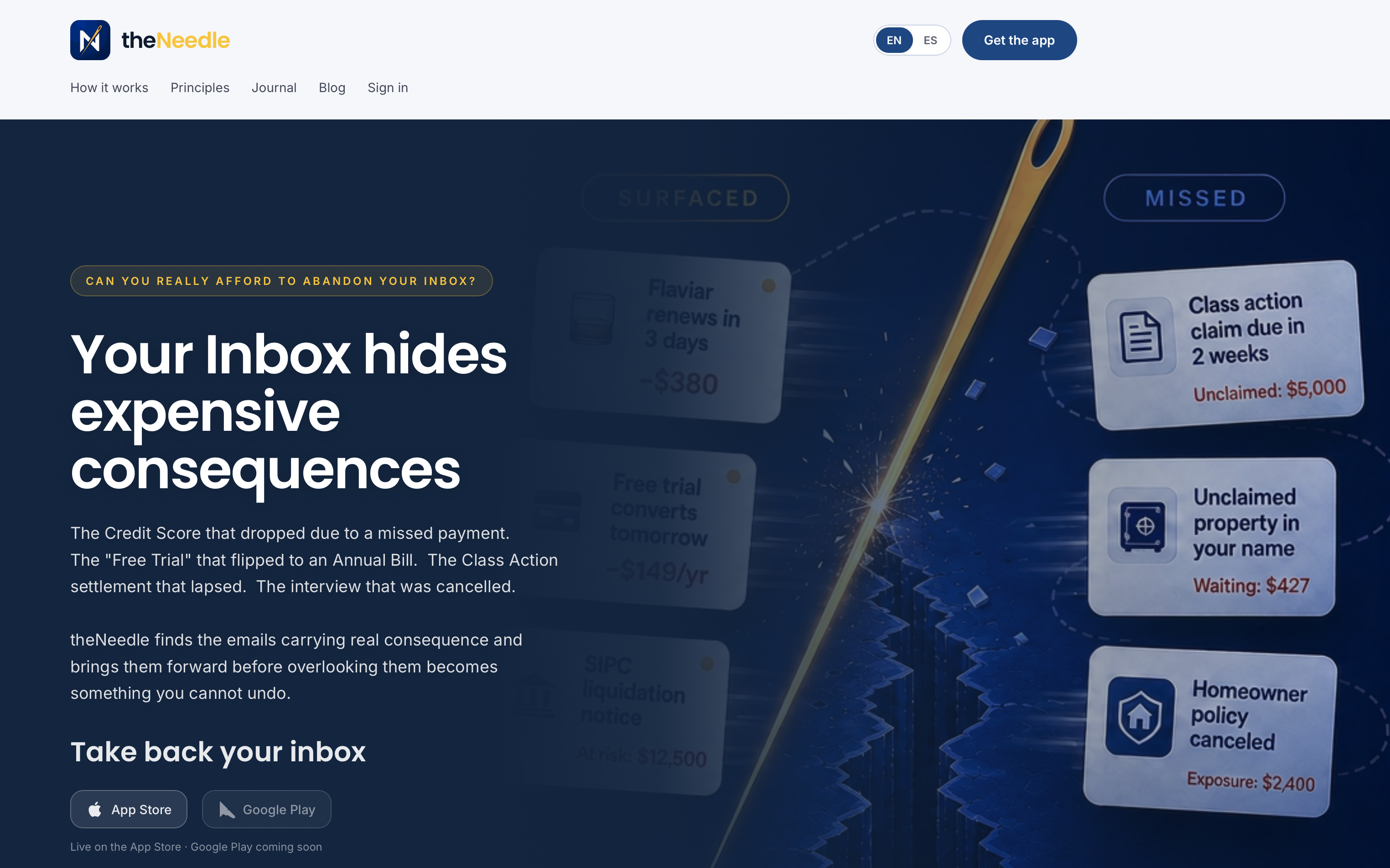
theNeedle connects to your Gmail, Outlook, Microsoft, Yahoo and iCloud accounts and highlights the emails with deadlines and real consequences, so the first two minutes you give your inbox go to the message that matters. It starts with a free trial, then costs $9.99 per month or $99.99 per year. You can start with theNeedle monthly or get the iPhone and Android apps.
If you are comparing options first, our guide to choosing email management software lays out what to look for.
FAQ
Why do I avoid replying to emails even when they are important?
Important messages usually carry more pressure: a hard decision, a fear of wording it wrong, or a commitment you will have to follow up on. Forbes ties email procrastination to exactly these fears. Shrinking the first step to opening the message or writing one sentence reduces that pressure.
Is email procrastination a sign of ADHD?
Not by itself, since many people avoid email under stress. ADHD can make it harder, because each message adds micro-decisions, task switching and time blindness. If avoidance is frequent and affects other parts of your life, a licensed clinician can assess what is going on.
How often should I check email to avoid falling behind?
Research summarized by the LSE Business Review points to checking at natural intervals of about every 45 to 60 minutes with disruptive notifications off. Client-facing roles may need faster responses, so agree on expectations with the people who rely on you.
What is the two-minute method for email?
You name the overload, choose the smallest possible start (such as a one-sentence reply), and work for two minutes only. Afterward you decide whether to continue, pause or pick another small start. It lowers the demand enough to get past initiation.
How do I make sure I never miss an email with a deadline?
Sort by consequence: dates, money, contracts and people waiting on you come first. theNeedle does this ranking across connected accounts and surfaces overdue and high-priority messages, so you do not have to find them by scanning.
Sources
- How to Overcome Email Anxiety, Cleveland Clinic
- Sorry For The Delayed Reply. Sometimes Email Really Is Overwhelming, Forbes
- 3 Types of Email Anxiety and Solutions, Psychology Today
- Your slow email replies are causing serious anxiety, BBC Worklife
- Remote work has created an infinite workday, Axios
- The Inbox of Shame: Why ADHD Brains Struggle With Digital Overload, ExtraFocus
- Adult ADHD, Email Overwhelm, and the Freeze Response, ScienceWorks Health
- ADHD Shutdown in Adults, Dr. Munn Saechao
- Executive Dysfunction: You Know What to Do but Still Can’t Start, Dr. Munn Saechao
- The Psychology of Avoiding Important Messages, Emails and Phone Calls, Business Upturn
- Strategies to turn email from terrifying to taken care of, Dr. Becca Block
- Has research finally uncovered how to conquer work email?, LSE Business Review
- Getting on top of work-email: A systematic review of 25 years of research, Journal of Occupational and Organizational Psychology
- How to disable notifications in Windows