How to Prioritize Personal Finance Emails Without Missing a Deadline

Prioritize personal finance emails by consequence, not by sender or subject line. Ask one question of each message: what happens, and by when, if I do nothing? A payment notice, a fraud alert or a refund deadline gets handled first. Statements and receipts get filed. Newsletters wait for a scheduled review.
The rest of this guide turns that question into a routine you can run in a few minutes a day. It also shows where an app can carry the load, because the costly misses rarely come from laziness. They come from a flood of messages in which one important line looks like all the others.
TL;DR
- Rank financial email by consequence: money leaving, money at risk, or a right that expires. Everything else is lower priority.
- Turn on low-balance and scheduled-payment alerts with your bank, then give those alerts a place in your inbox where they cannot hide.
- Use two passes: a two-minute triage, then a scheduled block for anything that needs real work.
- Treat every “urgent” message about your money as unverified until you confirm it through the bank’s own app or website.
- If your attention is the bottleneck, as it is with ADHD or several inboxes, let software rank the mail and show it one item at a time.
Table of Contents
- Why finance emails get lost in the first place
- Which financial emails need attention now, and which can wait
- Set up the alerts before you set up the inbox
- Build a simple filter and folder system
- A two-pass routine for your financial inbox
- Spot the fake before you act on the real one
- When your attention is the bottleneck
- Our perspective
- Put the system on autopilot with theNeedle
- FAQ
- Sources
Why finance emails get lost in the first place
A finance email is rarely loud. A bank notice about an upcoming withdrawal looks much like a retailer’s weekly promotion. A settlement claim deadline sits between a newsletter and a calendar invite. The sender’s name tells you little about the stakes.
Volume makes it worse. Our own research figure is that an average worker receives 117 emails a day, and personal inboxes carry their own pile on top: receipts, statements, loyalty offers, subscription renewals. When everything is marked important, nothing is. We call the result the quiet cost: a late fee here, a forfeited refund there, never large enough to trigger an alarm, but real money over a year.
The fix is not a cleaner inbox for its own sake. It is a way to see which messages carry consequences and to put scaffolding around your attention so those messages reach you on time. If you want the longer argument on why that beats chasing an empty inbox, we wrote it up in inbox zero versus prioritization.
Which financial emails need attention now, and which can wait
The sorting question is simple: does this message have a date, a dollar amount or a right attached to it? If yes, it climbs. If it only informs, it waits.
| Tier | What it looks like | What to do |
|---|---|---|
| 1. Act today | Low-balance warning, upcoming withdrawal, payment due soon, fraud or unauthorized-transaction alert | Open it, verify it, act or schedule the action before you close the message |
| 2. Act this week | Bill or invoice with a due date, refund or credit with a claim window, tax document request, reply a lender or landlord is waiting on | Keep it visible, set a reminder for a specific day |
| 3. File | Monthly statements, receipts, payment confirmations | Route to a labeled folder automatically, review monthly |
| 4. Batch | Newsletters, market commentary, promotions | Send to a reading folder, review once a week |
The federal Consumer Financial Protection Bureau (CFPB) gives a useful anchor for tier 1. Its checking-account fee guide recommends low-balance alerts and alerts for scheduled payments your account may not have enough money to cover, noting that an alert could help you avoid bounced-check or nonsufficient-funds fees. Its research slides also list large-transaction, low-balance, off-track-goal, fee and payment-due reminders as the common financial notifications. That is a good starting list of what deserves a place in tier 1 or 2.
What an urgent finance email actually contains
Real payment notices tend to be specific. The CFPB’s model notice for covered payday, vehicle-title and high-cost installment lenders shows an upcoming withdrawal email that states the withdrawal date, the amount, the account ending, the payment method and the possible returned-payment fee if the withdrawal fails. Those details are your triage cues: a date, a dollar figure and a penalty.
Due dates differ by contract. One credit-card agreement filed with the CFPB says minimum payments are due monthly, with the due date at least 25 days after the billing cycle closes. Terms vary from card to card, so read your own agreement and put the real date on your calendar rather than assuming it.
Set up the alerts before you set up the inbox
Sorting is easier when the important mail is predictable. Before you build any filters, switch on the notices that matter.
- Low-balance alerts on every checking account, by email or text.
- Payment-due reminders on cards, loans, utilities and rent.
- Transaction alerts for large purchases or withdrawals, so you can spot anything unauthorized.
- Statement-ready notices, so statements arrive in one known place.
The CFPB’s checking-account guide advises signing up for transaction alerts and low-balance warnings by email or text and knowing when recurring electronic transfers, such as rent or utility bills, will be paid. Its fee tool adds a habit worth copying: open and review communications from your bank or credit union, review statements monthly, and report unauthorized transactions or errors immediately.
Reminders do work on behavior. The CFPB’s financial-education research brief reports that reminders can help consumers follow through on debt repayment and other financial intentions, and the email intervention it cites sent messages up to twice a month. A reminder is not information. It is a way of bringing an obligation back to the front of your mind at the moment you can act.
If subscriptions and card charges are part of your problem, this guide to tracking subscription charges across multiple cards pairs well with the alerts above, since recurring charges are a common source of surprise.
Build a simple filter and folder system
Once the alerts exist, give them a home. Several finance writers who have written about inbox control land on similar rules.
- Chris Kirby recommends rules and folders based on sender, subject or other conditions, with exceptions for high-importance mail, and scheduled email-review times instead of constant reacting.
- Crystal Butler suggests filters for contacts, newsletters, membership updates and bills, with lower-urgency items routed to a folder for a scheduled review period.
- Darrow Kirkpatrick, writing on his personal site, batches financial email into a few sessions a week and keeps a Statements folder for bills, statements and financial tasks.
A workable starting set:
- Statements folder: auto-filed from your bank, card and brokerage senders.
- Receipts folder: purchase confirmations and subscription receipts.
- Reading folder: newsletters and commentary, reviewed weekly.
- Never filter out: any alert from a bank, lender, insurer, tax authority or landlord. These stay in the main inbox.
That last rule matters most. A filter that moves a payment-due notice into a folder you never open is worse than no filter. Keep alerts visible, and file only the mail that has already done its job.
Kirkpatrick also archives financial email chronologically after processing and keeps it searchable as a paperless record system, though he notes that collecting tax documents can still take extra work. A searchable archive means you can find the confirmation you need when a dispute arises.
A two-pass routine for your financial inbox
Filters sort. A routine decides. The most useful pattern across the sources is two passes.
Pass one: two-minute triage
Aaron Klein separates quick triage from later processing: during triage, you reply quickly, delegate, archive or delete, and move anything needing more work to a processing folder. He adds that genuinely urgent messages should stay visible in the inbox until handled.
Apply that to money mail. For each message, pick one:
- Do it now if it takes two minutes (confirm a payment, approve a transfer you recognize).
- Keep it visible if it has a date. The Guardian’s U.S. money guide makes the same point: keep an action-required email visible until the response or payment is completed, then file statements and receipts in labeled folders.
- Move it to processing if it needs documents, a phone call or a decision.
- File or delete everything else.
Butler describes a similar rapid decision test: handle urgent mail, answer simple messages, and star those that need more focused time. Our own take on this approach is in the five-minute triage guide.
Pass two: a scheduled processing block
The processing folder needs its own appointment. Financial Planning’s inbox advice suggests scheduling specific review times, such as the start of the morning, after lunch and about an hour before leaving for the day. For a personal inbox, that usually shrinks to one short check on weekdays and one longer session weekly.
A sample week:
| When | What | Time |
|---|---|---|
| Each morning | Triage new mail, confirm tier 1 items | 5 minutes |
| Mid-week | Work through the processing folder | 15 to 20 minutes |
| Weekend | Skim the Reading folder, check upcoming due dates | 15 minutes |
| Monthly | Review statements, report anything unauthorized | 20 to 30 minutes |
The monthly review is the one people skip, and the CFPB’s guidance on reviewing statements monthly is a reason not to. For a deeper treatment of the first two passes at work, see our three-part triage.
Spot the fake before you act on the real one
Prioritizing by urgency creates a risk: scammers write urgent emails on purpose. An alert that demands you act now can be the most dangerous message in your inbox.
The Federal Trade Commission lists the stories phishing emails tell: they claim to have noticed suspicious activity or log-in attempts, report a problem with your account or payment information, ask you to confirm personal or financial details, include an invoice you do not recognize, or push you to click a link to pay. The FTC says none of those claims are true in a phishing message. It also directs readers to report phishing at ReportFraud.ftc.gov.

A safe habit: when an email about your money asks for action, do not use its links. Open your bank’s app or type the address yourself, and check whether the same alert appears there. A real deadline will still be there. A fake one will not.
When your attention is the bottleneck
Everything above works if you have the attention to run it. For many people that is exactly the problem. Freelancers juggle client mail and personal accounts. Some people manage four inboxes. People with ADHD often know precisely what they should do and still lose the one message that mattered in a wall of noise.
For them, the useful change is not another folder. It is making the consequential message the only thing on screen. That means:
- Ranking by consequence rather than by arrival time.
- One item at a time, so the next decision is never competing with forty others.
- Surfacing the unhandled: overdue notices and replies you owe.
- Fewer persistent senders, through unsubscribing from the ones that keep returning.
We lay out the thinking in one thing at a time, and the money side of the story in The ADHD Tax. If notifications themselves are the trigger, too many email notifications covers how to quiet them without silencing what matters.
Our perspective
We built theNeedle on a simple observation: importance and consequence are not the same thing. A message from your boss is important. A message that says a refund claim closes on Friday, or that a payment will fail, is consequential. Most email tools sort by sender, volume or rules you write yourself, and a rule cannot know that this particular newsletter-looking message contains a deadline.
That is why we rank by what could happen if you ignore a message: legal, financial, contractual and deadline consequences first. The quiet cost of missing them is hard to see in the moment and easy to feel later.
We also think software should do the triage so your attention does not have to. theNeedle connects to Gmail, Outlook, Yahoo and iCloud, surfaces overdue, urgent and high-priority mail, flags replies you have not handled, and tracks opportunities such as credits or refunds. Our ADHD-friendly design shows one thing at a time, ranked by consequence, because a long list of equally loud messages is the problem we set out to solve.
Glen Bover
Put the system on autopilot with theNeedle
theNeedle is designed to find the emails with deadlines and real-world consequences across your connected accounts and put them first, so the rule “consequence before everything else” does not depend on your memory or your mood. It also includes built-in unsubscribe for persistent senders, which keeps tier 4 from creeping back into view.
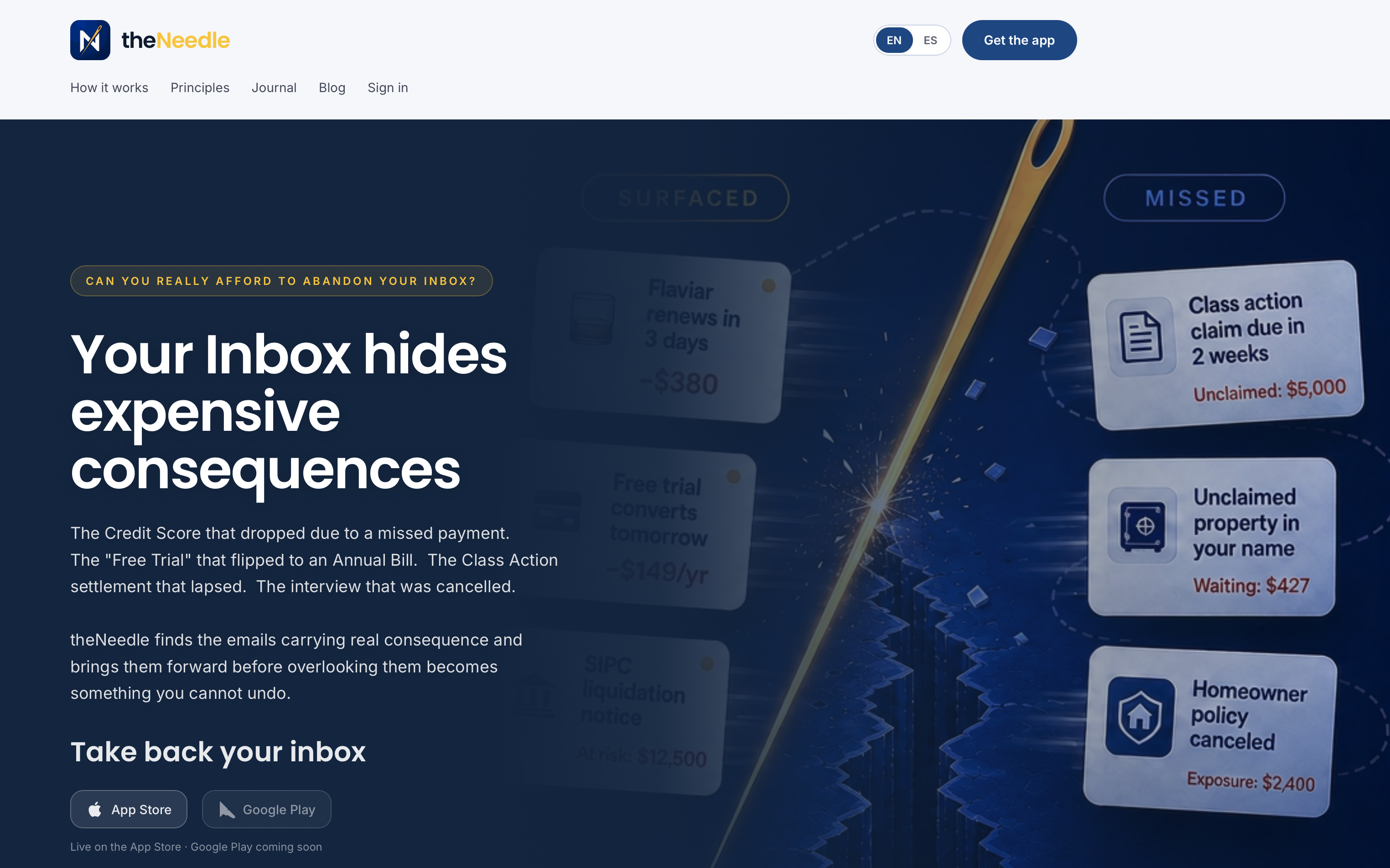
Pricing is $9.99 per month or $99.99 per year, and you can start with a 7-day free trial. See how theNeedle works, compare plans and trial details, or start with the monthly plan. Not sure what you need yet? Our guide to choosing email management software walks through the criteria.
FAQ
How do I tell a real financial deadline email from a phishing attempt?
Real notices are specific: a date, an amount, an account ending. Phishing emails lean on vague alarm, such as suspicious activity or a problem with your payment. Do not click the link. Open your bank’s app or type its address yourself, and confirm the alert appears there. Report fakes at ReportFraud.ftc.gov.
How often should I check my finance emails?
A short daily check for alerts and due dates, plus a longer weekly session for the processing and reading folders, suits most people. Finance writers recommend scheduled review times over constant checking. Add a monthly statement review so unauthorized charges or errors are caught and reported quickly.
Should I filter bank emails out of my main inbox?
Filter statements and receipts into folders, but keep alerts, payment reminders and anything with a due date in the main inbox until you have handled them. A filter that hides an upcoming-withdrawal notice defeats its purpose. File the mail only after the action is done.
What if I have several inboxes?
Start by making sure alerts from every bank and lender reach at least one inbox you check daily. After that, a tool that connects to multiple accounts and ranks mail across them saves you from checking each one. theNeedle connects to Gmail, Outlook, Yahoo and iCloud for exactly this reason.
Do email reminders actually help people pay on time?
The CFPB’s research brief reports that reminders can help consumers follow through on debt repayment and other financial intentions. Their value comes from returning an obligation to your attention at a moment you can act, which is why timing and placement matter as much as the message itself.
Sources
- CFPB: Avoiding checking account fees tool
- CFPB: Consumer guide to managing your checking account
- CFPB: Financial management notifications research slides
- CFPB: Payday, vehicle title and high-cost installment lending model forms
- CFPB: Credit card agreement example
- CFPB: The power of light-touch financial education
- Financial Planning: 5 Tips For Dealing with Inbox Overload
- Advisor Perspectives: Nine Tips for Organizing Your Inbox
- Can I Retire Yet?: Tools for Financial Independence
- Financial Planning: Email is my secret weapon, Aaron Klein
- The Guardian: The user’s guide to Inbox Zero and an ordered financial life
- FTC: How To Recognize and Avoid Phishing Scams
- Tracking subscription charges across multiple cards