How to Set Email Boundaries That Protect Your Focus

Setting email boundaries means deciding when you read email, how fast people can expect an answer, and what counts as urgent enough to break through. The hard part is not the schedule. It is the fear that while you are away from your inbox, the one message with a deadline, a bill or a contract term will slide past you. Boundaries hold when that fear is handled, and that is why we built theNeedle to surface the emails that carry real consequences, so you can close the inbox without gambling.
TL;DR
- Pick two or three fixed email windows a day and turn off alerts outside them.
- Tell your manager, clients and team your hours and response times, in writing and once.
- Agree on what “urgent” means and which channel it uses, so exceptions are rare and clear.
- Close the safety gap: use a consequence-based filter so deadlines, refunds and unanswered replies still reach you.
- Hold the boundary with your behavior, not just your announcements.
Table of Contents
- What an email boundary actually is
- Step 1: Decide when you read email
- Step 2: Tell people your rules
- Step 3: Define “urgent” before it happens
- Step 4: Close the gap boundaries leave open
- Boundaries for people with more than one inbox
- If you have ADD or ADHD
- Freelancers and teams
- Putting it together this week
- Try it with theNeedle
- Our perspective
- FAQ
- Sources
What an email boundary actually is
A boundary is not a wall. It is a stated rule about access: when you look, how quickly you reply, and how someone reaches you when it cannot wait. A 2024 systematic review of 62 academic papers summarized by LSE Business Review identified four habits that improved both performance and well-being: communicating and keeping to email-access boundaries, triaging by priority on a regular basis, using work email only for work, and staying civil. It also found that answering notifications instantly helped performance but hurt well-being.

Notice that two of the four habits pull in opposite directions. Boundaries say “look less often.” Triage says “don’t miss what matters.” Most advice on this topic gives you the first and leaves the second to willpower. This article gives you both.
Step 1: Decide when you read email
Start with an honest question: how fast does your role really need you to respond? Immediately, within a few hours, or within a day? Many people never ask it, and answer everything as if it were immediate.
The University of Michigan’s HR office advises planning two to three email sessions a day and keeping alerts off the rest of the time. A workable rhythm looks like this:
- First window, 15 to 20 minutes: scan for anything with a deadline or a person waiting on you.
- Second window, 30 minutes before lunch or after it: answer the messages that need real replies.
- Third window, last hour of the day: clear what is left and note tomorrow’s first task.
Where it goes wrong: the schedule fails the first time something important arrives at 10 a.m. and you find it at 4 p.m. People then abandon the whole system. The schedule is only as safe as your ability to spot consequential mail quickly, which is the gap we return to in step 4.
The LSE review suggests a gentler variant for people who cannot go dark: disable disruptive notifications but check in at natural breaks, roughly every 45 to 60 minutes. Choose the rhythm your job tolerates, then keep it.
Step 2: Tell people your rules
An unspoken boundary is just an unanswered email. MIT Sloan Management Review recommends what it calls a boundary dialogue: an open conversation, with your team and upward with leadership, about working hours and acceptable off-hours contact, ideally captured in a short shared note of hours and preferred channels. Its authors point out that most people assume their own standards are everyone’s, so a 2 a.m. email sent only because the sender cannot sleep can quietly signal that everyone should be awake.
Put it where people will see it
The University of Michigan email guidance suggests stating your availability in your signature, for example that you check email on weekdays within set hours. Add a version of this to your signature:
I read email at 9:00, 12:30 and 4:30 on weekdays. If something cannot wait, call me.
Have the direct conversation
With a boss who emails at night, Fast Company’s workplace columnist recommends a plain, non-confrontational talk: assume good intentions, explain that you snooze notifications after hours, and that is why you do not reply right away. Then do what you said. Replying at 9 p.m. teaches everyone that 9 p.m. is fine.
Use an auto-reply for protected time
When you need a focus block, give people an end time and an exit. For example:
I’m heads-down on a deliverable until 3 p.m. and will reply after that. If it is time-sensitive, put “urgent” in the subject line or call me.
Psychology Today notes research that it can take up to 23 minutes to refocus after a distraction, which is the real cost of an “I’ll just check quickly” glance.
Step 3: Define “urgent” before it happens
Boundaries collapse at the exceptions. If everything can be urgent, nothing is protected. Do three things:
- Agree on the word. With your team or clients, decide what urgent means: a server down, a client deadline within hours, a payment that fails today.
- Agree on the channel. True emergencies go by phone or text, not email.
- Ask the consequence question. MIT Sloan Review suggests asking yourself, “If I don’t respond to this right now, what are the implications?” If the answer is “nothing much,” schedule it. If you must respond, set a secondary limit, such as thirty minutes, with a timer so it does not stretch.
The urgency problem is not just yours. A 2021 set of eight pre-registered studies with 4,004 participants, published by Giurge and Bohns, found that recipients overestimate how quickly senders expect a reply to non-urgent after-hours email, and that this was linked to more stress. A short note from the sender clarifying expectations reduced the bias. So when you send mail outside your hours, add a line like “no need to reply before Monday.” The APA makes the same point: saying outright that tomorrow is fine removes the pressure, and a quick “received, thank you” costs little and reassures the sender.
Step 4: Close the gap boundaries leave open
Here is the quiet cost of a good boundary. The fewer times you open your inbox, the more each message you skip has to be judged in seconds. Sender names, subject lines and rule-based folders sort mail by who sent it, not by what it can cost you. A warranty refund deadline, a notice of a settlement claim window, a contract renewal or a bill flagged overdue can look identical to a newsletter.
That is the problem theNeedle is built for. Instead of ranking by volume, sender or rules, it identifies emails with deadlines or significant consequences, and surfaces overdue, urgent and high-priority messages. It also identifies replies you have not yet handled and tracks opportunities such as credits or refunds, which is the kind of mail people lose when they stop reading everything. It connects to Gmail, Outlook, Microsoft, Yahoo and iCloud accounts.
In practice, that changes what your windows look like. Instead of scanning a hundred subject lines at 9:00, you start with the messages that can cost you something, handle them, and let the rest wait for the second window. If you want to see how the flow moves a message from seen to resolved, our six-step walkthrough lays it out. For the notification side, our guide to managing email notifications without missing what matters pairs well with the schedule above, and do not disturb email shows how to silence the noise while keeping high-stakes mail visible.
If you want the triage habit as a routine rather than an app, our piece on fixing email overwhelm at work with a three-part triage takes 30 to 90 minutes to set up.

Boundaries for people with more than one inbox
Two jobs, a side business, a personal account and a shopping address: each inbox is a separate set of obligations, and each needs the same rules. Three adjustments help.
- Separate addresses by purpose. The ADD Resource Center recommends separate addresses for work, personal and shopping so one stream does not flood another.
- Use one window for all of them. Do not check five inboxes five times a day. Run them in the same sessions, in the same order.
- Look at consequences across accounts at once. A single view of what is overdue or due soon beats five separate scans. theNeedle connects multiple accounts, and our guide to managing email when you work two jobs shows the routine in detail.
If you have ADD or ADHD
Boundaries built on willpower tend to fail first for people with attention challenges, because the rules need constant remembering. Build the rules into the setup instead. The ADD Resource Center suggests making email a scheduled event with a 15 to 20 minute timer, turning off pop-up and badge notifications, working the inbox in passes (delete first, then answer only what needs a reply, then file), and setting one filter that lets a few key people break through if you worry about missing something urgent. It also quotes Harold Meyer on the biggest shift: giving yourself permission to decide that many emails simply are not tasks.
The second half of that is where theNeedle helps. It offers one-at-a-time focus and consequence-based ranking, so instead of facing a wall of messages you see the one that matters most, finish it, and move to the next. Our note on one thing at a time explains the thinking.
Freelancers and teams
Freelancers carry an extra burden: clients often equate availability with quality. The answer is to state your response window in your contract or onboarding note, and to give clients a clear route for true emergencies. If you work with distributed clients, it helps to understand the remote work communication expectations that are now common, then write yours down.
Teams benefit from the shared version of everything above. Write a short communication note: working hours, which channel is for what, and what happens after hours. Long chat threads are a frequent offender, and our piece on moving chat to email after three or four replies gives a simple rule for it.
Putting it together this week
- Choose your windows and write them down.
- Turn off alerts and badges outside them.
- Add your hours to your signature and send your manager one short message.
- Define urgent and name the channel for it.
- Set up a consequence-based view so the mail that can cost you is never behind a closed door.
- Review after two weeks: did anything slip? Adjust the windows, not the principle.
Try it with theNeedle
theNeedle is a subscription email management app with a free trial period. It is $9.99 per month or $99.99 per year. It reads your connected inboxes and puts deadlines, overdue items, unhandled replies and refund or credit opportunities in front of you first, which is what lets you keep tighter boundaries without worrying about what you skipped.
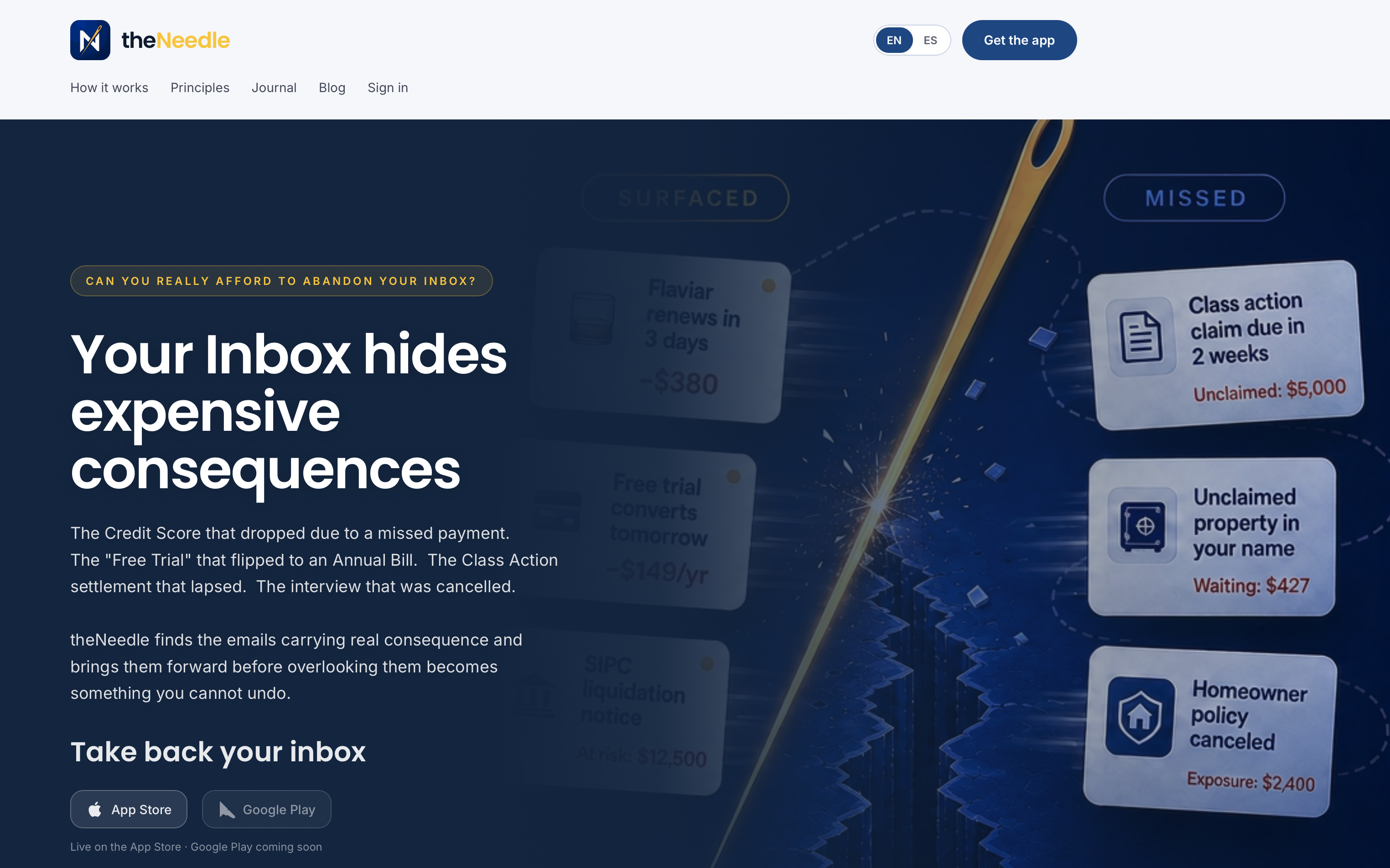
Start on the theNeedle monthly plan page, or get the iPhone and Android apps.
Our perspective
Most email advice treats the inbox as a discipline problem. Check less, reply later, breathe. We think that misses what actually hurts people: it is rarely the hundredth newsletter that costs you, it is the one message with a deadline, a charge or a right you can forfeit.
A boundary without triage is a gamble, and a triage without a boundary is a treadmill. The research points the same way: people who do best neither avoid email nor serve it. They set access rules and sort by priority.
That is why theNeedle ranks by consequence, not by sender or volume. When the scaffolding around your attention is built on what can actually cost you, closing the inbox stops feeling risky. You can protect your focus and still be the person who never misses the date.
Glen Bover
FAQ
How many times a day should I check email?
For most people, two to three set windows work well, which is what the University of Michigan’s HR guidance suggests. If your role needs faster response, add a short scan at natural breaks. What matters is that the windows are fixed, and that you can see the high-stakes messages quickly in each one.
What should I say when someone emails me after hours?
You do not need to reply that night. If you reply, keep it short and restate your hours. If it is a pattern, use the direct conversation described above: explain that you snooze notifications after hours and will respond during your working time, and ask how they would like truly urgent items to reach you.
Will setting boundaries make me look less committed?
Clear expectations usually reduce friction, not commitment. Research on the email urgency bias shows people often overestimate how fast senders want a reply, so stating your response window removes a guess for both sides. Pair it with dependable, on-time replies inside your windows.
How do I avoid missing important emails when I check less often?
Combine fixed windows with a way to rank mail by consequence. theNeedle identifies emails with deadlines or significant consequences and surfaces overdue, urgent and high-priority messages, so each window starts with what matters most.
Sources
- Has research finally uncovered how to conquer work email? (LSE Business Review, 2024)
- Managing Email Stress (University of Michigan HR)
- Email etiquette guidelines (University of Michigan HR, PDF)
- Manage Boundaries Better With Your Team (MIT Sloan Management Review)
- How do I get my boss to stop emailing after hours? (Fast Company)
- Why Inbox Zero Isn’t the Goal Anymore (Psychology Today)
- The email urgency bias (Giurge and Bohns, 2021)
- Email, Slack, Zoom, and text: How to master virtual communication (APA)
- Take Control of Your Inbox When You Have ADHD (ADDRC)