Focus Mode for Email: What It Is and How to Set It Up

A focus mode for email is any setup that keeps the messages that matter in front of you and everything else out of your way. The strongest version does more than hide noise: it ranks mail by what happens if you miss it. We built theNeedle around that idea. It connects to Gmail, Outlook, Microsoft, Yahoo and iCloud accounts, finds emails with deadlines or real consequences, and surfaces them. Below, you’ll see how the built-in options work (Outlook’s Focused Inbox, iPhone Focus filters, batching), where each one stops, and how to combine them.
TL;DR
- “Focus mode for email” means three different things: Outlook’s Focused and Other tabs, an iPhone Focus that filters mail and notifications, and a deliberate routine of checking mail in batches.
- Outlook’s Focused Inbox sorts by your habits (who you reply to and open). That is useful, but a habit signal is not the same as a deadline signal.
- Turning off non-critical notifications and processing mail in timed batches is the habit with the best research behind it.
- theNeedle ranks by consequence: deadlines, financial alerts, unhandled replies and opportunities like credits or refunds, one message at a time.
- Start free: theNeedle has a 7-day trial, then $9.99 per month or $99.99 per year.
Table of Contents
- What “focus” means in email
- How Outlook Focused Inbox decides what is “focused”
- How to turn Focused Inbox on or off
- Setting up Focus on an iPhone
- The habit with the best evidence: fewer checks, in batches
- Why consequence beats importance
- A focus setup that covers the gaps
- theNeedle: a focus mode built on consequence
- Try it
- Our perspective
- FAQ
- Sources
What “focus” means in email
Search this phrase and you’ll find three separate ideas under one name. Knowing which one you need saves an hour of fiddling with settings.
Focus as sorting. Outlook’s Focused Inbox splits your inbox into two tabs. Per Microsoft’s own description, your most important messages land on the Focused tab, while the rest stay reachable on the Other tab. It is a view of one inbox, not a new folder. One university IT guide notes it weighs the people and emails you interact with and filters out automatically generated or bulk mail.
Focus as a phone state. On an iPhone, a Focus is a mode that decides which notifications get through and when. USA Today’s explainer notes you can create one to silence work emails and calls over a weekend or vacation. Apple’s Mail app goes further: Apple’s support page says you can choose which email accounts notify you while a given Focus is on, for example only your work account during a Work Focus.
Focus as a routine. Closing the inbox and opening it on a schedule. No software required, but it only works if you trust that nothing urgent slips through while you’re away.
That last condition is the whole problem. Every focus mode asks you to look at less email. The question is who decides what you don’t see.

How Outlook Focused Inbox decides what is “focused”
Focused Inbox learns from you. According to an email deliverability reference, replies are the strongest signal toward Focused, followed by frequent opens and direct one-to-one addressing, while mass sends lean toward Other. Moving a message between tabs teaches it your preferences.
For most people this works well on newsletters and promotions. It does a good job of separating a message from a colleague from a store coupon.
Here is where a behavior-based sorter and a consequence-based one part ways. Think about the emails that cost real money when missed:
- A notice from a card issuer or a bank about a charge dispute.
- A contract renewal reminder from a vendor you have never replied to.
- A settlement, refund or credit confirmation with a claim window.
- A client follow-up that sat for four days because you meant to answer it later.
Most of these come from senders you rarely or never reply to. A system that learns from replies and opens has little reason to promote them. The cost of that gap is a quiet one: a forfeited right, a late fee, a client who concluded you were ignoring them.
How to turn Focused Inbox on or off
If you use Outlook, set this up first. It takes two minutes.
In new Outlook for Windows
- Open new Outlook and select View, then View Settings.
- Go to Mail, then Message List, and pick the account you want to change.
- Check or uncheck Sort messages into Focused and Other.
- Select Save.
These steps follow Microsoft’s Focused Inbox instructions. On Outlook on the web the path is Settings, then Mail, then Message List.
On Outlook for Mac
Focused Inbox needs a Microsoft 365 subscription to appear in Outlook for Mac. You can also set the unread badge count to include only Focused messages under Outlook, then Settings, then Notifications and Sounds, then Badge count, per a Microsoft 365 for Mac user guide.
If the option is missing or greyed out
The feature depends on the account type. A recent Outlook layout guide says it is not available for shared mailboxes. If you manage several accounts, check the setting separately for each one, because it is applied per account.
Teaching it what matters
When a message lands in the wrong tab, move it. Choose to always move that sender’s mail to the tab you want. Do this for two weeks and the sorting improves noticeably, because the reply and manual-move signals compound.
Setting up Focus on an iPhone
If most of your email arrives on your phone, a Focus filter is the quickest way to stop work mail from following you into the evening.
- Go to Settings, then Focus, and tap a Focus (or add one such as Work or Personal).
- Tap Add Filter below Focus Filters, then choose Mail.
- Select which accounts should show and notify while that Focus is on.
That is the process described on Apple’s Mail filter page. It is a strong boundary-setter. It is also an account-level switch: it can hide the whole work account, but it cannot tell you that one message in that account is due in two hours.
The habit with the best evidence: fewer checks, in batches
Software settings help, but the research behind email focus is mostly about behavior. The University of Iowa’s Getting Email Under Control guide cites a study in which employees checked email almost 90 times a day on average. Its recommendations are practical:
- Turn off non-critical notifications.
- If you need to, scan for urgent messages about once an hour.
- Process the rest in timed batches.
- Ask people who need an immediate answer to call or text rather than email.
A professional workflow published on the Admin365 blog in June 2026 suggests three calendar blocks: 20 to 30 minutes in the morning, 15 to 20 after lunch, and 20 to 30 at the end of the day. It pairs them with Outlook rules that route newsletters, CC-only mail and automated notifications into subfolders before they reach the main inbox.
A simple schedule you can try this week:
| Block | Length | Purpose |
|---|---|---|
| Morning | 20-30 min | Clear anything with a deadline today or tomorrow, then reply to people waiting on you |
| After lunch | 15-20 min | Second pass for new requests and follow-ups |
| End of day | 20-30 min | Triage what is left, note what is due tomorrow |
The weak point is trust. To stay out of the inbox for three hours, you must be sure nothing consequential arrives in that window. People who can’t be sure end up checking anyway, and the batching habit collapses by Wednesday.
Why consequence beats importance

Important is a feeling about a sender. Consequential is a fact about a message: something specific happens if you miss it, and it happens on a date.
This difference matters most for the readers who struggle most with inbox overload:
- Busy professionals who face a flood of mail. Our own research basis is that an average worker receives 117 emails a day, so a view that hides 100 of them has to be right about the other 17.
- Freelancers who have no assistant. A missed invoice reply or contract change is lost income.
- People with several inboxes across work, personal and client accounts, where a focus setting in one app doesn’t cover the others.
- People with ADHD, for whom a long list is itself the obstacle. A list of 200 “important” messages is just a longer list.
- Teams where someone assumes someone else handled the thread.
A consequence-first approach asks a different question of every message: does a deadline, a payment, a legal term or a promised reply depend on this? If the answer is no, it can wait for your batch. If yes, it moves to the top.
A focus setup that covers the gaps
Here is the stack we’d put together for someone who wants quiet without risk.
- Cut the volume at the source. Unsubscribe from senders you never read. Rules and filters for newsletters and automated notifications are a good first layer, and our guide to filtering important emails in two filters and five minutes walks through it.
- Reduce interruptions. Switch off non-critical notifications on your phone and desktop. If notifications are what pull you out of work, this breakdown of email notification overload shows what to silence first.
- Use your platform’s sorting. Focused Inbox in Outlook or a Focus filter on iPhone gives you a calmer default view.
- Add a consequence layer. This is the piece the others don’t provide, and it is what lets you stop checking constantly.
- Batch the rest. Two or three scheduled passes handle everything the consequence layer didn’t flag.
If you juggle several Outlook accounts, our walkthrough on prioritizing urgent messages across five Outlook accounts shows how this looks in practice. For a wider comparison of approaches, see how Inbox Zero compares with prioritization and our look at email focus apps by what they surface.
theNeedle: a focus mode built on consequence
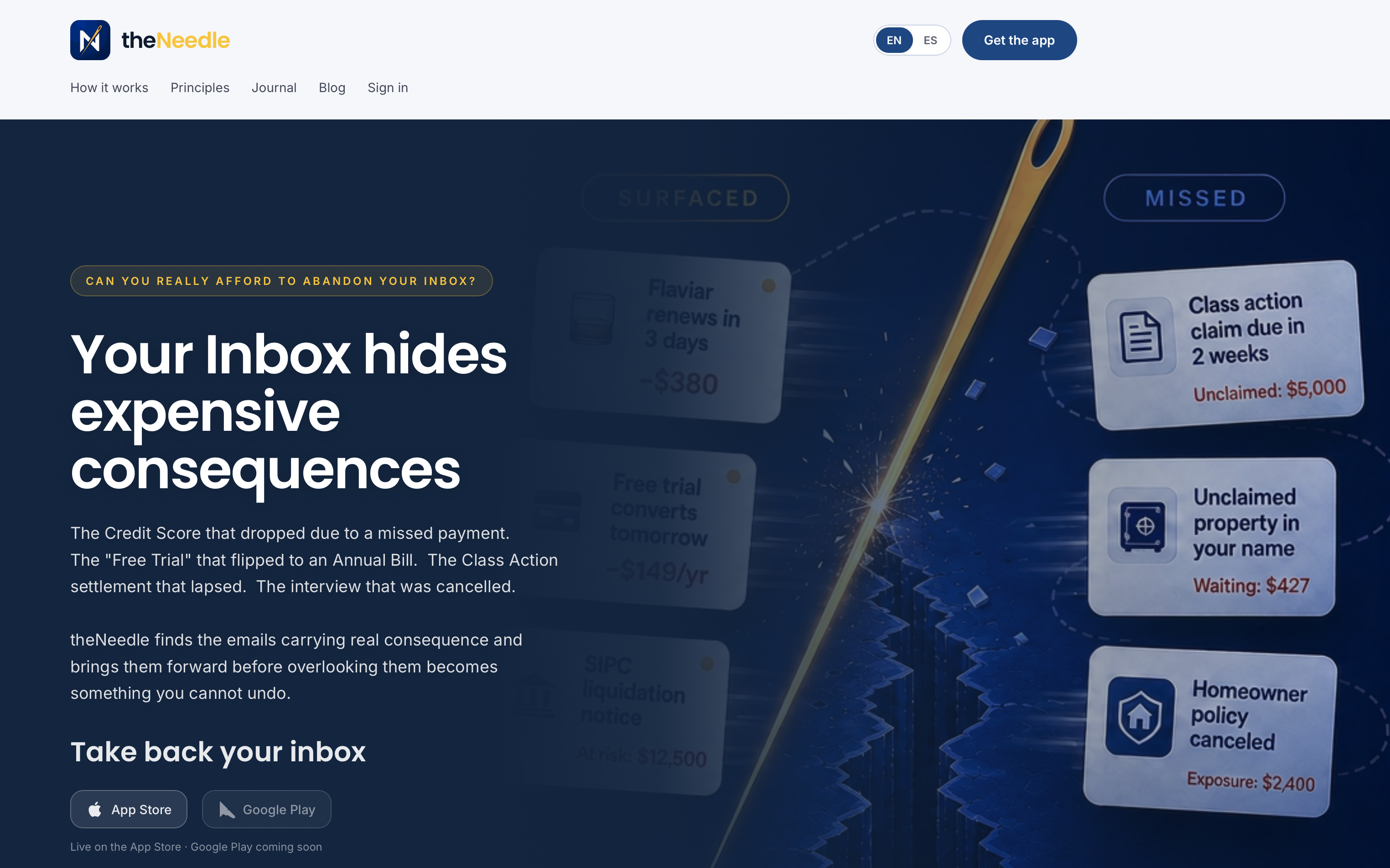
With theNeedle, you connect your Gmail, Outlook, Microsoft, Yahoo or iCloud accounts. The app looks for emails with deadlines or significant consequences and surfaces overdue, urgent and high-priority messages first. It also identifies replies you haven’t handled, tracks opportunities such as credits or refunds, and includes a built-in unsubscribe for senders that keep coming back.
For ADHD, we built a one-at-a-time focus view with consequence-based ranking. You see a single message that matters, deal with it, and move to the next, rather than facing the whole pile.
That is what makes the batching routine safe. When the thing that surfaces deadline mail is running, closing the inbox for three hours stops feeling like a gamble. Our do-not-disturb approach for high-stakes mail goes deeper on this.
Try it
theNeedle has a 7-day free trial. After that it costs $9.99 per month or $99.99 per year. You can see both options on the pricing page, start from the monthly plan page, or get the iPhone and Android apps.
If you’re still comparing, how to choose email management software lays out the criteria, and our roundup of important email alerts shows what each type of alert surfaces.
Our perspective
Most email tools answer the question “who sent this?” We think the better question is “what happens if I miss this?”
Volume is the visible problem, but the costly one is quiet. A refund window that closes, a contract clause that renews, a client who waited too long for your reply. None of these announce themselves, and none of them come from the senders you talk to most.
That is why we rank by consequence instead of by sender, volume or rules. A focus mode should be scaffolding around your attention: it holds the stakes so you don’t have to hold them in your head. Once you trust that, you can close the inbox, work, and come back on your schedule.
For people with ADHD, the same principle applies with extra force. One message at a time, in order of what matters, is kinder than a sorted list of two hundred.
Glen Bover
FAQ
What does focus mean on emails?
In most email apps, focus means separating the messages that matter from the rest. In Outlook, that is the Focused and Other tabs. On an iPhone, it is a Focus that filters which accounts and notifications come through. Either way, it controls what you see, not what is actually urgent.
How do I turn on Focused Inbox in Outlook?
In new Outlook, select View, then View Settings, then Mail and Message List. Choose your account and check the box to sort messages into Focused and Other, then save. On Outlook for Mac, the feature requires Microsoft 365.
Why is the Focused Inbox option greyed out?
It depends on the account type, and shared mailboxes don’t support it. If you have several accounts in Outlook, check each one individually, since the setting applies per account.
How often should I check email if I want to stay focused?
The University of Iowa guide suggests turning off non-critical notifications, scanning for urgent items about hourly if your job needs it, and processing everything else in timed batches. Many people settle on two or three scheduled sessions a day.
Can a focus mode make me miss a deadline?
Any filter that hides mail can, if it sorts by habit instead of stakes. Pairing your focus setup with a tool that surfaces deadline and consequence emails, such as theNeedle, keeps those messages in view while the rest waits.
Sources
- Focused Inbox for Outlook (Microsoft Support)
- Filter emails in Mail on iPhone (Apple Support)
- Office 365: Using Focus (Jacksonville State University)
- What is focus mode on iPhone? (USA Today)
- How Outlook picks Focused vs Other
- Microsoft Outlook for Mac User Guide
- How to Change Your Outlook Inbox Layout (Technobezz)
- Getting Email Under Control (University of Iowa)
- Do THIS Every Time You Get an Email (Admin365)