Email Decision Fatigue: Why Your Inbox Drains You and How to Stop It

Email decision fatigue is what happens when every message in your inbox asks you to make a small choice (open it, answer it, defer it, ignore it) and those choices pile up until the quality of your thinking drops. The fix is not a stricter willpower routine. It is to remove most of those choices, so that the messages with real consequences, such as a deadline, a payment, a contract or a refund window, reach you first and the rest stop competing for your judgment. That is the idea behind theNeedle, which ranks email by consequence and shows you one thing at a time.
TL;DR
- Decision fatigue is a state of mental overload that impedes your ability to keep making decisions. Email feeds it all day, one small choice at a time.
- The usual signs are procrastination, impulsivity, avoidance and indecision. In an inbox they look like unanswered replies and a lingering dread of opening it.
- The cost is not the volume alone. It is the one message with a deadline or money attached that gets buried among the other 116.
- Fewer choices beat more discipline: ranking by consequence, one-at-a-time focus and fixed check-in times all cut the number of decisions you make.
Table of Contents
- What email decision fatigue actually is
- How much email are we talking about?
- What constant email does to focus and stress
- Signs your inbox is wearing down your decisions
- The real cost: the message that mattered
- Habits that reduce the number of decisions
- A consequence-first routine you can run in 30 minutes
- When your situation is more complicated
- Where theNeedle fits
- Our perspective
- FAQ
- Sources
What email decision fatigue actually is
Decision fatigue is the gradual decline in decision quality after a long run of choices. The American Medical Association describes it as a state of mental overload, and one physician it quotes names four main symptoms: procrastination, impulsivity, avoidance and indecision. The effect is cumulative, so the tenth decision of the day is made on a thinner reserve than the first.
A 2018 conceptual analysis in a US National Library of Medicine journal estimates an American adult makes about 35,000 decisions a day. It also separates decision fatigue from mental fatigue, which is impaired thinking in general, and notes that decision fatigue involves impaired emotion regulation. That last part matters for email. When you are decided out, you do not just choose worse. You get more irritable, more anxious and more tempted to opt out altogether, which Cleveland Clinic ties to heavy mental load.
Email is a near-perfect decision machine. Each new message is a small, unscheduled question: Is this urgent? Is it for me? Can it wait? Does it need a reply, and what should it say? Multiply that by a typical workday and you have a steady drip on the same limited reserve you need for your actual work.
How it differs from plain overload
Overload is about quantity. Decision fatigue is about what the quantity does to you. Cleveland Clinic’s description of mental load makes the distinction clear: it is the total of the decisions, big and small, that you have to keep at the front of your mind. Two people can get the same number of emails. The one who must decide on each of them from scratch is the one who runs dry by mid-afternoon.
How much email are we talking about?
A June 2025 Microsoft report, covered by CNN Business, found the average worker receives 117 emails a day and is interrupted every two minutes by a meeting, email or chat notification. It also found that by 10 p.m. almost a third of employees are back in their inboxes.
The after-hours habit is not unusual. A 2021 study using a sample of 1,515 US employees found that 51.1% sent or responded to email outside normal working hours. The same paper found that receivers tend to overestimate how fast senders expect a reply to a non-urgent message. Part of your fatigue, in other words, is decisions you are making to satisfy a deadline that nobody set.
What constant email does to focus and stress
The cost shows up in at least three places.
Time lost to switching. The same 2021 paper cites earlier research finding that employees needed on average 64 seconds to resume work after reading and managing new email. Across an eight-hour day that adds up to roughly 96 micro-interruptions, or about 1.5 hours of unproductive time.
Stress and lower perceived productivity. Microsoft Research tracked 40 information workers for two weeks with computer logging, biosensors and surveys. The more time people spent on email, the lower their perceived productivity and the higher their stress, with difficulty focusing explaining much of the link. Workers who checked because a notification pulled them in reported lower productivity than those who chose when to check.
Strain from the wrong kind of mail. A 2024 two-study paper found that high email load had a lagged effect on strain, even after accounting for time pressure and interruptions. It also found that only communication-oriented emails drove high load, not task-related ones. The takeaway is that the kind of message matters as much as the count. A flood of low-consequence mail taxes you in the same way as a flood of important mail, but it gives you nothing back.
Overload at work has recognizable behavioral signatures. A study of 471 US employees describes people responding by ignoring key information, becoming confused, losing productive time, lowering performance standards or withdrawing. Ignoring key information is the one that costs money.
Signs your inbox is wearing down your decisions
You do not need a diagnosis to recognize the pattern. These are the signs we hear described most often in connection with inbox overwhelm, and they map to the symptoms physicians list:
- Avoidance. You leave the inbox closed because opening it feels like a debt. A 2025 survey of 1,000 American workers by an email verification company found that 53% had intentionally avoided a work email to protect their mental health.
- Delay. Replies slip. In the same survey, respondents who were not on leave delayed replies by three days on average.
- Indecision. You read the same message three times and mark it unread each time.
- Impulsivity. You fire off a quick answer to the easy message and leave the hard, consequential one sitting.
- Flat scanning. Every subject line looks equally important, or equally tiresome, so you stop distinguishing.
The last one is the dangerous one. A payment-failed notice, a contract renewal, a settlement claim form and a newsletter can all look like the same gray line in the same list.
The real cost: the message that mattered
Most advice about decision fatigue treats the damage as lost energy. For email, the sharper cost is a forfeited right or a missed date. A refund window closes. A claim deadline passes. A client’s question goes unanswered long enough that the relationship cools. These are quiet costs: nothing alarms, nothing breaks, you just find out later.
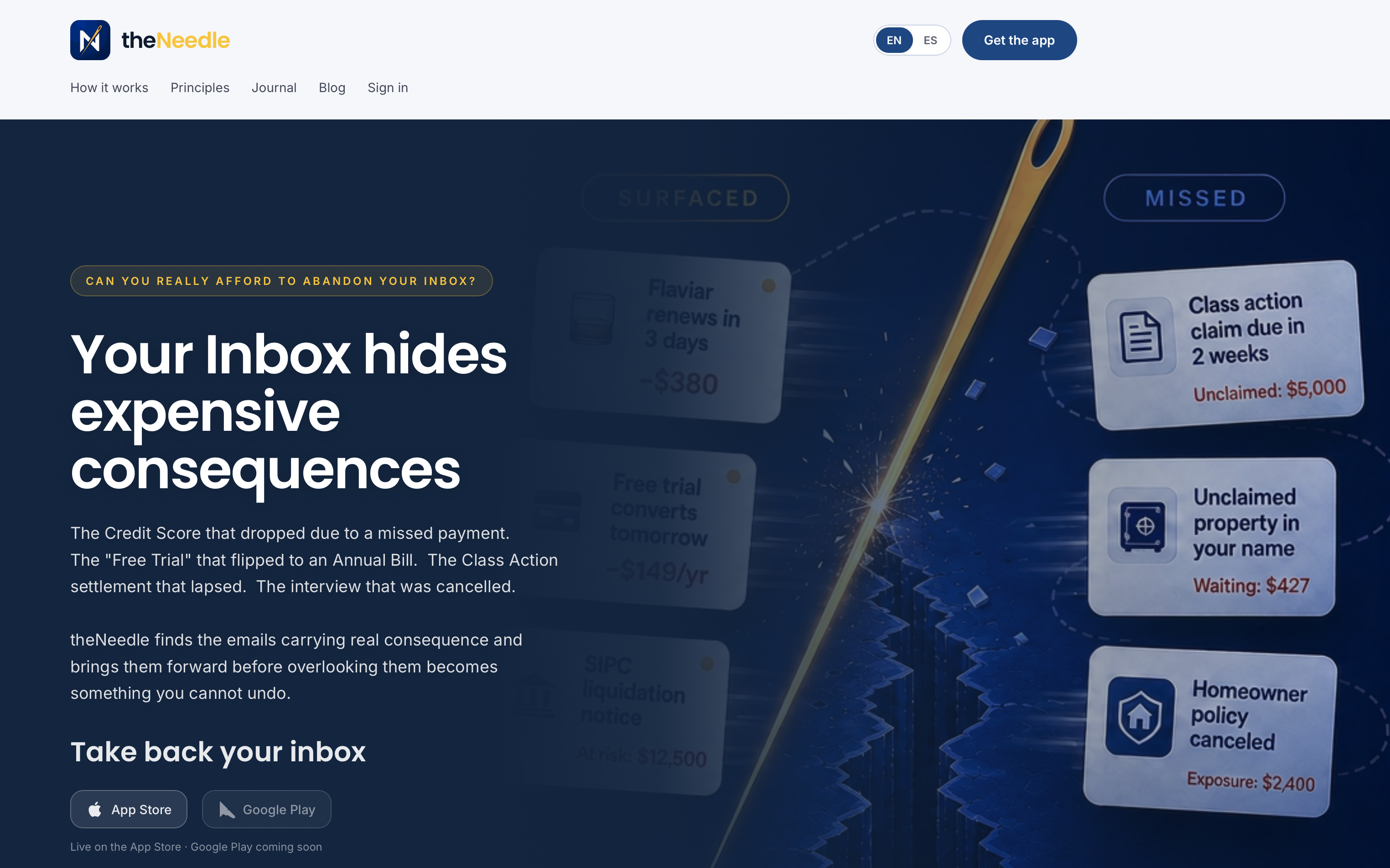
That is why prioritizing by volume, sender or folder rules only goes so far. A rule can tell you who sent a message. It cannot tell you that this message carries a date after which you lose something. We built theNeedle around that gap: it detects emails with deadlines or significant consequences and surfaces overdue, urgent and high-priority messages, so you are not relying on a tired brain to catch them.

Habits that reduce the number of decisions
Research on work email points to a consistent set of habits. They work because each one removes decisions rather than asking you to make them better.
Set boundaries and triage regularly
A 2024 systematic review of 62 empirical papers over 25 years found four actions that consistently predicted effective email use and better well-being: setting and keeping email access boundaries, regularly triaging, sending only work-relevant email and being civil. Triage is the one you can start today, and it is the one most affected by decision fatigue, because it is a decision about every single message.
Turn off the interruptions
A 2023 field experiment with 247 participants found that disabling communication notifications for a day reduced interruptions and strain. The LSE Business Review’s summary of the 25-year review suggests turning off disruptive notifications and checking at natural intervals of 45 to 60 minutes. Our guide on too many email notifications walks through the setup.
Check on a schedule
The University of Michigan’s HR wellness guidance recommends checking email two to three times a day with alerts off and unsubscribing from bulk mail. A 2022 study of email batching found it reduced interruptions and emotional exhaustion, especially for people with high email volumes who were not expected to reply instantly. Pair a schedule with a ranking, so that each session starts with what matters.
Make response expectations explicit
The Giurge paper argues for better email, not less email: say out loud when a reply is not urgent, just as you do when it is. Teams that do this remove a whole category of guesswork. If you lead a team, a one-line norm such as “no reply needed before Thursday” saves your colleagues a decision every time.
A consequence-first routine you can run in 30 minutes
This is the routine we recommend, and it is the logic theNeedle applies for you.
- Sort by consequence, not by recency. Ask one question of each message: what happens, and by when, if I do nothing? Anything with a date, a dollar amount or a legal or contractual term goes to the top.
- Handle the top tier first, one at a time. Open one message, finish it or schedule it, then move on. Working one-at-a-time avoids the flat scanning that drains you.
- Find the unanswered replies. Look for threads where someone is waiting on you, or where you are waiting on them past a sensible point. These are the relationships at risk.
- Look for money you are owed. Credits, refunds and claim windows hide in confirmations and notices. They are also deadlines.
- Cut the repeat senders. Every newsletter you unsubscribe from is a decision you never make again.
- Leave the rest. Low-consequence mail waits for your next scheduled session. It is allowed to wait.
Our longer walk-throughs cover the method in detail: consequence-first email triage and a three-part triage for email overwhelm at work.
When your situation is more complicated
Multiple inboxes. Each extra account multiplies the checking and the choices. The principle is to bring everything into one ranked view rather than visiting each one in turn. See our guide to managing multiple inboxes, or managing email across two jobs.
Freelancers. Your inbox is your revenue pipeline. An unanswered client question or a missed invoice reply is lost income, so ranking by consequence fits how you earn.
ADHD and executive function. When deciding what to do next is itself the hard part, a long list is the problem. A system that picks the next item for you, shows it alone and ranks by what is at stake takes that load off. That is how theNeedle’s ADHD-friendly mode works: one-at-a-time focus with consequence-based ranking. Read more about one thing at a time and the deadline with money attached. If email overwhelm is affecting your work or health, a doctor or mental health professional is the right person to talk to about it.
Where theNeedle fits
theNeedle connects to Gmail, Outlook, Microsoft, Yahoo and iCloud accounts. It detects emails with deadlines or significant consequences, surfaces overdue, urgent and high-priority messages, identifies replies you have not handled, tracks opportunities such as credits or refunds, and includes a built-in unsubscribe for persistent senders. You see six moves from seen to resolved instead of an undifferentiated list.
There is a 7-day free trial. After that it costs $9.99 per month or $99.99 per year, and you can see both on the pricing page.
If you are choosing between tools, how to choose the best email management software lays out the criteria, and you can start with theNeedle monthly.
Our perspective
Inbox overload is usually described as a time problem. We think it is an attention problem, and the quiet cost is paid in the messages you never saw clearly.
Most email tools sort by who sent it, how new it is or what rule you wrote last spring. None of that tells you which message holds a deadline, a payment or a right you can lose. When your judgment is spent, those are the ones that slip.
So we built theNeedle as scaffolding around your attention. It does the first triage by consequence, so your best decisions go to the few messages that deserve them. You get one thing in front of you at a time, and the rest can wait without worry.
The goal is not an empty inbox. It is an inbox where nothing that matters gets lost.
Glen Bover
FAQ
What is decision fatigue in email?
It is the decline in your ability to decide well after many small email choices: open, reply, delay, delete. Physicians list procrastination, impulsivity, avoidance and indecision as its main signs. In an inbox, that often looks like ignoring a message that needs action.
Is email fatigue the same as burnout?
Not exactly. Email fatigue is the strain from handling messages, and it can contribute to exhaustion over time. Research links workplace telepressure, the felt need to respond quickly, to burnout, absenteeism and poorer sleep. If you feel persistently drained, speak with a doctor.
How do I stop treating every email as urgent?
Rank by consequence. Ask what you lose, and by when, if you do nothing. Dates, money and legal or contractual terms are urgent. Most other mail can wait for a scheduled session, and theNeedle surfaces the consequential ones for you.
How often should I check email?
Research-based guidance suggests two to three scheduled checks a day with alerts off, or periodic check-ins every 45 to 60 minutes if your role needs faster replies. Choose the pattern that fits your job and the expectations your manager or clients have.
Sources
- What doctors want patients to know about decision fatigue (American Medical Association)
- Decision Fatigue: A Conceptual Analysis
- How To Deal With (and Explain) Mental Load (Cleveland Clinic)
- Microsoft report on the infinite workday (CNN Business)
- You don’t need to answer right away! (Giurge, 2021)
- The Cost of Email Use in the Workplace (Microsoft Research)
- Drowning in emails: investigating email classes and work (2024)
- Journal of Applied Psychology study of remote workers
- What Email Habits and OOO Messages Reveal About Burnout (ZeroBounce)
- Getting on top of work-email: a systematic review
- Effects of task interruptions caused by notifications
- Has research finally uncovered how to conquer work email? (LSE Business Review)
- Managing Email Stress (University of Michigan HR)
- For whom and under what circumstances does email message batching work
- Please respond ASAP: workplace telepressure and employee outcomes