Consequence-Based Prioritization: Sort Email by What Happens If You Miss It

Consequence-based prioritization means ranking each email by what happens if you read it late or never: a deadline lapses, money is lost, a contract clock runs out, a person is left waiting. It is a different question from “who sent this?” or “how many unread messages are there?” Most inbox systems answer those two. Almost none answer the one that costs you. That is the idea behind theNeedle, which surfaces messages with deadlines and significant consequences so the few that matter are not buried under the many that do not.
Below you will find what the method is, why importance and urgency are not the same thing, a worked scoring example, a daily routine you can start today, and how to apply it across several inboxes, a team, or an ADHD brain.
TL;DR
- Consequence-based prioritization ranks email by the cost of missing it (money, deadlines, legal or contractual effects, a person waiting), not by sender, volume or folder rules.
- Research separates “important” from “important and urgent”: the second group usually involves someone being affected if you delay.
- A simple three-question test (what is lost, by when, who is affected) sorts most messages in seconds.
- Bounded, scheduled triage beats constant checking, and deferred messages need a reliable way to come back.
- theNeedle applies this approach automatically across Gmail, Outlook, Yahoo and iCloud, starting with a 7-day free trial.
Table of Contents
- What consequence-based prioritization means for email
- Important is not the same as urgent
- Why the cues you use today are not enough
- The cost of a crowded inbox
- A three-question test you can run in seconds
- A daily routine that keeps consequence in front
- Doing it across several inboxes
- When attention is the bottleneck: ADHD and email
- What theNeedle does with this method
- Our perspective
- FAQ
- Sources
What consequence-based prioritization means for email
If you searched this phrase and landed on pages about vulnerability scoring or project risk matrices, you met the same logic in another field: rank things by the damage they can do, not by how loud they are. Applied to your inbox, it means a mortgage document request, a refund window closing, or a client waiting on your approval outranks a long thread from your boss that needs nothing from you today.
The usual alternatives rank by something else:
- Sender. A VIP list assumes the important people send the important messages. A billing notice from an unknown address can cost more than a chatty note from your director.
- Volume or recency. The newest message floats up, whether or not it matters.
- Rules and folders. These work for patterns you foresaw. They fail on the one-off notice nobody planned for.
Consequence is the missing axis. It asks about the outcome, and outcomes are what you actually care about.
Important is not the same as urgent
A 2022 study in the Journal of Computer-Mediated Communication, Urgency of Email: An Employees’ Perspective, draws a useful line. Important emails are not necessarily urgent, and the messages employees see as both important and urgent usually involve a key stakeholder being affected if action is delayed. The researchers built separate validated scales for each category.
That gives you a practical definition. An email is high-consequence when delay hurts someone or something concrete: you, a client, a budget, a legal position. A message can be important to the relationship and still carry no penalty for waiting until Thursday. Treating those two types the same is how inboxes become exhausting.
The four kinds of consequence worth tracking
In practice, four categories cover most of what you cannot afford to miss:
- Deadlines. Filing dates, submission windows, renewal cutoffs, response deadlines.
- Money. Invoices, payment failures, fraud alerts, refunds, credits and settlement claims you may be owed.
- Legal or contractual terms. Notices, signature requests, policy changes with a response period.
- People waiting on you. A client, a colleague or a family member who cannot move until you reply.
A fifth category, replies you are waiting for, matters just as much. If you sent the request and nobody answered, the consequence sits with you.
Why the cues you use today are not enough
Most of us triage with shortcuts. A 2019 Microsoft Research study, Exploring Email Triage: Challenges and Opportunities, found that participants often rely on direct mentions, whether they are on the To or CC line, and the number of recipients to guess which messages need their attention.
Those are reasonable proxies for responsibility. They are weak proxies for consequence. An automated notice from a bank, a utility or a government portal has no personal mention and no co-recipients, yet it may carry the hardest deadline of your week.
The same study shows how handling decisions get made: 87.7% of respondents said they handled an email immediately when they already knew the answer, and 86% cited its urgency. Quick, easy messages get done first. That feels productive, but it can push the slow, high-stakes message to the bottom of the pile, where it sits quietly until the cost arrives.
The cost of a crowded inbox
Volume is not a side issue. A 2006 U.S. survey of 484 workers by Dabbish and Kraut, An Analysis of Factors Associated with Email Strain, found that higher email volume was associated with stronger feelings of overload. A more recent study of 504 full-time U.S. workers, Email Load, found that higher email load went with higher workload stress, and that stress in turn was linked to psychological strain, negative emotions and lower organizational commitment.
There is a business cost as well. In Grammarly and Harris Poll’s 2022 State of Business Communication survey of 251 U.S. business leaders, 39% reported missed deadlines or longer time to resolution as an effect of poor workplace communication.
We often cite 117 emails a day as the average load. The point of that number is not the count. It is that no one can give 117 messages equal attention, so something has to rank them. Our piece on do-not-disturb email goes deeper on that idea.
A three-question test you can run in seconds
You do not need software to understand the method. For any message, ask:
- What is lost if this is missed? Money, a right, a deal, a relationship, nothing?
- By when? Is there a date, an implied window, or no clock at all?
- Who is affected? You, someone who depends on you, or no one in particular?
Then assign a rank.
| Rank | What it looks like | Example | What to do |
|---|---|---|---|
| 1. Act today | Real loss, short clock, someone affected | Payment-failed notice, contract signature due tomorrow | Handle before anything else |
| 2. Schedule | Real loss, longer clock | Annual renewal with a date three weeks out | Put it on a dated list or calendar |
| 3. Waiting | Your request is unanswered | Quote you asked for a week ago | Set a follow-up date |
| 4. Batch | Little or no loss | Newsletters, receipts, FYI threads | Read or archive in a session |
A worked example
Imagine a Monday inbox with five messages. A colleague’s long reply-all thread. A retailer’s sale. A notice from your card issuer about a failed autopay. A client asking you to approve a scope change by Wednesday. A settlement administrator’s email about a claim form.
By sender, the colleague wins. By recency, it depends on the minute. By consequence, the card notice comes first (money, immediate), the client approval second (deadline, a person waiting), and the claim form third (money you may be owed, with a filing window). The thread and the sale go to the batch. The order is nearly the reverse of what a typical inbox shows you.

A daily routine that keeps consequence in front
The research on email habits points the same way: bounded, regular triage rather than constant checking. A 2024 systematic review, Getting on top of work-email, recommends regular triage, turning alerts off between planned checks, and explicit time set aside for email. It gives checking at natural work breaks, about every 45 minutes, as one example from the reviewed studies.
The American Bar Association’s 2024 email inbox prioritization roundtable lands in a similar place: periodic review, rules and folders to separate lower-priority mail, and limited email sessions. One practitioner there sets aside an hour a day, or two half-hour sessions, and keeps the inbox to a single page.
Put those together with the consequence test:
- First pass (5 minutes). Scan only for rank 1 and rank 2. Ignore everything else for now. Our five-minute triage guide walks through this pass.
- Act, file, delete, or defer. Every message gets one of four outcomes. Deferred means a date, not a feeling that you will get back to it.
- Second pass (scheduled). Handle rank 3 follow-ups and clear the batch.
- Alerts off in between. The point of ranking is that you can trust the system enough to stop watching.
The weak spot is the deferred pile. The 2019 Microsoft study notes that deferred messages need a reliable revisit mechanism, and that participants tended to clear easy delete-or-archive items first and move to work-critical mail in later passes. If your revisit mechanism is memory, high-consequence messages are the ones that vanish.
Timing matters on the other side of the exchange too. If you are the one waiting, a clear cadence for chasing replies is covered in this guide to follow-up timing and cadence.
Doing it across several inboxes
Work, personal, a side business, a second job: each inbox has its own rules, and the dangerous messages hide in the one you check least. The method does not change. Apply the same three questions to every account, and decide in advance which inbox gets which check time.
The 2024 review recommends team-based email where a fast response is needed, and says employers should reconsider response-time promises unless they are essential to the role. For freelancers and anyone holding two roles, the practical version is to write down your own response window per account. How to manage email when you work two jobs covers this in more detail.
For teams, add one rule to the three questions: who owns it? A message that lands with six people on CC is a message nobody acts on. The To line, direct mentions and recipient counts are the cues people already read for responsibility, so make ownership explicit rather than leaving it to guesswork.
If your role involves heavy inbox volume in a process-driven field, this overview of accounting workflow efficiency shows how email demands feed into the wider workload.
When attention is the bottleneck: ADHD and email
If you have ADHD, or simply struggle to prioritize, a long ranked list can be as overwhelming as the original inbox. What helps is fewer decisions at a time.
A 2025 ACM paper, A Longitudinal Autoethnography of Email Access, describes one professional’s 14 years of living with ADHD and chronic illness. Their supports included actionable labels, a self-BCC “waiting for” queue, keyboard and search shortcuts, a distraction-free compose window and mobile triage. It is a single-person account and the authors call broader testing future work, but the pattern is instructive: make the next action obvious, and keep a visible queue of what you are waiting on.
For you, that can mean:
- Looking at one high-consequence message at a time instead of the whole list.
- Writing the next physical action on it (“call the bank,” not “deal with card”).
- Keeping a separate list for replies you are owed.
Money is often what slips. Our pieces on the ADHD tax and the deadline with money attached look at how small missed messages turn into real losses.
What theNeedle does with this method
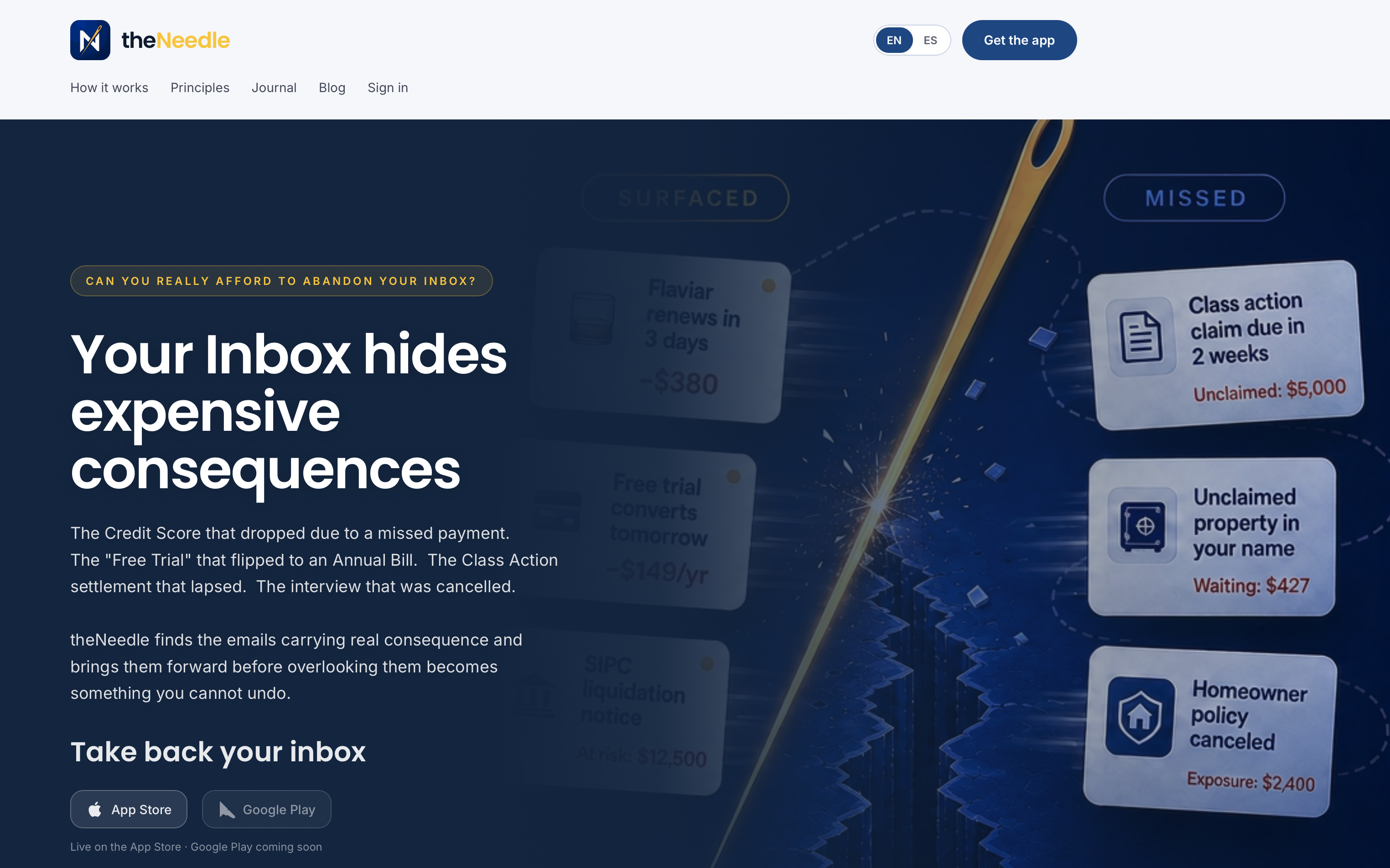
Doing the three-question test by hand works, but it asks you to read everything first, which is the exact burden you want gone. theNeedle connects to Gmail, Outlook, Microsoft, Yahoo and iCloud accounts and detects emails with deadlines or significant consequences. It surfaces overdue, urgent and high-priority messages, identifies replies you have not handled, and tracks opportunities such as credits or refunds. Its built-in unsubscribe handles persistent senders, and its ADHD-friendly mode shows one email at a time with consequence-based ranking.
Plans are $9.99 per month or $99.99 per year, with a 7-day free trial listed on the pricing page. You can start from the monthly plan.
If you want to compare approaches first, our guides to choosing email management software and prioritizing important emails by consequence lay out the criteria.
Our perspective
Most email tools treat your inbox as a sorting problem. We think it is a consequences problem. The messages that hurt you when you miss them are rarely the loudest ones. They are the quiet notice, the claim window, the approval someone is waiting on.
That is why theNeedle ranks by what is at stake: deadlines, money, contractual and legal weight, and replies left hanging. We built it so the few messages with real consequences are in front of you first, across every account you connect, and so you can work through them one at a time when your attention is thin.
A good inbox system is scaffolding around your attention. It should let you stop scanning, because you trust that what matters will be surfaced. That trust is what gives busy professionals, freelancers and people with ADHD their focus back.
Glen Bover
FAQ
What is consequence-based prioritization?
It is ranking tasks or messages by the impact of missing them rather than by who sent them or when they arrived. In email, that means putting deadlines, financial notices, contractual items and people waiting on you ahead of everything else.
How is it different from the Eisenhower matrix?
The Eisenhower matrix sorts by urgent and important, which you judge yourself. Consequence-based prioritization makes the judgment concrete by asking what is lost, by when, and who is affected. The 2022 JCMC study supports that distinction: important and urgent messages usually involve a stakeholder affected by delay.
How often should I check email if I rank by consequence?
On a schedule, not constantly. The 2024 systematic review recommends turning alerts off between planned checks, with about every 45 minutes cited as one example. A short first pass for high-consequence mail, then a later pass for the rest, is a practical shape.
Does this work for multiple inboxes?
Yes. Use the same three questions on every account and decide when each gets checked. theNeedle connects to Gmail, Outlook, Microsoft, Yahoo and iCloud, so the ranking can cover those accounts in one place.
Can it help with ADHD?
The core move is fewer decisions at a time. A one-at-a-time view, a clear next action and a visible waiting-for list match the supports described in a 2025 ACM case study. theNeedle’s ADHD-friendly features include one-at-a-time focus and consequence-based ranking.
Sources
- Urgency of Email: An Employees’ Perspective
- Exploring Email Triage: Challenges and Opportunities
- An Analysis of Factors Associated with Email Strain
- Email Load
- The State of Business Communication
- Getting on top of work-email: A systematic review
- LTRC Roundtable: Email Inbox Prioritization
- A Longitudinal Autoethnography of Email Access