Best Unified Inbox Apps in 2026, Compared

The best unified inbox app depends on what you want it to do once your accounts are in one place. Gmail and Outlook are the simplest way to merge accounts. Spark, Mailbird, Thunderbird and Shortwave add speed, shared features or AI. theNeedle is our pick if your real problem is not seeing every message, but catching the few with deadlines, money or contracts attached.
A single inbox cuts the number of places you have to look. It does not cut the number of emails, and it does not tell you which one will cost you if you miss it. That gap is where most people get hurt, so we compare the apps on both counts.
TL;DR
- A unified inbox is built by the app, not by your email providers: it queries each account separately and merges the results, so features differ a lot from app to app.
- Gmail and Outlook cover the basics for free. Spark, Mailbird, Thunderbird and Shortwave suit people who want more speed, control or AI.
- Merging inboxes solves clutter across accounts. It does not rank messages by what happens if you ignore them.
- theNeedle connects Gmail, Outlook, Yahoo and iCloud and ranks email by consequence. It costs $9.99 per month or $99.99 per year, after a free trial.
- Pick the app by your bottleneck: account sprawl, speed, team handoffs, privacy, or missed deadlines.
Table of Contents
- What a unified inbox actually does
- The apps worth comparing
- Merging inboxes is not the same as prioritizing them
- Features that decide whether an app helps
- Individual use or team use?
- How to pick, by situation
- A simple setup that works with any app
- Perspective
- Try the consequence-first approach
- FAQ
- Sources
What a unified inbox actually does
A unified inbox shows mail from several accounts in one list. Under the hood, it is an application-side aggregation: each connected account is queried separately, and the results are merged inside the app.
That matters for a practical reason. Gmail and Microsoft’s systems each have their own sign-in flow, data model and folder names, so an app has to reconcile two sets of rules to make them look like one. Apps do this with different levels of polish. Folders, labels, snooze and search can behave differently depending on the account behind a message.
So before you compare features, ask three questions:
- Which providers do I need? Gmail, Outlook, Yahoo, iCloud, or a work domain?
- Do I need the unified view on phone, desktop and web, or only one of them?
- What do I need the app to do beyond merging: sort, snooze, assign, or warn me?
The apps worth comparing
Here is how the main options differ in what they are built to do. We have kept the table to design intent rather than plan-by-plan pricing, since plans change often. Check each vendor’s own page for current tiers.
| App | Best for | Unified view | Prioritization approach | Team features |
|---|---|---|---|---|
| Gmail app | Free, simple merging on mobile | Yes, up to five addresses on iPhone and iPad | Gmail’s own sorting | Limited |
| Outlook | People already in Microsoft 365 | Yes, multiple accounts | Focused-style sorting | Through Microsoft 365 |
| Spark | Fast triage and shared workflows | Yes, with the option to exclude accounts | Smart inbox, snooze | Yes |
| Mailbird | Windows desktop users with many accounts | Yes, core feature | Rules and filters | Limited |
| Thunderbird | Free, customizable desktop client | Yes, unified folders | Filters you build yourself | No |
| Shortwave | Gmail and Google Workspace users who want AI | Gmail-centered | AI-assisted | Yes |
| theNeedle | Catching consequential emails across accounts | Gmail, Outlook, Microsoft, Yahoo, iCloud | Ranked by deadlines and consequences | Individual focus |
Gmail and Outlook: the free baseline
If you only want one list, you may not need a new app. The Gmail app for iPhone and iPad lets you add up to five email addresses, including Outlook, iCloud Mail and Yahoo accounts, and view them together under All inboxes.
The tradeoff is depth. You get one stream, but you still sort it with your eyes. A bank notice, a newsletter and a contract reminder look equally urgent until you open them. Outlook works the same way for people living in Microsoft’s ecosystem.
Spark: speed and shared inboxes
Spark is a popular choice for people who want a unified inbox with triage tools. It lets you exclude chosen accounts from the unified view while keeping them reachable on their own, which is useful if a personal account should stay out of your work stream. It also leans toward team collaboration, which makes it a better fit for small groups than for a solo person.
Mailbird and Thunderbird: desktop control
Mailbird is built around the unified inbox idea and leans on rules and filters to keep many accounts manageable. Thunderbird is free and highly configurable, which suits people who like to build their own system. Both reward setup time. If you will not write filters, neither will rescue you.
Shortwave: AI on top of Gmail
Shortwave is aimed at Gmail and Google Workspace users who want AI features such as summaries and drafting. It is a strong match if your whole life runs on Google. It is less natural if you juggle Yahoo, iCloud and Outlook accounts as well.
theNeedle: ranking by consequence
theNeedle connects to Gmail, Outlook, Microsoft, Yahoo and iCloud accounts. It is not trying to be a prettier inbox. It looks for emails with deadlines or significant consequences, surfaces overdue, urgent and high-priority messages, flags replies you have not handled, and tracks opportunities such as credits or refunds. It also has a built-in unsubscribe for senders that keep coming back.
That is a different job from the others in the table. We explain how it works in six moves from seen to resolved.
Merging inboxes is not the same as prioritizing them
Most unified inbox reviews stop at the merge. They compare themes, shortcuts and account limits. Those matter, but they leave the costly part untouched.
Think about a typical week. A credit card dispute response window closes. A settlement claim form needs a signature. A client asks a question you never answered. A renewal quietly charges you again. Each of these sits in one account, in one thread, between promotions and newsletters. Combining five inboxes gives you five times the noise in one list.
We built theNeedle on a simple premise: importance and consequence are not the same. A message from your boss feels important. A refund deadline from an unfamiliar sender may cost you more if you miss it. Sorting by sender, volume or folder rules cannot tell the difference. Reading for the consequence can.
If you want to go deeper on the account side of this, our guide to three architectures for managing multiple inboxes lays out the options, and the best multi-account email apps comparison covers more tools.

Features that decide whether an app helps
When you test a unified inbox, look past the screenshot. These are the features that decide whether you stay on top of things.
Sorting, snooze and sync
Smart sorting, snooze, labels and reliable sync across desktop, mobile and web are the baseline for a modern client. Test the sync with your slowest account. If a Yahoo or iCloud message arrives late, the whole idea of one inbox falls apart.
Snooze deserves a separate look, because a snoozed email you forget is a hidden deadline. We compared the options in best email snooze apps.
Triage for high volume
For people with heavy volume, speed-focused and AI-powered clients may help through keyboard shortcuts, split inboxes, smart notifications and triage tools. If you spend more than two hours a day in email, that same source notes a paid client in the $10 to $30 per month range can pay for itself in time saved.
Privacy and data handling
An app that merges your accounts reads your mail, so check how it treats that access. Look at encryption, tracking-pixel blocking and how clear the data policy is. If privacy is your first filter, a service such as Proton Mail, which is Swiss-based and uses end-to-end encryption by default, has a free tier with 500MB of storage and 150 messages per day, and Mail Plus starts at $3.99 per month. Note that it is its own mail service, so it fits best when you are willing to move your address there.
Device support
Check that the app runs where you actually read mail. Some clients are desktop-first, some are mobile-first, and some exist only for one operating system. theNeedle has apps for iPhone and Android, which you can find on our download page.
Individual use or team use?
The two paths split here. If you are one person with several addresses, you want a quiet system that tells you what needs you. If you are a team working one mailbox, you need assignment, notes and visibility.

Spark and Shortwave lean toward collaboration. Helpdesk-style tools go further, for example by turning support email into tickets with secure triage when many people answer the same address. theNeedle is designed for the individual: freelancers, professionals and anyone managing multiple inboxes who needs to avoid missing a message that matters. If you need a shared support queue, pick a team tool. If you need to stop dropping the ball in your own inbox, pick a prioritizer.
How to pick, by situation
- You have two or three accounts and a simple life. Use the Gmail or Outlook app. It is free and good enough.
- You like tinkering with rules. Try Thunderbird or Mailbird.
- You live in Google Workspace and want AI help. Look at Shortwave.
- You share email work with a small team. Look at Spark or a ticketing tool.
- You are afraid of missing a deadline, a refund, a contract date or an unanswered client. Use theNeedle, alone or alongside a merged inbox.
- You have ADD or ADHD and a long list overwhelms you. A one-at-a-time view helps more than a longer list. Our note on one thing at a time explains the thinking.
Our best email management apps and consequence-first email productivity apps roundups go through more of these tradeoffs.
A simple setup that works with any app
Whichever app you choose, a few habits make a unified inbox work.
- Connect only the accounts that carry real obligations first. Add the rest later.
- Turn off notifications for everything except the messages you would be upset to miss.
- Decide on one daily triage window instead of checking all day.
- Unsubscribe from persistent senders so they stop competing with real mail.
- Once a week, scan for unanswered replies and anything with a date in it.
Steps 4 and 5 are where most tools leave you alone. They are the reason we built unsubscribe and unhandled-reply detection into theNeedle. If your accounts include several Outlook mailboxes, see how to prioritize across five Outlook accounts.
Perspective
Most email software treats your inbox as a storage problem. Get everything into one place, add folders, add rules, and you are done. We think that misses what actually hurts people.
The quiet cost of email is not the hour you spend reading. It is the one message you did not read: the deadline buried in paragraph three, the credit you never claimed, the reply you meant to send. A forfeited right does not announce itself. It sits between a newsletter and a receipt until the window closes.
That is why we rank by consequence, not by volume, sender or rule. A unified inbox is useful scaffolding around your attention, but scaffolding is not triage. The app has to read what is at stake and put it in front of you first, one thing at a time if that is what keeps you calm.
Our approach is designed to help you stop scanning and start resolving. We cannot read your mail for you, but we can make sure the messages with real consequences reach you before they expire.
Glen Bover
Try the consequence-first approach
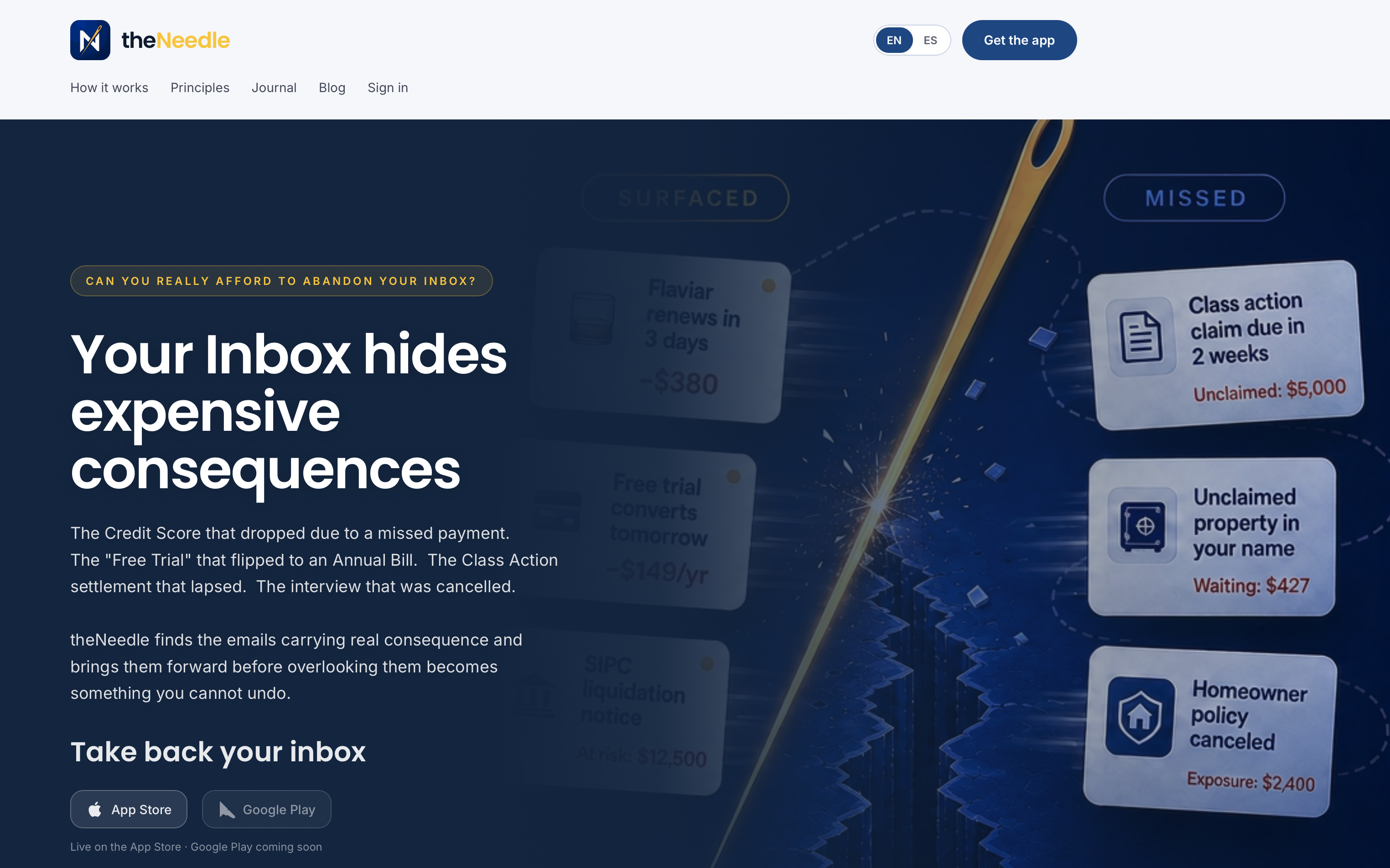
theNeedle connects your Gmail, Outlook, Microsoft, Yahoo and iCloud accounts and puts the emails with deadlines and real consequences at the top. It starts with a free trial, then costs $9.99 per month or $99.99 per year. You can start with the monthly plan.
If you are still weighing options, our guide on how to choose email management software walks through the criteria step by step, and our look at AI email assistants shows what to expect from the newer tools.
FAQ
What is the best free unified inbox app?
For most people, the Gmail or Outlook app is the best free place to start, since both can combine several accounts. Thunderbird is another free option on desktop if you do not mind configuring it. Free tools merge mail well but do not rank it by what is at stake.
Can I combine Gmail, Yahoo, iCloud and Outlook in one inbox?
Yes. The Gmail app on iPhone and iPad supports up to five addresses from several providers. Third-party apps such as Spark, Mailbird and theNeedle also connect multiple providers, so confirm the exact list in the app you choose.
Does a unified inbox stop me from missing important emails?
Not by itself. It reduces the number of places you check, but every message still looks similar. You need prioritization, such as consequence-based ranking, snooze and unhandled-reply tracking, to surface the emails that carry deadlines or money.
Is a unified inbox safe for private email?
It can be, but you are giving an app access to your mail, so read its data policy. Check its approach to encryption and tracking-pixel blocking. If privacy is your top concern, weigh a privacy-first provider alongside any aggregator.
Sources
- Build a unified inbox (Nylas developer docs)
- Add another email account in the Gmail app, iPhone and iPad (Google Help)
- 14 best email software and tools for 2026 (Guideflow)
- Manage Spark 2’s Unified Inbox (Dan’s Tutorials)
- Turn Support Email Into Tickets: 6 Steps for Secure Triage (CentriOps)