Best Email Task Managers in 2026: 7 Options Compared

The best email task manager is the one that matches how your inbox actually hurts. If your problem is turning messages into to-dos, Todoist or Motion will do it. If it is noise, SaneBox sorts it. If it is the one email with a deadline, a refund window or a contract consequence buried among the rest, theNeedle is built for that job. Below, we compare seven options on price, how they turn email into action, and who each one suits.
TL;DR
- Best for catching consequential emails: theNeedle ranks by deadlines, money and contractual stakes, and shows one email at a time. It costs $9.99 per month or $99.99 per year.
- Best for turning email into tasks: Todoist (Pro from $4 per month) and Motion ($19 per month) both convert messages into scheduled work.
- Best for quieter inboxes: SaneBox starts at $7.99 per month and works inside the client you already use.
- Best for speed and teams: Superhuman Business is $33 per month on an annual plan, and Shortwave starts at $12 per month for personal use.
- Best for shared priorities: Priority Matrix, from $12 per month per user, forces every task into one quadrant.
Table of Contents
- What an email task manager should actually do
- Seven options at a glance
- theNeedle: consequence first, one email at a time
- Todoist: the task list that accepts email
- Motion: tasks placed on your calendar
- SaneBox: a quieter inbox without switching apps
- Superhuman and Shortwave: fast clients with AI built in
- Priority Matrix: when the team needs one view
- Our perspective
- Which one fits your situation
- What to check before you commit
- Try theNeedle on your own inbox
- FAQ
- Sources
What an email task manager should actually do
An inbox is a list somebody else writes for you. A task manager is a list you write for yourself. An email task manager sits between the two and tries to keep what matters from slipping through.
That sounds simple, but tools solve different halves of the problem. Some capture: you forward or click, and an email becomes a task. Some sort: they move low-value mail out of the way. Some schedule: they place the work on a calendar. And a few rank by consequence: they ask what happens if you ignore this message.
We judged each option against five questions:
- How does an email become a task, and who does the work, you or the software?
- Does it surface deadlines and high-stakes messages, or only organize what you already noticed?
- Which email providers and devices does it work with?
- What does it cost in the US, and what sits behind each plan?
- Does it help people with several inboxes, freelancers, or readers who struggle with focus?
A note on the stakes. We start from the figure that the average worker receives 117 emails a day, a number we use as our own working premise. When volume is that high, the cost is rarely the email you answered late. It is the single message with a forfeited right attached: a refund window, a settlement claim deadline, a renewal notice, a reply someone is waiting on.
Seven options at a glance
Prices below are US dollar list prices as reported in 2026. Plans change, so confirm on each vendor’s pricing page before you buy.
| Tool | Starting US price | How it handles email | Best for |
|---|---|---|---|
| theNeedle | $9.99 per month or $99.99 per year | Ranks emails by consequence, one at a time | Never missing deadlines, refunds, unanswered replies |
| Todoist | Pro $4 per month | Forward an email to create a structured task | Phone-first task lists |
| Motion | Pro AI $19 per month | Extracts tasks and schedules them on your calendar | Calendar-driven workdays |
| SaneBox | From $7.99 per month | Sorts low-priority mail into folders | Calmer inbox, no new app |
| Superhuman | Business $33 per month, annual | Fast email client with team features | Speed-focused individuals and teams |
| Shortwave | From $12 per month, personal | AI-assisted email client | Gmail users who want AI inside the inbox |
| Priority Matrix | From $12 per month per user | Eisenhower-style matrix | Teams sharing priorities |
The price figures for Motion, SaneBox, Superhuman, Shortwave and Todoist come from a 2026 roundup of AI tools that turn emails into to-do lists.
theNeedle: consequence first, one email at a time
Most tools ask you to decide what is important. theNeedle does the first pass for you. It connects to Gmail, Outlook, Microsoft, Yahoo and iCloud accounts, then looks for emails with deadlines or significant consequences: financial alerts, legal or contractual notices, and messages that are overdue.
What it surfaces:
- Overdue, urgent and high-priority messages
- Replies you have not handled yet
- Opportunities with money attached, such as credits or refunds
- Persistent senders, with a built-in unsubscribe
The design choice we care about most is consequence-based ranking rather than sender, volume or rule-based filters. A newsletter from your boss’s boss and a payment-failure notice are both “important” by sender. Only one costs you money by Friday.
For readers with ADD or ADHD, we built a one-at-a-time focus view. You see a single email, decide, and move on, so a full inbox never becomes a wall. Our formula is designed to reduce the decision load, and you can read more about the money that quietly leaks out in the ADHD tax.
Pricing is $9.99 per month or $99.99 per year, with a free trial. Multi-inbox users and freelancers, who often juggle client addresses next to a personal one, are the people we had most in mind. If you want a deeper look at that scenario, we compared multi-account email apps separately.
Todoist: the task list that accepts email
Todoist is a task manager first and an email tool second. Its Email Assist feature, available on Pro and Business plans, turns a forwarded email into a structured task. You decide which messages deserve a task, and you forward them.
That manual step is both its strength and its limit as an email tool. You stay in control, but Todoist will not tell you which of 117 messages to forward. One 2026 comparison singles out natural language parsing as its standout feature, making it a strong pick for phone-heavy users who want a single priority list. The same comparison notes that it expects you to bring your own prioritization framework.
Pricing note: Todoist Pro is listed at $4 per month in the roundup above. Doist has said its December 2025 price increase reflects continued investment in features like Ramble and Task Assist, and legacy Pro subscribers only get Filter Assist, while Email Assist and Task Assist belong to standard Pro and Business plans. If you subscribed years ago, check which tier you are on.
Best for: people who already live in a task list and are happy to feed it by hand.

Motion: tasks placed on your calendar
Motion goes a step further than a list. On its Pro AI plan at $19 per month, it connects to Gmail or Outlook, extracts tasks from email and places them on your calendar automatically, weighing deadlines, priorities and available time slots.
If your day is a series of calendar blocks, that is appealing. The email becomes a scheduled commitment rather than a line item you will revisit. The trade-off is that you are handing your calendar to an automated planner, which suits people who like a system to decide the order of their day.
Best for: professionals who plan by calendar and want email converted into time blocks.
SaneBox: a quieter inbox without switching apps
SaneBox works in the background of the email clients you already use, including Gmail, Outlook and Apple Mail. It uses AI to sort lower-priority messages into separate folders and flag emails that need action, and pricing starts at $7.99 per month.
The service integrates with IMAP and Exchange Web Services accounts and learns from your past email usage to keep important messages in the inbox. It is a sorting tool rather than a task manager, so many people pair it with a separate to-do app.
Best for: people who want less noise and no change to their daily email client.
Superhuman and Shortwave: fast clients with AI built in
These two replace your email client rather than sit on top of it. Per the same 2026 roundup, Superhuman Business costs $33 per month on an annual plan, and Shortwave starts at $12 per month for personal use.

Both are built around speed and AI assistance inside the inbox, and Superhuman also targets teams. They are strongest for people who want a new, faster place to read and reply. If you already know which emails matter and simply want to clear them faster, that is a reasonable fit. If your worry is the message you never noticed, ranking by consequence addresses a different problem, and we cover how the approaches differ in our guide to AI email assistants.
Best for: high-volume senders who value keyboard-driven speed.
Priority Matrix: when the team needs one view
Priority Matrix starts at $12 per month per user, and its team features require a business plan. It uses a default four-quadrant Eisenhower matrix, forces every task into one quadrant, and offers real-time shared matrices for teams.
That structure is useful when a group needs to agree on what is urgent and what is merely important. It is a prioritization framework you bring email into, not an inbox reader, so it pairs well with a tool that decides which messages deserve a spot on the matrix.
Best for: teams that want a shared, visual way to rank work.
Our perspective
We built theNeedle because the standard advice about email never matched what costs people money. Inbox zero treats every message as equal. Filters treat the sender as the signal. Neither asks the question that matters: what happens if I do not act on this?
That question is the scaffolding around your attention. A deadline in a vendor notice, a refund window, a reply a client is still waiting on: these are consequential messages, and they arrive in the same stream as promotions and calendar chatter. Triage works only when something ranks them by stakes.
So we rank by consequence and show you one email at a time. For busy professionals, freelancers with several inboxes and people with ADHD, we think that is a calmer, more reliable way to work than managing volume. Other tools in this comparison do real jobs well. We simply believe the quiet cost of a missed message deserves its own tool.
Glen Bover
Which one fits your situation
If you freelance or run several inboxes
Client mail, invoices and personal accounts all compete for the same attention. The risk is a payment or contract notice sitting in an account you check twice a week. A tool that reads across Gmail, Outlook, Yahoo and iCloud and ranks everything in one place, like theNeedle, removes the account-hopping. For a closer comparison, see our guide to best multi-account email apps.
Planning a trip alongside client work? Email-based planners can turn travel emails into itineraries, which keeps booking confirmations out of your work triage.
If you struggle with focus or ADHD
A long list is the enemy. Look for a tool that shows fewer things, not more, and that decides order for you. A one-at-a-time view with consequence-based ranking is built around that need. Pair any tool you choose with a short daily routine rather than a big weekly cleanup.
If you work on a team
Shared visibility matters more than personal ranking. Priority Matrix’s shared quadrants and Superhuman’s team features aim at that. Individual consequence-spotting can still help each person on the team catch the messages addressed only to them.
If you mostly want a clean to-do list
Todoist at $4 per month is the lowest-cost route in this comparison, and its email forwarding gives you capture without a big setup.
What to check before you commit
Every tool here reads your mail or receives forwarded messages, so a few checks are worth five minutes:
- Providers: confirm your accounts are supported. theNeedle connects to Gmail, Outlook, Microsoft, Yahoo and iCloud. SaneBox works with IMAP and Exchange Web Services accounts.
- Plan tier: features such as Todoist’s Email Assist depend on the plan, so match the tier to the feature.
- Billing term: annual plans, like Superhuman Business, are quoted per month but billed yearly.
- Workflow fit: decide whether you want to forward emails manually, let software sort them, or have software rank them.
- Privacy: read each vendor’s privacy policy for how message content is processed and stored.
If you want a fuller framework for this decision, our guide on how to choose email management software walks through it, and our comparison of email-to-task apps by workflow goes deeper on capture methods. For a practical method you can use today, try four consequence-first moves for turning messages into tasks.
Try theNeedle on your own inbox
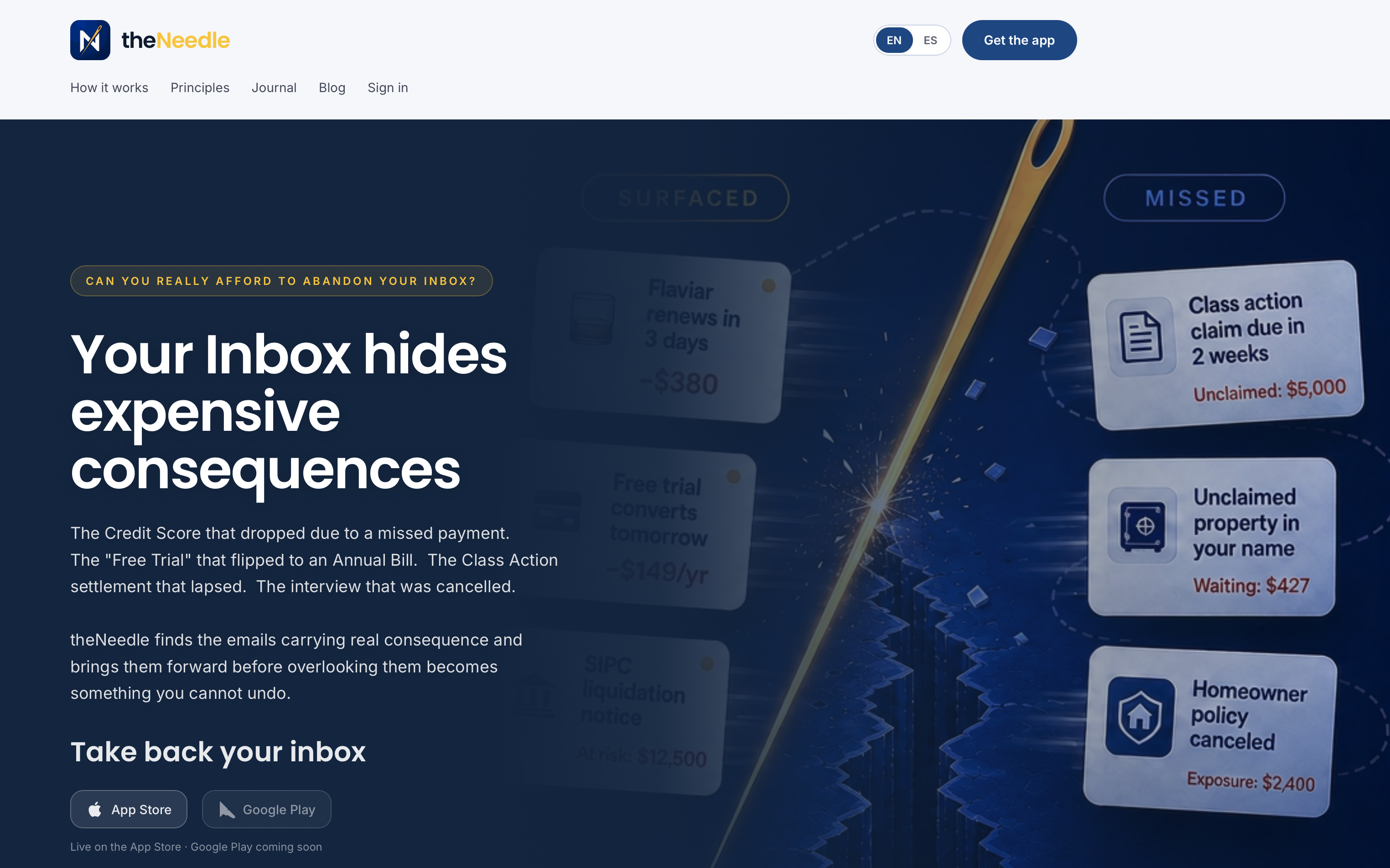
If the message you cannot afford to miss is the one you worry about, theNeedle is the option we built for you. It connects your accounts, ranks what carries a deadline or a financial consequence, and shows you the one email to handle next. Plans are $9.99 per month or $99.99 per year, and there is a free trial.
Start with theNeedle monthly, or see the full product overview first. If you want to understand why this matters financially, read why information overload is costing you money.
FAQ
What is the best email task manager overall?
It depends on your bottleneck. For catching high-stakes emails with deadlines, refunds or unanswered replies, theNeedle is the one we recommend. For a plain task list with email forwarding, Todoist is a low-cost choice, and for calendar scheduling, Motion fits.
Can I turn an email into a task for free?
Some tools offer free tiers or trials, but features vary by plan. Todoist’s Email Assist, for example, is on Pro and Business plans. theNeedle offers a free trial before its $9.99 monthly or $99.99 annual subscription.
Do these tools work with Gmail and Outlook?
Most do. Motion connects to Gmail or Outlook, SaneBox works with Gmail, Outlook and Apple Mail, and theNeedle supports Gmail, Outlook, Microsoft, Yahoo and iCloud. Check each vendor’s integration page for your exact account type.
Is an email task manager different from an email client?
Yes. A client, like Superhuman or Shortwave, replaces where you read and reply. A task manager like Todoist holds the work that emails create. Tools like theNeedle and SaneBox sit on top of your existing mail and decide what needs attention.
Which option suits ADHD?
Look for fewer choices on screen and automatic ordering. theNeedle’s one-at-a-time view and consequence-based ranking were designed with ADHD-friendly focus in mind, so you handle one decision at a time.
Sources
- 5 AI Tools that Turn Emails into To-Do Lists
- SaneBox on Wikipedia
- Todoist Review 2026
- Todoist Review: Is This Still the Best To-Do List App
- Best Prioritization Apps: 10 Tools Compared (2026)