How to Find Commitments in Email Before They Slip

A commitment in email is any sentence where someone promises to do something, or asks you to. The fastest way to find them is to look for a named person, an action and, ideally, a date, then record each one outside the thread. theNeedle is built for this job: it detects and prioritizes emails with deadlines or significant consequences, so the messages that carry a real obligation surface first instead of sinking under volume.
This guide shows what counts as a commitment, where to hunt for them, how to record them, and what to do when they are vague or unanswered.
TL;DR
- A commitment is a promise to act with an identifiable person behind it. “Lunch will be served” is information. “I’ll send the draft Friday” is a commitment.
- Hunt four shapes: requests made of you, questions that need work, tasks implied to be yours, and promises you made yourself.
- Record the action, the owner, the due date and the source message for every commitment, outside the thread.
- When a commitment is vague, ask a question instead of guessing. When it goes unanswered, follow up with a new deadline.
- theNeedle surfaces overdue, urgent and high-priority messages and identifies unhandled replies across Gmail, Outlook, Yahoo and iCloud.
Table of Contents
- What counts as a commitment in an email
- Why commitments hide in a crowded inbox
- The four shapes of commitment to hunt for
- Record every commitment in four fields
- What to do when a commitment is vague or has no deadline
- Commitments owed to you: handling unanswered emails
- Multiple inboxes and shared commitments
- If ADHD or overload makes scanning hard
- Where theNeedle fits
- Our perspective
- FAQ
- Sources
What counts as a commitment in an email
Researchers who study email language draw a clean line. In a 2008 AAAI paper, Lampert, Paris and Dale define a commitment as an action, someone who commits to it, someone it is owed to, and sometimes a condition. They also note that an action with no identifiable agent, such as “Lunch will be served at the meeting,” is not a commitment.
The same authors offer a simple test in their 2007 reliability study: is this sentence promising to do something? It covers indirect promises too, such as “Peter will call to let you know the final arrangements.”
Two edge cases trip people up:
- Pleasantries are not commitments. The 2008 paper treats closings like “Let me know if you have any questions” as politeness, unless the full message shows a real offer.
- Unnamed promises can still count. “More to follow” at the end of a message was judged by every annotator in that study to be a commitment by the sender, even though no one is named.
So you are asking two questions of every sentence. Is there an action? And can I name who owes it to whom?
Why commitments hide in a crowded inbox
The trouble is not that you are careless. Email was never built to track obligations. A CHI 2003 study of email task management listed seven problems participants faced, including tracking actions owed by themselves and by others, managing deadlines tied to messages, and getting a task-oriented overview at a glance. Participants spent about 10% of their email work time filing messages for future work and 8% finding messages in folders.
The usual workaround is leaving a message in the inbox as a reminder. A 2007 chapter on personal information management found this was the most common strategy for interdependent tasks, and that it is unreliable because threads depend on inconsistent subject lines. It also found that 23% of message threads occurred in more than one folder.
Microsoft Research makes the stakes plain in a 2024 CSCW paper: commitments made in the informal language of email can easily slip through the cracks, and forgetting to follow through can slow projects and damage collaborations.
That is the quiet cost. Nobody sees the promise you forgot. They just see a gap.

The four shapes of commitment to hunt for
A GitHub email-to-tasks framework names four ask-shapes worth scanning for. They work well as a manual checklist:
- Direct requests. “Can you approve the proposal by Thursday?”
- Questions that require work. “Do you know what the Q3 numbers look like?” is really a task to go find out.
- Implied ownership. “We still need someone to book the venue,” when you are the obvious someone.
- Commitments you made. “I’ll get back to you on pricing.” The framework calls this the most-dropped and most reputation-expensive kind.
That last one deserves its own pass, because you rarely re-read your own sent mail.
Run a sent-mail scan
One practical method, from Jen Bryan’s guide to AI inbox handling, is a “broken promises” scan. Search sent mail for phrases such as “I’ll send,” “I’ll get back to you” and “leave it with me.” Check each thread for whether you followed through, list the unkept ones oldest first, and send revival messages in twos and threes over a week rather than all at once.

It takes less than an hour the first time. Doing it weekly takes far less.
Scan for deadlines and consequences
Not every commitment is equal. A reply owed to a colleague about lunch and a notice with a filing deadline are different weights. When you triage, rank by consequence: money at stake, a contract term, a legal or financial deadline, a relationship that depends on your answer. Then rank by date.
This is exactly the ordering theNeedle uses. Rather than sorting by sender, volume or rules, it ranks by what happens if you miss the message.
Record every commitment in four fields
Finding a commitment is half the job. If it lives only in the thread, you will have to find it again. Record each one with:
| Field | What to write | Watch for |
|---|---|---|
| Action | A verb plus an object: “Send revised quote” | Vague verbs like “handle” or “look into” |
| Owner | One named person | Do not assume an owner nobody agreed to |
| Due date | A specific date, or “unknown” | Do not invent a deadline |
| Source | The message, with the exact words | A paraphrase you can’t verify later |
This mirrors what Deal Todo’s action-item template specifies: action, owner, due date or unknown, status and a source quote in the exact words used. The GitHub framework adds a rule worth borrowing: quote the source line, or the task doesn’t exist. It also suggests a “done test,” a plain statement of what finished looks like, such as “the deck is in the shared folder and Ana is told.”
If you want the same idea turned into a routine, our guide on turning emails into tasks with consequence-first moves walks through it.
What to do when a commitment is vague or has no deadline
Vague asks are where work gets done twice. The GitHub framework’s advice is to ask rather than guess. If someone writes “handle the vendor situation,” the useful reply is a question: do you mean renegotiate or terminate? Park the item until you hear back.
The same logic applies to dates:
- If no one is clearly the owner, ask who takes the next action.
- If the deadline is missing, propose one, mark it as a proposal, and let a confirming reply make it real.
- Never fill the gap with your own assumption and treat it as agreed.
A proposed date can be as short as: “I’ll have this to you by Wednesday noon unless you need it sooner.”
Commitments owed to you: handling unanswered emails
People forget promises made to you, too. A good handoff, according to Executive PA Media, settles three things on the spot: who has it now (a named person, not a department), when it comes back (a date, ideally a time) and what happens if it doesn’t arrive (a second contact, an escalation or a fallback).
For the follow-up itself, a few tested patterns:
- Add something each time. BetterWayOfSaying recommends that every follow-up bring a new deadline, a smaller version of the request, new information or a polite way out.
- State your next step. Rachel Strella suggests attaching a consequence you control, such as “if I don’t hear from you by Thursday, I’ll give you a call.”
- Pace it. For sales prospects, Jason Lemkin of SaaStr advises following up on days 1 to 2, 4 to 6 and 10 to 14, then a break-up email after three or four unanswered touches.
The weak point is remembering to check. theNeedle identifies unhandled replies, so the thread where you are still waiting comes back to you. For more on this, see how to track unanswered emails by reply, not opens.
Multiple inboxes and shared commitments
Commitments multiply when you run a work account, a personal account and a freelance address. The risk is not volume alone but fragmentation: the promise made in one inbox is invisible from the other.
A routine that holds up across accounts:
- Give every commitment one home outside any single inbox.
- When an action belongs to someone else, refer it to them at once, file the original, and set a “waiting for” reminder. This is the approach Todd Hustel describes, drawn from David Allen’s Getting Things Done method.
- Review the waiting list at a fixed time each day.
If your team shares the load, put the owner’s name, the due time and the escalation trigger in writing. For monitoring tasks assigned to others, due dates and escalation steps, a comparison of project management tools shows what a dedicated workflow looks like.
We built theNeedle to connect to Gmail, Outlook, Microsoft, Yahoo and iCloud accounts, so commitments from several inboxes can be seen in one place.
If ADHD or overload makes scanning hard
Long manual scans are the first thing to fall apart when attention is stretched. Two adjustments help. Handle one commitment at a time instead of staring at a list. And rank by consequence so the first item is the one that matters most. theNeedle offers one-at-a-time focus and consequence-based ranking for this reason.
Where theNeedle fits
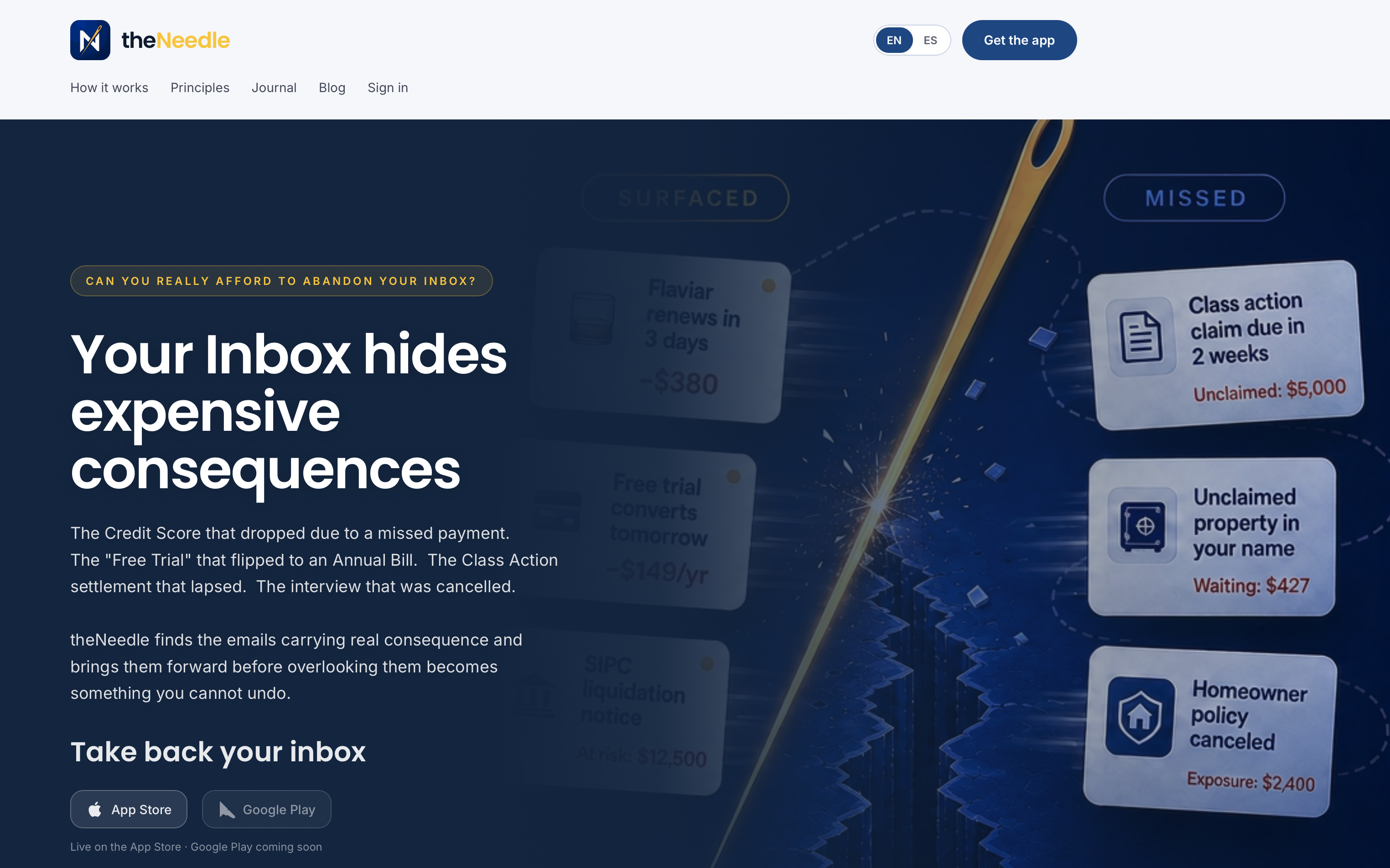
Everything above can be done by hand, and the routine pays off. The hard part is doing it daily across hundreds of messages. theNeedle detects emails with deadlines or significant consequences and surfaces overdue, urgent and high-priority messages. It identifies unhandled replies, tracks opportunities such as credits or refunds, and includes built-in unsubscribe for persistent senders.
Pricing is $9.99 per month or $99.99 per year, and there is a free trial. You can see the plans on the pricing page or start with the monthly plan.
If you are comparing options first, our overview of email prioritization apps that catch costly deadlines is a good next read.
Our perspective
Most inbox tools measure volume. They count, sort and filter, and none of that tells you what a missed message will cost.
We think the useful question is consequence: does this email carry a deadline, a financial alert, a contractual term or a reply someone is waiting on? Commitments are where those consequences live. A promise you made and forgot, or a deadline buried in a long thread, is a forfeited right waiting to happen.
That is why theNeedle ranks by consequence instead of by sender or rule. It is scaffolding around your attention, so you spend your focus on the few messages that matter and not on proving to yourself that you checked everything.
Glen Bover
FAQ
How do I find action items in a long email thread?
Read each message for sentences that promise or request an action, then check whether a person is named. Record the action, owner, due date and the exact quote. Threads often change subject lines, so search by name and keyword, not by subject alone.
Is “let me know if you have questions” a commitment?
Usually not. Research on email language treats it as a pleasantry unless the surrounding message shows a real offer. A sentence such as “I’ll call you Monday” is a commitment because it promises a specific action.
What should I do when someone promises “I’ll get back to you” and never does?
Follow up with something new: a specific next step, a deadline or a smaller request. If there is still no reply after a few attempts, send a short closing note and move on. theNeedle flags unhandled replies so you do not have to remember to check.
How often should I scan for missed commitments?
A quick daily pass over your waiting list and a weekly scan of sent mail for phrases like “I’ll send” is enough for most people. Tools that rank by consequence can shorten both.
Sources
- The Nature of Requests and Commitments in Email Messages (AAAI 2008)
- Can Requests-for-Action and Commitments-to-Act be Reliably Identified in Email Messages? (2007)
- Taking Email to Task (CHI 2003)
- Everything through Email (2007)
- AI-Powered Reminders for Collaborative Tasks (CSCW 2024)
- Email-to-tasks framework (GitHub)
- AI Task of the Day: Handle Your Email Inbox with AI
- Free Action Item Tracker Template
- The follow-up gap (Executive PA Media)
- How to Follow Up on an Email Without Being Pushy
- How to Get Clients and Prospects to Respond to Your Emails
- Dear SaaStr: Following up with a prospect
- Information Overload! How I Control My Email Inbox