Best Minimalist Email Apps in 2026: Calm Inboxes Compared

A minimalist email app removes clutter from the screen. The best ones also decide what deserves your attention, so a quiet inbox doesn’t hide the one message with a deadline attached. If you want the short version: Apple Mail and Thunderbird are the cleanest free choices, Spark is the strongest all-rounder for several accounts, and theNeedle is the pick when the real problem is missing a consequential email, not seeing too many pixels.
TL;DR
- Minimal design and minimal risk are different things. A clean interface can still bury a overdue-payment notice or a contract deadline.
- Apple Mail is the simplest option, but it only runs on macOS, iOS and iPadOS. Thunderbird is free and cross-platform, with no AI.
- Spark adds a Smart Inbox and priority senders. Its free plan covers the basics, and paid tiers start at $99 per year for Plus.
- theNeedle ranks email by consequence (deadlines, money, legal and contractual stakes) and shows one message at a time. It costs $9.99 per month or $99.99 per year.
- Pick by your failure mode: too much noise, too many accounts, or too many important things slipping through.
Table of Contents
- What “minimalist” should mean for an email app
- The apps compared at a glance
- theNeedle: minimalism built around consequence
- Spark: the flexible all-rounder
- Apple Mail: the plainest option
- Thunderbird: free, powerful, no AI
- Canary Mail and Newton: design-forward alternatives
- How to choose: match the app to your failure mode
- A privacy and accessibility checklist
- Perspective: why we think consequence beats clean design
- Try the consequence-first approach
- FAQ
- Sources
What “minimalist” should mean for an email app
Most lists of minimalist email apps judge by looks: white space, few buttons, soft typography. That matters, because a crowded screen is tiring. But looks are only the first layer.
The average worker receives 117 emails a day, according to the research behind our product. At that volume, a pretty inbox is still a long inbox. Minimalism that works has three layers:
- Visual calm. Few controls, readable type, no badges screaming for attention.
- Fewer decisions. The app sorts, batches or hides routine mail so you aren’t triaging 117 messages by hand.
- Reliable surfacing. The messages that carry real consequences, such as a filing deadline, a failed payment, a refund window or an unanswered client question, reach you before they expire.
Most apps below do the first layer well. Fewer do the second. Very few are built around the third. Keep that ladder in mind as you read the comparison.
The apps compared at a glance
| App | Platforms | Cost | Minimalist strength | Best for |
|---|---|---|---|---|
| theNeedle | iPhone and Android apps; connects Gmail, Outlook, Microsoft, Yahoo, iCloud | $9.99 per month or $99.99 per year | One message at a time, consequence-based ranking | Avoiding costly missed emails |
| Spark | macOS, iOS, Windows, Android | Free plan; Plus $99 per year; Pro $199 per year (August 2026) | Smart Inbox, categories, priority senders | Multiple accounts and teams |
| Apple Mail | macOS, iOS, iPadOS | Included with Apple devices | Native, plain, fast | Apple-only households |
| Thunderbird | Windows, macOS, Linux | Free | Unified inbox, no AI | Desktop users who want control |
| Canary Mail | Mac, iOS, Windows, Android | Free and paid tiers | Modern design with security tiers | Privacy-minded users |
| Newton | Multi-platform, per its review | Check the current plan | Hidden folders, date-based list | Reducing visual clutter |
Prices change. Treat the table as a starting point and confirm on each vendor’s page before you subscribe.
theNeedle: minimalism built around consequence
We built theNeedle for a specific kind of overload. Not “I have too much mail”, but “I’m afraid something important is in there and I won’t see it in time.”
Instead of sorting by sender, folder or rule, theNeedle looks for emails with tangible consequences: deadlines, financial alerts, legal or contractual language, and messages that need a reply you haven’t sent. It then ranks them so overdue, urgent and high-priority items come first. Our approach is designed to catch what volume-based and rule-based filters treat as just another message.
What that looks like in daily use:
- Connects to Gmail, Outlook, Microsoft, Yahoo and iCloud, so several inboxes feed one ranked list.
- Surfaces unhandled replies, the threads where someone is waiting on you.
- Tracks opportunities such as credits or refunds that quietly expire.
- Built-in unsubscribe for senders that keep coming back.
- One-at-a-time focus, which many people with ADD or ADHD find easier than a scrolling list. You can read more about the idea in our note on doing one thing at a time.
The trade-off to understand is design philosophy. theNeedle isn’t a full-featured client with calendars and templates. It’s a triage layer, built to tell you what to handle next. For a walkthrough, see how the six moves from seen to resolved work.
Spark: the flexible all-rounder
Spark is available on macOS, iOS, Windows and Android and is built around multi-account workflows. According to a 2026 comparison of Spark and Apple Mail, the free plan includes essentials like the Smart Inbox, while Plus at $99 per year and Pro at $199 per year add team collaboration, advanced AI and CRM integrations (August 2026 pricing).
For noticing important mail, The Verge’s coverage of Spark describes automatic categories such as Newsletters and Notifications, priority senders you can mark, and an Email Focus Schedule designed to reduce interruptions. The same piece notes that reviewer found the default schedule unrealistic for most people, so expect to tune it.
One point to weigh: the same Bundl.run comparison says some mail traffic is routed through Readdle’s servers. If that matters to you, read the vendor’s privacy documentation before connecting a work account.
Spark fits you if you juggle several accounts, want team features, and don’t mind setting up your own priority rules. It sorts by who sent a message and what kind it is. It doesn’t rank by what the message could cost you, which is where a tool like theNeedle works alongside it or in its place. If you’re weighing the two, our guide to Spark Mail alternatives for professionals goes deeper.
Apple Mail: the plainest option
If minimalism means “nothing extra,” Apple Mail is hard to beat. It’s already on your device, it looks like the operating system, and it doesn’t ask you to learn anything. The catch is reach: per the Bundl.run comparison, it only runs on macOS, iOS and iPadOS. If any of your work happens on a Windows PC or an Android phone, you’ll need a second app.
Apple Mail suits people with one or two accounts and a modest volume. Because it leaves prioritization largely to you, it works best when you already have a habit of checking and clearing. Pair it with a consequence filter if deadlines are what you’re afraid of missing.
Thunderbird: free, powerful, no AI
Thunderbird is a free client for Windows, macOS and Linux that supports multiple accounts and a unified inbox. XDA Developers’ 2026 review also notes it has no AI features.
That last point is a plus for some readers: no assistant, no summaries, nothing deciding for you. It’s a good fit for desktop-first users who want a stable, open tool and are comfortable setting up filters. It’s a weaker fit if you need a phone-first experience or automatic triage.
Canary Mail and Newton: design-forward alternatives
Canary Mail runs on Mac, iOS, Windows and Android and leans on a modern look with security options such as PGP encryption and AI features in its paid tier. Pricing varies by plan, so check the vendor’s current page rather than relying on a third-party listing.
Newton is described in TechRadar’s review as a minimalist, multi-platform client. The review highlights a hidden folder list, a date-based message list, Starred, Unread and Recap filters, and features called Tidy Inbox, True Inbox and Zenbox that reduce visual clutter. That review dates from 2021, so confirm the app’s current availability and plans before you commit.
Both are worth a look if the visual layer matters most to you. Neither is built to judge which message carries a financial or legal consequence.

How to choose: match the app to your failure mode
Skip the feature checklist and ask what actually goes wrong in your inbox.
If the problem is noise
You open your email and feel buried by newsletters and notifications. Start with Spark’s categories, Newton’s decluttering views, or a ruthless round of unsubscribing. Our roundup of email decluttering apps explains what each fixes, and our distraction-free email app comparison covers focus-first designs.
If the problem is multiple accounts
You have a work address, a personal one, maybe a client-specific one. A unified inbox is the priority, and Spark, Thunderbird and theNeedle all offer one in different ways. We compared them in best multi-account email apps.
If the problem is missed deadlines
This is the quiet cost: a forfeited refund, a late fee, a client who stopped waiting. Sender-based and rule-based sorting can’t tell a routine receipt from a notice that expires Friday. Here you want consequence ranking, which is what theNeedle is built for. Our guide to email prioritization apps that catch costly deadlines shows how the approaches differ.

If the problem is attention itself
A long list can feel impossible to start. One-at-a-time views reduce the paralysis, and people with ADHD often report that a single next action is easier to begin than a queue. If that’s you, favor apps that show one message and one decision. The idea behind intelligent notification filtering is related: reduce what reaches you, and rank what remains.
A privacy and accessibility checklist
Before connecting any account to a new client, ask:
- Does the app process or route my mail on its own servers, or only on my device?
- How does it store access tokens, and does it document its data retention?
- Does it publish what telemetry it collects?
- Can I read it comfortably: text size, contrast, keyboard or voice navigation?
- Can I disconnect an account and delete my data easily?
Signing in with OAuth is a good start, but it doesn’t answer these questions. Read the vendor’s privacy page and, for work accounts, check your employer’s policy first.
Perspective: why we think consequence beats clean design
We started theNeedle after noticing a pattern. People with spotless inboxes still missed things. People with messy ones sometimes caught everything. The difference wasn’t tidiness. It was whether something was watching for the messages that mattered.
Minimalist design is a good start. It lowers the visual noise, and we’d never argue against that. But a quiet screen can create a false sense of safety. If your app sorts by sender or rules you wrote last year, an overdue invoice, a contract renewal or an expiring credit looks just like everything else.
That’s why we rank by consequence. We think of it as scaffolding around your attention: it doesn’t do your work, it holds up the parts you can’t afford to drop. Triage first, then handle one thing at a time.
The cost of overlooked mail is quiet, which is exactly why it’s easy to ignore. A forfeited right rarely announces itself. We’d rather you never find out the hard way.
Glen Bover
Try the consequence-first approach
If your inbox looks calm but you’re still unsure what you’ve missed, theNeedle is built for that gap. It connects your Gmail, Outlook, Microsoft, Yahoo or iCloud accounts and ranks mail by what’s at stake. Plans are $9.99 per month or $99.99 per year, and there’s a free trial period so you can see what it finds in your own inbox.
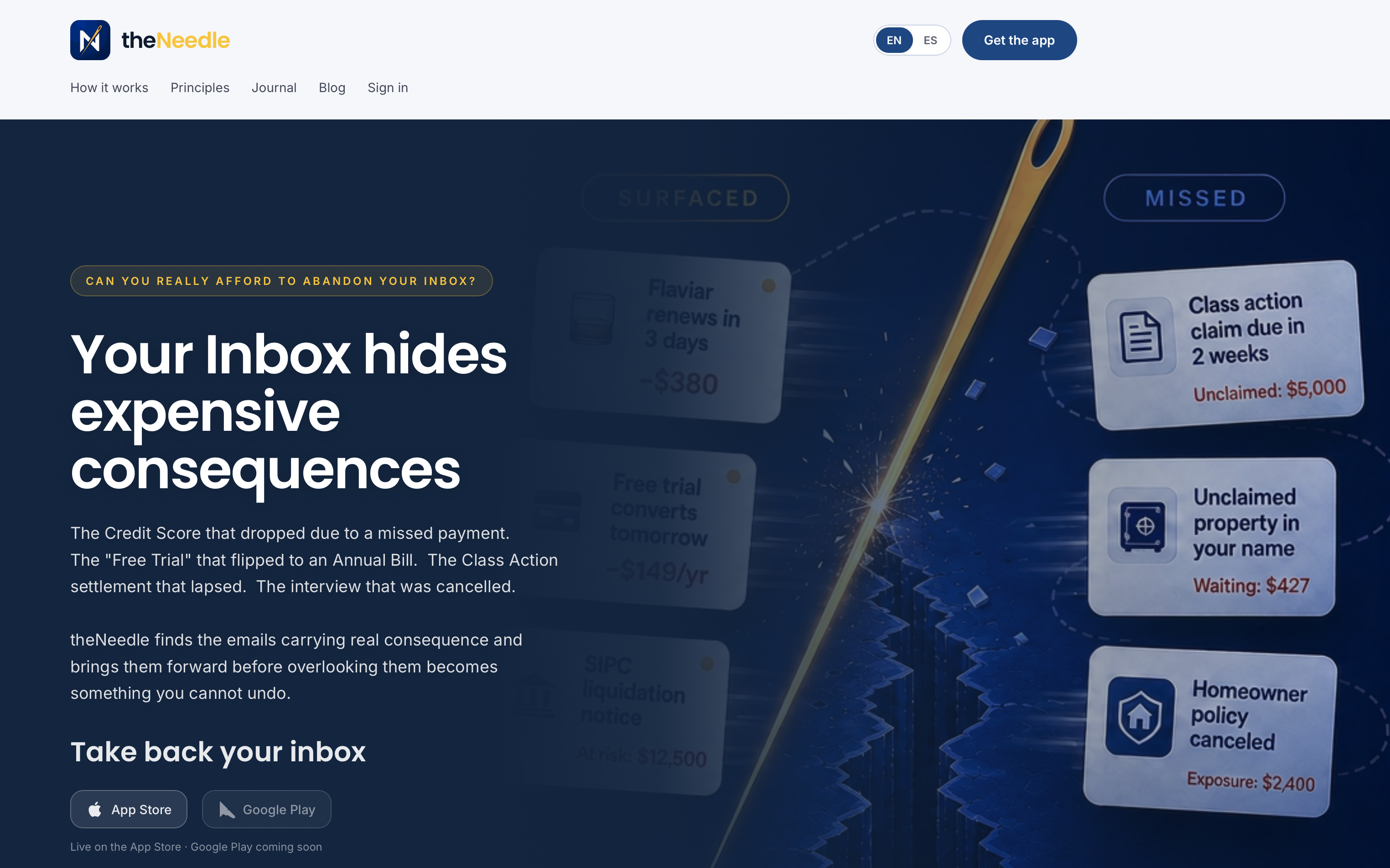
Start with theNeedle, or get the iPhone and Android apps. If you want to compare more broadly first, our guide to choosing email management software lays out the criteria.
FAQ
What is the best minimalist email app overall?
It depends on your problem. Apple Mail is the plainest if you only use Apple devices, Thunderbird is the best free cross-platform desktop option, and Spark suits multiple accounts and teams. If you want an app that surfaces deadline-bearing and financial emails first, theNeedle is built for that.
Is there a free minimalist email app?
Yes. Apple Mail comes with Apple devices, Thunderbird is free on Windows, macOS and Linux, and Spark has a free plan with the Smart Inbox. Free plans usually limit AI, team and CRM features, so check what the paid tiers add before relying on them.
Do minimalist email apps work with multiple accounts?
Most of the apps here do. Spark, Thunderbird and theNeedle all let you connect several accounts, and theNeedle works with Gmail, Outlook, Microsoft, Yahoo and iCloud. Test how each one combines them, since a unified inbox and a unified priority list are different things.
Can a minimalist email app help with ADHD?
Many people find fewer choices on screen easier to manage. Look for a one-message-at-a-time view, clear next actions and limited notifications. theNeedle includes a one-at-a-time focus mode and consequence-based ranking for this reason. For personal advice on managing ADHD, talk to your clinician.
Are minimalist email apps safe for work accounts?
It varies by app. Check whether mail is routed through the vendor’s servers, how tokens and data retention are handled, and whether your employer permits third-party clients. Spark, for example, is reported to route some traffic through Readdle’s servers, so read its privacy documentation first.
Sources
- Spark vs Apple Mail: Which is Better in 2026? (Bundl.run)
- Newton Mail app review (TechRadar)
- I gave Thunderbird another chance (XDA Developers)
- Spark’s new app wants to fix how you email (The Verge)
- What Is Intelligent Notification Filtering? (ClawBase)